

Clickbait: How to Spot It and Write Honest Headlines
A headline is the first thing people see, and often the last. In an Instagram feed, on a Google results page or in a crowded inbox, you have a second or two to convince someone to click. That is exactly why it is so tempting to promise more than you have: "The secret nobody tells you", "You won't believe what happened next".
That is clickbait. It does bring clicks, but the bill arrives quickly: visitors who leave after three seconds, eroded trust, reduced reach on social platforms and rejected ads. For a business building a brand over years, it is a bad trade.
In this guide we cover:
- what clickbait is and where you run into it;
- how to spot a misleading headline using six signs;
- why clickbait hurts a business, and what Google, Meta and YouTube say about it;
- how to write a headline that earns clicks without misleading anyone, with practical examples;
- how to adapt a headline for your website, ads, social media and email, and how to test whether it works.
What clickbait is
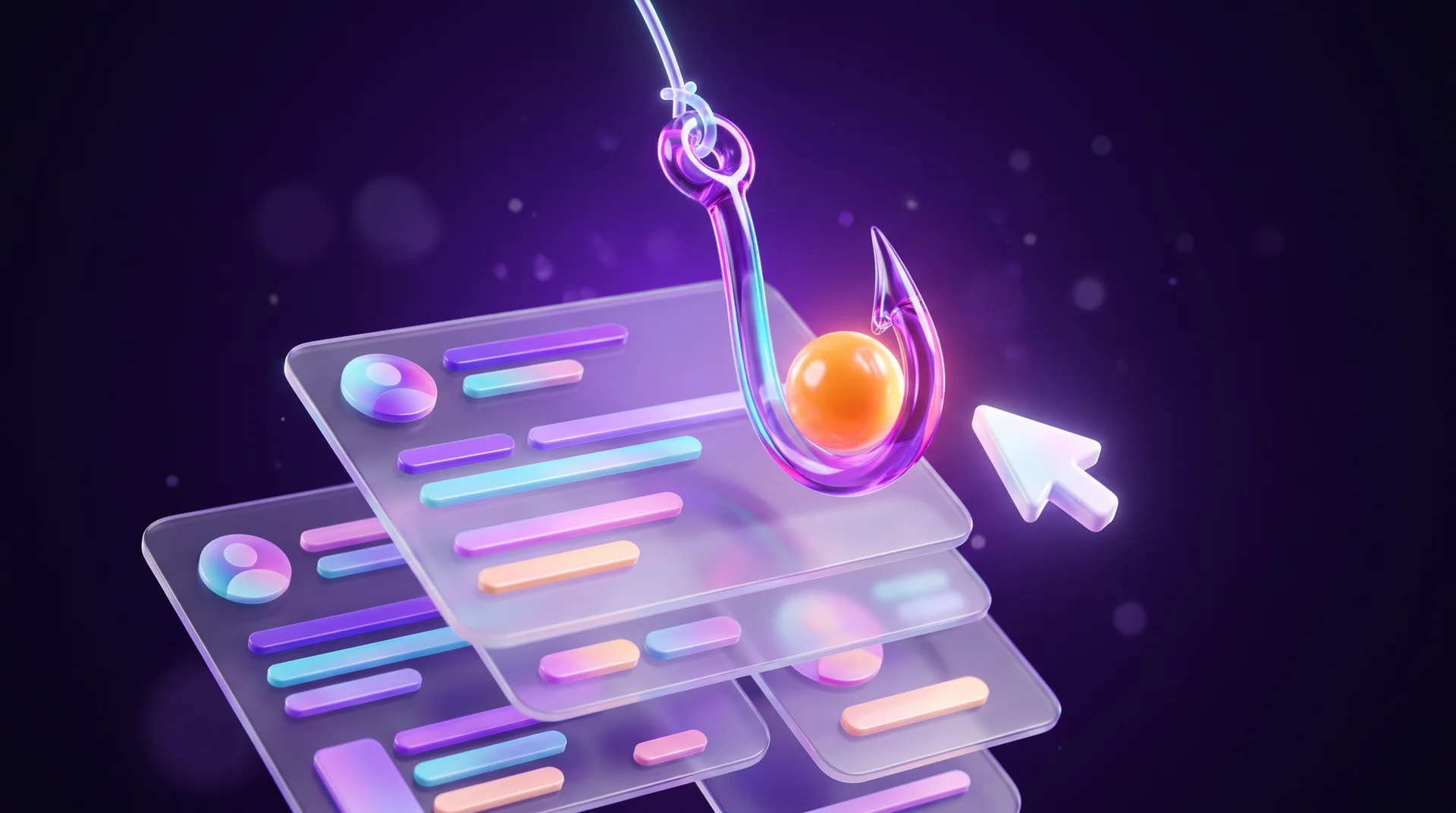
Clickbait is a headline, thumbnail or short piece of copy designed mainly to make people click, even at the cost of exaggeration, withholding information or distorting the facts. The goal is volume: more views, more visits, more impressions.
The technique relies on the "curiosity gap". The headline opens a question and leaves it unanswered, so the only way to close it is to click. Add a strong emotion such as fear, shock or fear of missing out, and sometimes capital letters, a row of exclamation marks and a dramatic thumbnail, and the formula is complete.
The core problem is the gap between the promise and what people actually get. Someone who clicks "The mistake that is destroying your website" and finds a generic tip about image sizes feels tricked. Next time they will not click, and they will often remember the name of the business, too.
An important distinction: not every curious headline is clickbait. A headline can be intriguing, emotional and even surprising, as long as the content delivers on what it promises. Clickbait starts exactly where the promise is bigger than the content.
Where you run into clickbait
Clickbait shows up in almost every channel where attention is contested. It is worth knowing its forms, because it looks a little different in each one.
Social media
Facebook, Instagram, TikTok and X are clickbait's natural habitat. Posts with "wait for the end", "only 1% of people get this" or a thumbnail unrelated to the content are built to stop the scroll and generate comments and shares.
News and content sites
Content sites compete for the same readers, so headlines are often worded to spark curiosity without revealing the point. The "recommended for you" boxes at the bottom of many sites are full of headlines of this kind.
YouTube and video
On YouTube, clickbait lives in the thumbnail: shocked faces, red arrows and promises the video never keeps. Creators know the thumbnail drives most of the decision to click.
Paid advertising
In online ads, especially in native ad networks and display banners, clickbait appears as "one weird trick" or a shocking image. This is also where the platforms are strictest, as we will see below.
Email and SMS
A subject line like "About your order" or "Re:" on a marketing email is clickbait in every sense. It lifts the open rate once and damages trust and deliverability for every email that follows.
How to spot clickbait: six signs
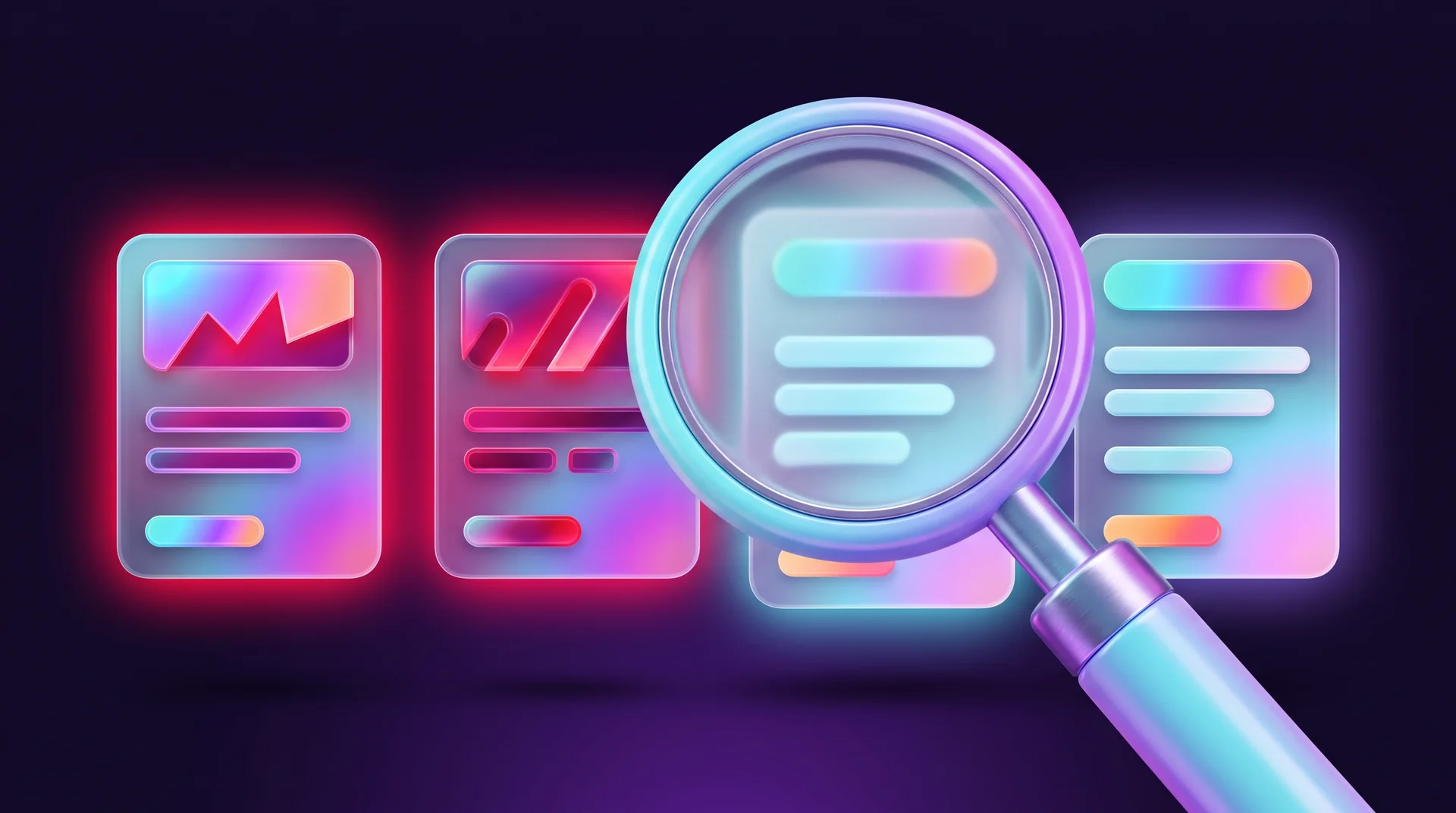
Most misleading headlines can be spotted by a handful of recurring signs. A headline doesn't need all of them; sometimes one is enough.
Promises that are too big
The headline promises a fast, easy and impressive result: "How to double your sales in a week without paying for ads". In the real world such results barely exist, and certainly not for everyone.
A gap between headline and content
The headline promises one thing and the content is about something else, or gives a much more modest answer. "Google is changing everything" leads to an article about a minor update most businesses will never notice.
Deliberately withheld information
The headline knows the answer and hides it on purpose: "The manager did one thing, and the result surprised everyone". It contains no information that would help you decide whether the content is relevant.
Emotional manipulation
The headline plays on fear, guilt or fear of missing out: "The mistake every business owner makes, and you're probably one of them". The emotion replaces any real reason to click.
Sensationalism and drama
Words like "shocking", "unbelievable", "the dark secret" and "this will change your life" promise an experience, not information. As a rule, the more dramatic the headline, the thinner the content.
Visual tricks
ALL CAPS, a string of exclamation marks, emojis in every direction and an edited thumbnail. All of it is designed to stand out in the feed, not to explain what the content is about.
Why clickbait hurts your business
Clickbait has one real advantage: it can lift click-through rate in the short term. Sometimes it also drives shares and comments. But for a business whose goal is leads and sales rather than views, that advantage disappears fast.
Trust and reputation
A visitor who feels tricked doesn't come back, and remembers. For a business that sells a service, and especially for a small business where trust is part of the product, this is the biggest cost. It is hard to persuade someone to leave their details after your very first headline misled them.
Metrics that look good and mislead
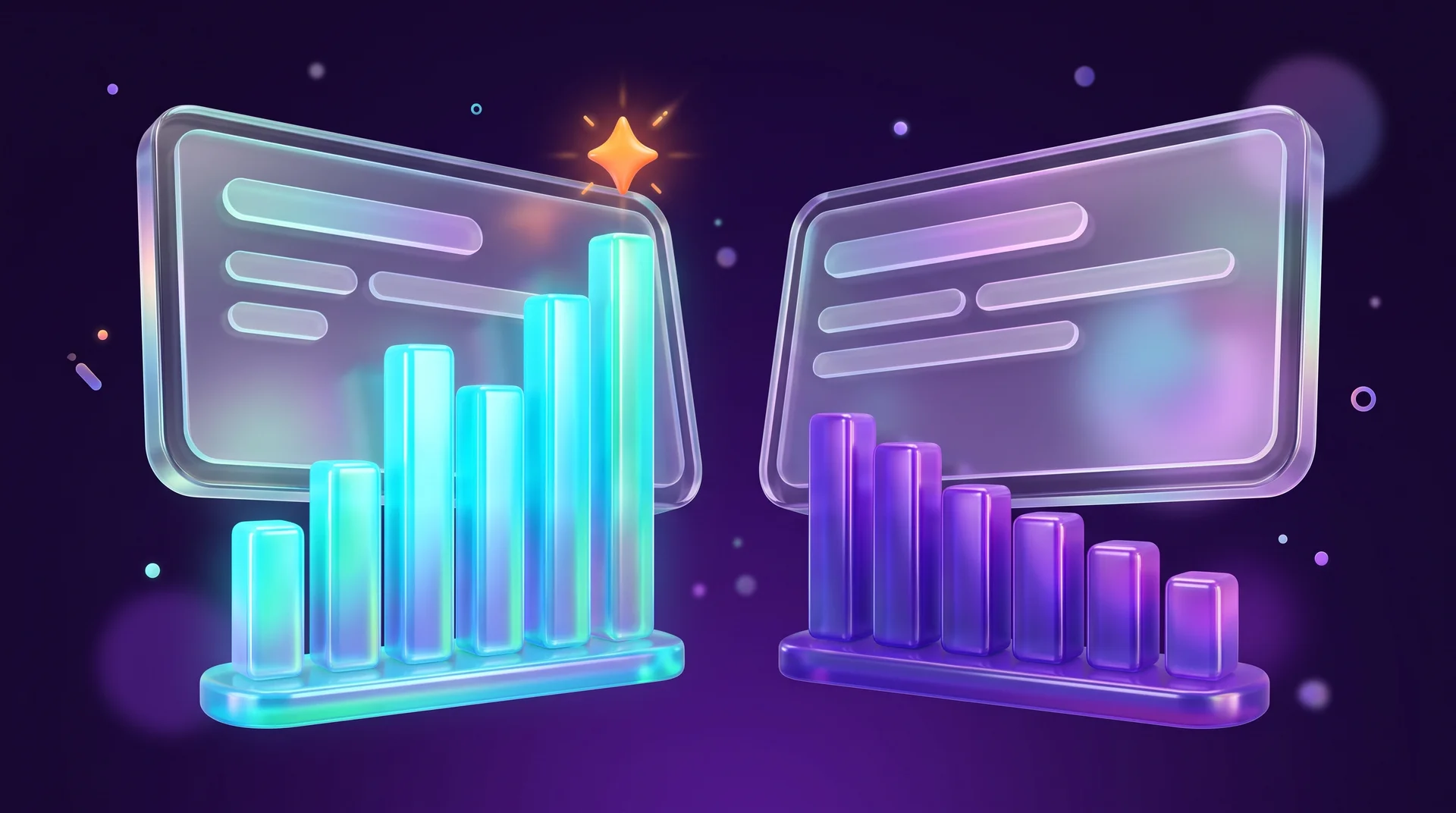
Clickbait inflates the wrong metric. Click-through rate goes up, but time on page, engagement rate in GA4 and conversions go down. If you only measure clicks, you can believe a campaign is working while it brings in traffic that will never buy.
Google and organic search
Google asks site owners to create helpful, reliable, people-first content, and its guidance on title links recommends descriptive, concise titles that reflect the content of the page. When a title doesn't describe the page, Google may show a different title in the results that it generates itself. The Google Discover guidelines explicitly say to use titles that capture the essence of the content without clickbait. Beyond that, a visitor who bounces straight back to the results didn't buy or leave their details, so even without an algorithmic penalty the loss is obvious. We explained how to build a title and description that win clicks from Google fairly in our guide to the Google search snippet.
Social platforms and ads
Meta's content distribution guidelines list clickbait links among the content types whose distribution in the feed is reduced. For ads the rules are even stricter: Google Ads' misrepresentation policy prohibits clickbait ads, such as sensational text or shocking imagery designed to make people click, and Meta's advertising standards prohibit misleading claims. An ad like that can be rejected, and repeated rejections can lead to restrictions on the whole ad account. On YouTube, too, the spam and deceptive practices policies prohibit titles and thumbnails that mislead viewers about the content.
The legal side in Europe
In the EU, consumer protection rules on unfair commercial practices prohibit misleading consumers, including through advertising. A headline that promises a price, a discount or a result that doesn't exist is no longer just a marketing problem. For email, the ePrivacy rules generally require consent for marketing messages, forbid disguising or concealing the sender's identity and require a working way to opt out, so dressing up a marketing email as a personal message clashes with the law as well as with good practice. Under GDPR, the personal data behind your mailing list also has to be collected and used lawfully. This is a general overview, not legal advice: if you are not sure whether a particular wording is allowed in your market, check with a lawyer.

How to write a headline that gets clicks without misleading
A good headline does two things at once: it explains what is inside and gives a reason to click now. Here are the techniques that work, with examples of business headlines.
Say clearly what it's about
From the headline alone, the reader should understand the topic and what they will get. Precise words beat impressive ones.
Example: "How to choose a platform for your company website: Webflow, WordPress or Wix"
Lead with the benefit
Ask yourself what the reader gains: time, money, fewer mistakes, a better decision. Put the answer in the headline.
Example: "7 pre-launch website checks that will save you costly fixes"
Be specific
Numbers, ranges and a clearly defined audience make a headline credible. "5 mistakes" says more than "mistakes", and "for clinics" says more than "for businesses". Just don't invent numbers: if the list has five items, the headline says five.
Example: "5 landing page mistakes that drive enquiries away from your clinic"
Ask the question the reader is already asking
A question in a headline works when it is phrased in your audience's own words, especially if it is a question people type into Google. It also helps the headline surface in answers from AI search engines.
Example: "How long does it take to build a business website, and what affects the timeline?"
Spark curiosity, then deliver
The curiosity gap is a legitimate tool when the content closes it completely. Instead of hiding the topic, hide only the interesting detail.
Example: "Why your landing page gets visits but no enquiries: three reasons that have nothing to do with design"
Be original, not loud
Wordplay, contrast or an unexpected angle grab attention without exclamation marks. An original headline stands out in a feed full of similar ones.
Example: "Beautiful website, silent phone: what's missing from a site that doesn't bring in clients"
Keep the length reasonable
Long headlines get cut off in Google, in the feed and in the inbox, especially on mobile. Put the important words first, so that even a truncated headline stays clear.

Headlines by channel: website, ads, social and email
The same principle, a promise the content keeps, looks different in each channel. Write several versions for each piece of content instead of copying the same headline everywhere.
On your website and in search
A page has two headlines: the heading visitors see on the page (H1) and the title tag shown in search results. They don't have to be identical, but both should describe the same content. Include your main keyword naturally and make sure every page has a unique title. We covered how to build a proper heading hierarchy within a page in our guide to H1–H6 headings.
In ads
In Google Ads, a responsive search ad accepts up to 15 headlines of up to 30 characters each, and the system assembles combinations from them. That is a chance to test different angles: one that leads with the benefit, one with a number, one with the customer's question. In Meta ads you can add several versions of the primary text and headline and let the system show the best fit. In both cases the headline has to match the landing page: an ad that promises a "fixed price" and a page that never mentions price is wasted budget.
On social media
On social platforms the headline is usually the first line of the post or the text on the cover. It has to stop the scroll, but it also has to promise something real. An approach that works: open with a problem your audience recognises, and deliver the solution in the body of the post or in a carousel. For a practical guide to planning the content itself, see our article on building a social media content plan.
In your newsletter
The subject line should tell people what is in the email, and the preheader can add a detail or a benefit. Avoid "Re:", "Fwd:" or wording that imitates a personal email: it lifts the open rate once and also lifts spam complaints, which hurt the deliverability of every email that follows. Make sure the sender name is clearly your business and that every marketing email has a visible unsubscribe link.
On a landing page
On a landing page, the main headline continues the ad that brought the visitor in. If your ad promised "a clinic website in four weeks", the headline on the page should repeat that promise, not start a new story. This continuity reduces bounce and improves lead quality.
How to test a headline before and after publishing
A good headline is not a matter of inspiration but of testing. Here is a simple process you can apply to any piece of content.
Before publishing
Before you hit publish, run through five questions:
1. Does someone who reads only the headline understand the topic?
2. Does the content deliver on every word of the headline, including numbers and promises?
3. Is there a clear benefit for the reader in the headline?
4. Would you feel comfortable if a client quoted the headline back to you on a sales call?
5. Do the important words appear at the start of the headline?
If the answer to any question is "no", write another version. It is worth drafting five to ten versions of every important headline and choosing among them rather than settling for the first.
After publishing
Don't measure clicks alone. A high click-through rate with low time on page is a sign the headline promised too much. Look at the metrics together:
- in Google Search Console: the click-through rate (CTR) of each page by query, and a before-and-after comparison when you change a title;
- in GA4: engagement rate, average engagement time and conversions from each page;
- in ads: click-through rate alongside cost per lead and lead quality;
- in email: open rate alongside click rate, unsubscribes and spam complaints.
A/B testing
In ads and email it is easy to compare two headlines on the same audience. Most email platforms let you A/B test the subject line, and ad platforms let you run a structured experiment. On your website you can change the title of a page that gets many impressions and few clicks, then follow the results in Search Console for a few weeks. Change one thing at a time, so you know what actually made the difference.
Common headline-writing mistakes
Even businesses that never intend to write clickbait fall into mistakes that lead to the same result, or to headlines nobody clicks at all.
- A headline that is too generic. "Marketing tips" says nothing. The opposite of clickbait is not a boring headline, but a precise one.
- Numbers that don't match the content. "10 ways" with seven on the list, or "in a week" when it really takes a month.
- Promises the business doesn't control. "Number one on Google" or "a thousand leads a month" are promises nobody can make.
- The same headline for every channel. A Google title, an Instagram post and an email subject line work in different contexts and at different lengths.
- Important words at the end. On mobile part of the headline gets cut off, and if the key word is at the end, it disappears.
- Measuring clicks only. A headline that brings lots of clicks and few enquiries is a headline you need to replace.
- Looking like an ad. A headline that looks like a loud advertisement makes visitors skip it. We wrote about this effect in our guide to banner blindness.
How RJL Studio helps you write headlines that bring in clients
At RJL Studio we build websites and landing pages where every headline does its job: from the title in search results to the main heading on the page and the calls to action. We write the copy together with the page structure, check that the promise in the ad matches the landing page, and connect measurement in GA4 and Search Console so you can see which headlines bring in enquiries, not just clicks.
Want headlines that bring traffic from Google without promising more than you deliver? Read about our SEO services or campaigns and social media marketing, or get in touch and we'll get back to you.
Frequently asked questions
What is the difference between a compelling headline and clickbait?
A compelling headline sparks interest and keeps its promise in the content. Clickbait promises more than there is, deliberately hides the topic or distorts the facts to get a click. The simple test: does the reader feel they got what was promised?
Does Google penalise websites for clickbait?
Google asks for titles that describe the page and content written for people, and when a title doesn't reflect the page it may show a different title in the results. The Google Discover guidelines explicitly ask publishers to avoid clickbait. Even without a direct penalty, visitors who leave immediately don't become customers.
Can you use clickbait in paid ads?
It's not a good idea. Google Ads policy prohibits clickbait ads, and Meta's advertising standards prohibit misleading claims. An ad like that can be rejected, and repeated rejections can lead to restrictions on your ad account.
How many characters should a headline be?
There is no fixed number, because every platform and device truncates differently. A rule of thumb: put the important words in the first 50 to 60 characters of a Google title, and keep email subject lines short. In Google Ads the limit is 30 characters per headline.
Are numbers and questions in a headline clickbait?
No. Numbers and questions are legitimate tools when they are accurate. "5 landing page mistakes" is a good headline if the page explains five mistakes. It only becomes clickbait when the number or the question doesn't match the content.
Disclaimer: blog content is for general information and learning only and is accurate as of its publication date. It is not professional, legal, financial or business advice, nor a recommendation or call to take any action. Any use of this information is at the reader's own risk, and we accept no liability for any resulting loss. Links to external websites and tools are provided for convenience only. We recommend consulting a qualified professional before making decisions.