

Design Thinking for Business: Stages, Tools, Examples
Plenty of projects fail not because the team couldn't build, but because it built an excellent solution to the wrong problem. A beautiful new website that brings in no enquiries. An app nobody opens after downloading it. An ordering process that looks perfectly logical in the meeting room and falls apart with the very first real customer.
Design thinking is a method designed to prevent exactly that. It forces the team to start with the person who will use the solution, understand what actually gets in their way, and only then look for solutions and test them quickly and cheaply.
In this guide we cover:
- what design thinking is and the principles it rests on;
- why it pays off for the business, not just for designers;
- which stages the process consists of and what happens at each one;
- which tools and techniques work in practice;
- how to apply design thinking to a website project, and which mistakes to avoid.
What design thinking is
Design thinking is a method and a process for solving problems with the user at the centre: you understand the person, define their problem precisely and explore several alternative solutions before committing to one. The word "design" here has nothing to do with colours and fonts. It is meant in the broad sense of planning, engineering and creating something new.
The most important thing about the method is the point of view. In design thinking, the first question is always what the customer needs, not what management wants, what is convenient for the development team or what a competitor did.
The idea of design as a way of thinking about problems was articulated by Herbert Simon as early as 1969, in his book "The Sciences of the Artificial". The approach was later developed at Stanford University, home of the d.school, and by the design firm IDEO, which turned it into a structured working method that businesses and organisations can apply. Today it is used by technology companies, banks, hospitals, local governments and small start-ups alike.
The three principles behind the method
- Empathy. The ability to put yourself in someone else's shoes and understand their feelings, habits and constraints.
- A wide view. The ability to see a problem both in the big picture and in the small details, without jumping to the first solution that comes to mind.
- Experimentation. The willingness to try, get it wrong and try again. A mistake at the prototype stage is information, not failure.

Why your business needs design thinking
The method suits any situation where you need to create a product or service that serves people, and especially when the obvious solution has already been tried and didn't work. It helps you break assumptions and find an unconventional answer.
It is used most often in UX/UI design and development: when planning the structure of a website, the checkout flow of an online shop or the screens of an app. But it is not limited to digital products. You can use it to improve the waiting experience at a clinic, redesign the sign-up process for a sports club, cut the time it takes customer support to resolve a request, or build an onboarding process for new clients at an accounting firm.
For the business, the benefits are clear:
- More loyal customers. When a product is built around real customer needs, people come back to it and recommend it.
- Less money spent on solutions that don't work. You test an idea on a cheap prototype before investing in full development, not after.
- Faster time to market. Focused research and short experiments lead quickly to a solution you can launch.
- A culture of innovation. A team that gets used to asking "how else could we do this?" finds solutions in places nobody was looking.
- Decisions based on evidence. Instead of a meeting-room debate about personal taste, you decide based on what real users did in a test.
When the method is a poor fit
Design thinking is not the answer to everything. If the problem is clear, the solution is well known and the only question is execution, such as updating prices on your website or connecting a form to your CRM, there is no need for a three-day workshop. The method proves its worth when there is uncertainty: it isn't clear why customers leave, why a product isn't selling or what should be built in the first place.
The stages of design thinking
The process usually alternates between two kinds of work:
- Divergent stage: you gather information and open up as many options and ideas as possible.
- Convergent stage: you analyse everything you have collected, filter it and choose one direction.
The Double Diamond model from the UK Design Council illustrates this rhythm well: the first diamond is about understanding the problem, the second about finding the solution. Within each diamond you first expand and then narrow down.
In this guide we walk through six stages. The classic Stanford model has five; here choosing the idea is a separate stage, because in real projects that is exactly where teams get stuck. Keep in mind that this is not a rigid track. You can skip stages, go back, and repeat a stage several times.

1. Empathise: understand the user
At this stage you research the user's experience and context: what they are trying to achieve, what motivates them, what gets in their way and which tools they use today. The goal is to gather enough information to step into the customer's shoes and understand their problems from the inside.
The main tools are in-depth interviews, observing users in their natural environment, and secondary research: Google reviews, social media comments, support tickets and analytics data. It is also worth listening to your sales and support people, because they hear customer complaints every single day.
2. Define: frame one precise question
After the empathy stage, you process all the information and extract the user's core problem. The output of this stage is a single, clear problem statement that the team carries forward.
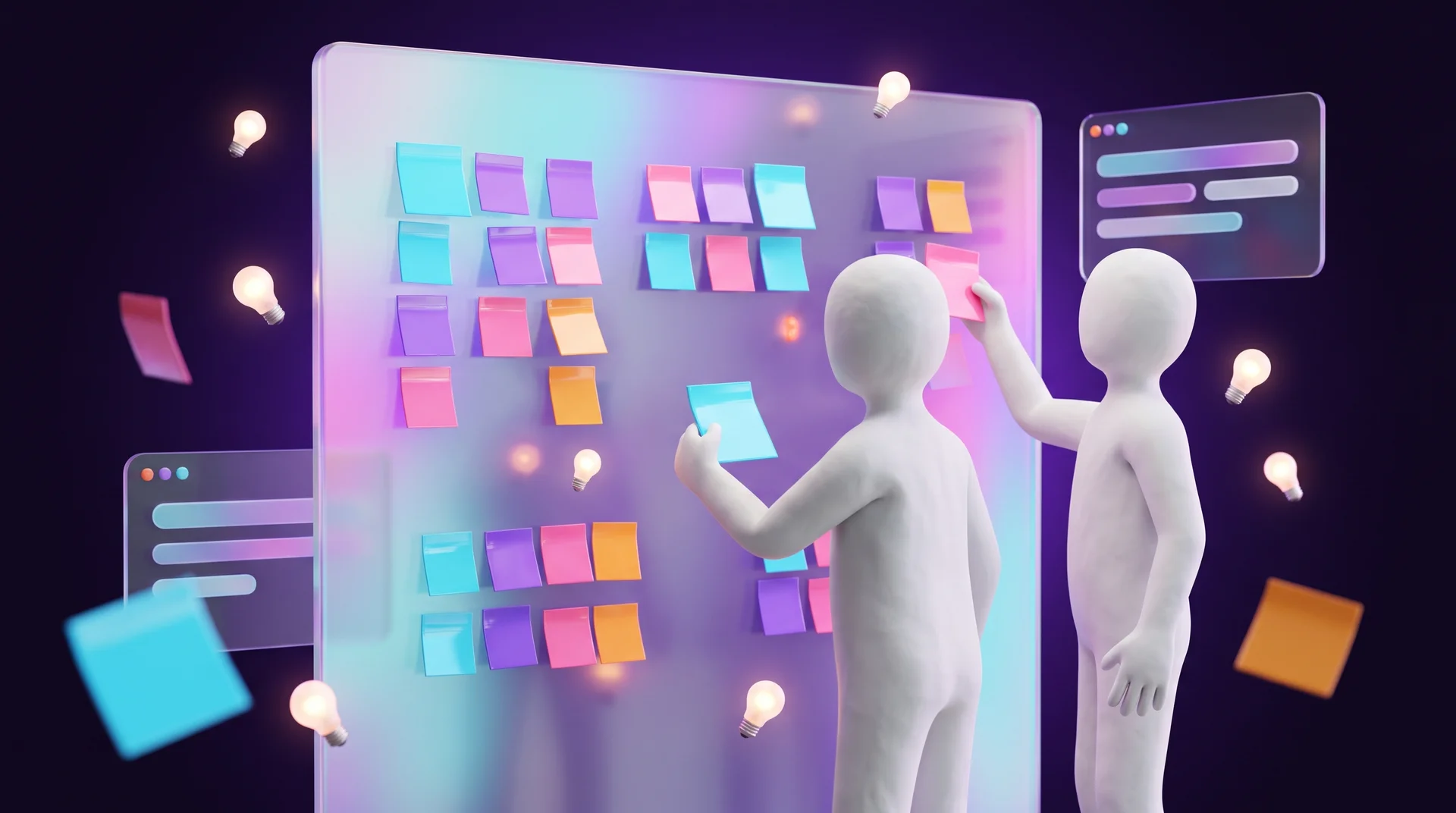
Insights are usually gathered visually: you stick notes with findings on a wall or a digital board and cluster them by theme. From this you build a persona, a description of a typical user, and phrase the problem as a question: "How might we help [user] do [action] so that [outcome]?". A good problem statement does not contain a ready-made solution. "How might we shorten the time it takes parents to sign their child up for a class?" is better than "How do we build a sign-up app?".
3. Ideate: quantity before quality
This is the stage of looking for as many answers to a single question as possible. Anything goes: strange, expensive and unrealistic ideas. Sometimes the right solution grows out of exactly those.
The work resembles brainstorming. It pays to involve people from different disciplines: a designer, a developer, a salesperson, a support agent and even a customer. The most important rule: at this stage nobody criticises or rejects ideas. Criticism stops the flow, and people stop suggesting things.
4. Select: converge on a decision
From all the ideas, you choose one and focus on it, or combine several ideas into one solution. The most common approach is dot voting: each participant gets a few round stickers and places them next to the ideas they find strongest. The leading candidates then go through a simple filter: how well the idea solves the defined problem, how complicated it is to implement and what it will cost.
5. Prototype: build fast and cheap
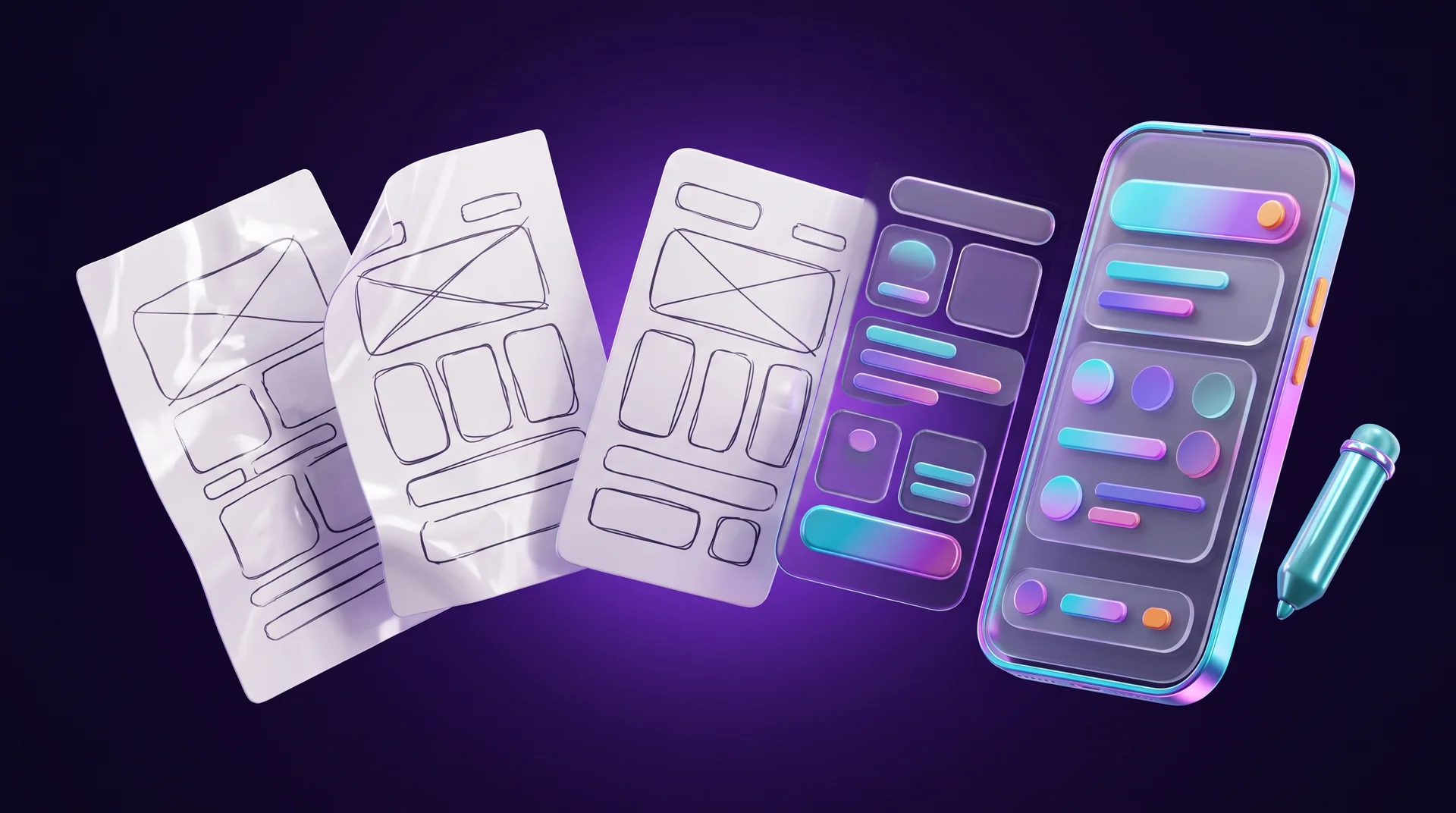
Once the direction is chosen, the team tests its assumptions. You build a prototype: a simple version of the solution, real enough to be tested. A prototype should be cheap and quick to make, so nobody minds throwing it away if the idea doesn't work.
For a website or an app, you often start with paper sketches, move on to a wireframe and from there to a clickable prototype in Figma. We cover the wireframe stage in detail in our guide to website wireframes. For a non-digital service, a prototype can be a cardboard model, a role-play or a document that simulates the process.
6. Test: meet reality
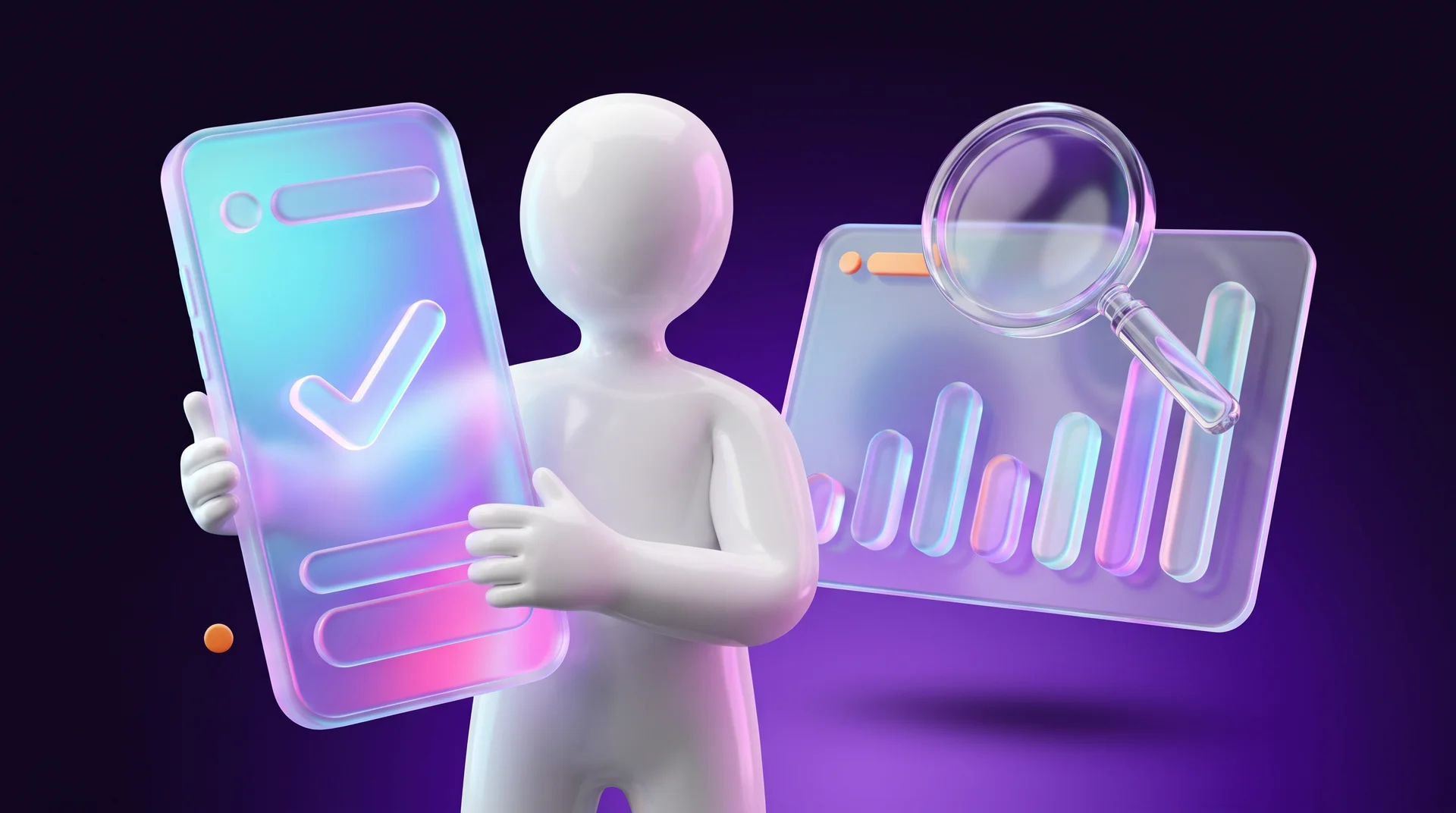
Finally, you get feedback on the prototype that made it through the filter, from people in your target audience. The question here is how well the chosen solution holds up when it meets reality.
You give the prototype to a user, ask them to complete a task and watch how they go about it. Record everything: what feels easy, where they hesitate, what they dislike and why. Don't explain how to use it and don't argue with their comments. In practice, testing almost always sends the team back to one of the earlier stages, and that is exactly the point. We explain how to run such a test step by step in our usability testing guide.
Tools and techniques for each stage
You don't need special software to work with design thinking. Paper, sticky notes and a marker work perfectly well. Still, a few digital tools save time, especially when the team works remotely or in a hybrid setup.
Research and understanding the user
- Interviews: Zoom or Google Meet with recording and automatic transcription.
- Surveys: Google Forms or Typeform for simple questions to a wider audience.
- On-site behaviour: Google Analytics 4 for quantitative data, and Microsoft Clarity or Hotjar for session recordings and heatmaps.
- Customer journey map: a diagram of every touchpoint between the customer and the business, from the first Google search to after-sales support.
Synthesising insights and generating ideas
- Digital whiteboards: Miro, FigJam or Mural for shared sticky-note walls, clustering insights and voting.
- Crazy 8s: each participant folds a sheet of paper into eight panels and sketches eight ideas in eight minutes. The technique helps you get past the obvious ideas.
- AI assistants: ChatGPT, Claude or Gemini can help summarise interview transcripts, cluster quotes by theme and suggest additional directions. Remember that they don't replace conversations with real customers. And if you work with customer data, keep data protection rules such as the GDPR in mind: don't upload personal information without a lawful basis and consent where required. This is general guidance, not legal advice.
Prototyping and testing
- Prototypes: Figma for clickable prototypes of websites and apps.
- Remote testing: Maze or Lyssna for usability tests with participants from your target audience.
- A real website, fast: on platforms such as Webflow you can build a live landing page within days and test it with real traffic from ads, instead of settling for a prototype.
Design Sprint: design thinking in five days
A condensed version of the method is the Design Sprint, developed at Google Ventures. Over five working days a small team maps the problem, sketches solutions, picks one, builds a prototype and tests it with five customers. It is a good format for a business that wants to validate a new idea without committing to months of development.
What it looks like in a website project: an example
Here is an illustrative example, not a specific client case, showing how the stages fit together. Imagine a physiotherapy clinic gets in touch with a request: "Our website is outdated, we want a new design."
Empathise. Before sketching anything, you talk to a few patients and the receptionist, and look at session recordings on the site. It turns out that most patients arrive on their phones, want to check whether the clinic accepts their health insurance, can't find the answer and either call or give up. The receptionist takes dozens of calls about the same question.
Define. The problem isn't the old design. It is framed like this: "How might we help a new patient find out within a minute whether the treatment is right for them and book an appointment, without having to call?".
Ideate and select. Different ideas come up: an insurance table on the home page, a short questionnaire that points to the right treatment, a WhatsApp bot, an online booking calendar. The team chooses to combine a short questionnaire with online booking.
Prototype and test. You build a three-screen clickable prototype and test it with five patients. The test reveals that one question in the questionnaire is confusing, and it gets fixed before development starts.
Only after all this do you get to the visual design. The new website does look better, but more importantly it solves what was actually bothering both the patients and the team.
How to get started: a five-step plan
You don't need an innovation team or an outside consultant to try the method. You can start with a single problem in your business:
1. Pick one problem. Something that bothers customers and whose cause you aren't sure about: abandoned carts, a form nobody fills in, a question that keeps coming back to support.
2. Talk to five customers. Ask about their experience, not about your ideas. "Tell me about the last time you..." works better than "Would you like...".
3. Frame the problem in one sentence. Use the template "How might we help... so that...".
4. Generate at least ten ideas and pick one. Do it with people from different roles in the business.
5. Build a prototype and test it within a week. A sketch, a simple landing page or a call script. What matters is that a real customer sees it and reacts.
After a single round you will know more about your customers than any strategy meeting could tell you.
Common design thinking mistakes
Skipping the research
The most common mistake is jumping straight to ideation. The team is sure it already knows its customers, and in practice works from assumptions. Without the empathy stage, design thinking turns into ordinary brainstorming.
Framing a problem that is really a solution
"We need an app" or "we should add a chat to the website" are solutions, not problems. When the problem statement already contains the answer, the whole ideation stage is wasted.
Asking customers what they want
Customers are good at describing their problems but much less good at inventing solutions. Instead of asking "Which feature would you like?", ask what they did last time and where they got stuck.
Falling in love with the prototype
If a prototype is too expensive or too polished, it is hard to let go of it even when testing shows it doesn't work. That's why you build it quickly and cheaply, and stay ready to throw it away.
Testing with the wrong people
Testing with colleagues, friends or family gives pleasant but useless results. They know the business and want to be supportive. Test with people from your actual target audience.
Running the process only once
Design thinking is a cycle, not a one-off project. After launch you keep measuring, listening to customers and improving. Basic usability principles, such as Nielsen's 10 usability heuristics, also help you spot problems between rounds.
How RJL Studio uses design thinking in projects
In every UX/UI design project we start with the question of who will use the website and what they need to achieve there, not with choosing colours. A short discovery call, an analysis of the existing site, its analytics and session recordings, and customer interviews where needed. Then wireframes and a prototype that can be tested before anyone invests in development.
We build the websites themselves in Webflow, WordPress and Wix, and connect them to CRM systems, analytics and automations. That way you can launch quickly, measure what works and improve in iterations, exactly as the method suggests.
If you are planning a new website, or feel that your current one doesn't give customers what they are looking for, tell us about your project and we will start by understanding your users.
Frequently asked questions
What is the difference between design thinking and UX design?
UX design is a professional discipline focused on the user experience of a specific product, usually a digital one. Design thinking is a problem-solving method that can also be applied outside the digital world: to services, internal processes and physical products. UX designers use it a lot, but it doesn't belong only to them.
How long does a design thinking process take?
It depends on the size of the problem. A condensed Design Sprint takes five working days. A website project with research, a prototype and testing can take several weeks. A small problem, such as a form people don't fill in, can be investigated and fixed within a few days.
Is design thinking suitable for a small business?
Yes, and sometimes even more than for a large company. In a small business it's easy to talk to customers directly, decisions are quick, and every mistake has a noticeable cost. You don't need a big team: the owner, one or two employees and a handful of customer conversations are enough.
What tools do you need to get started?
At first, sticky notes, a marker and conversations with customers are enough. When the team works remotely, Miro or FigJam replace the wall, Figma is used for prototypes, and Microsoft Clarity or Google Analytics 4 show how visitors actually behave on your website.
Does design thinking guarantee success?
No. It reduces the risk of building something nobody needs, because it tests ideas early and cheaply. But success also depends on execution, pricing, marketing and timing. Its advantage is that mistakes surface at the prototype stage, when fixing them costs little, rather than after launch.
Disclaimer: blog content is for general information and learning only and is accurate as of its publication date. It is not professional, legal, financial or business advice, nor a recommendation or call to take any action. Any use of this information is at the reader's own risk, and we accept no liability for any resulting loss. Links to external websites and tools are provided for convenience only. We recommend consulting a qualified professional before making decisions.