

Information Security Threats: Types and Defences
Right now, somewhere on the internet, someone is scanning websites for an outdated plugin, a weak password or a form that does not check what people type into it. Most attacks are not aimed at a particular business: bots crawl millions of sites and exploit whatever gap they find. That is why even a small business with a brochure website and a contact form is a target.
An information security threat is any event or action that can harm your data: when it ends up in the wrong hands, gets changed without permission or becomes unavailable. An attacker steals your customer list, swaps the bank details on an invoice, or locks every file in the company with ransomware. All three are information security incidents.
In this guide we cover:
- what information security is and the three principles it protects;
- where threats come from and how to classify them;
- which attacks are aimed specifically at business websites;
- how to find vulnerabilities and judge how dangerous they are;
- what data protection rules such as the GDPR expect from businesses that hold personal data;
- how to build a basic protection plan in seven steps.
What information security is: confidentiality, integrity and availability
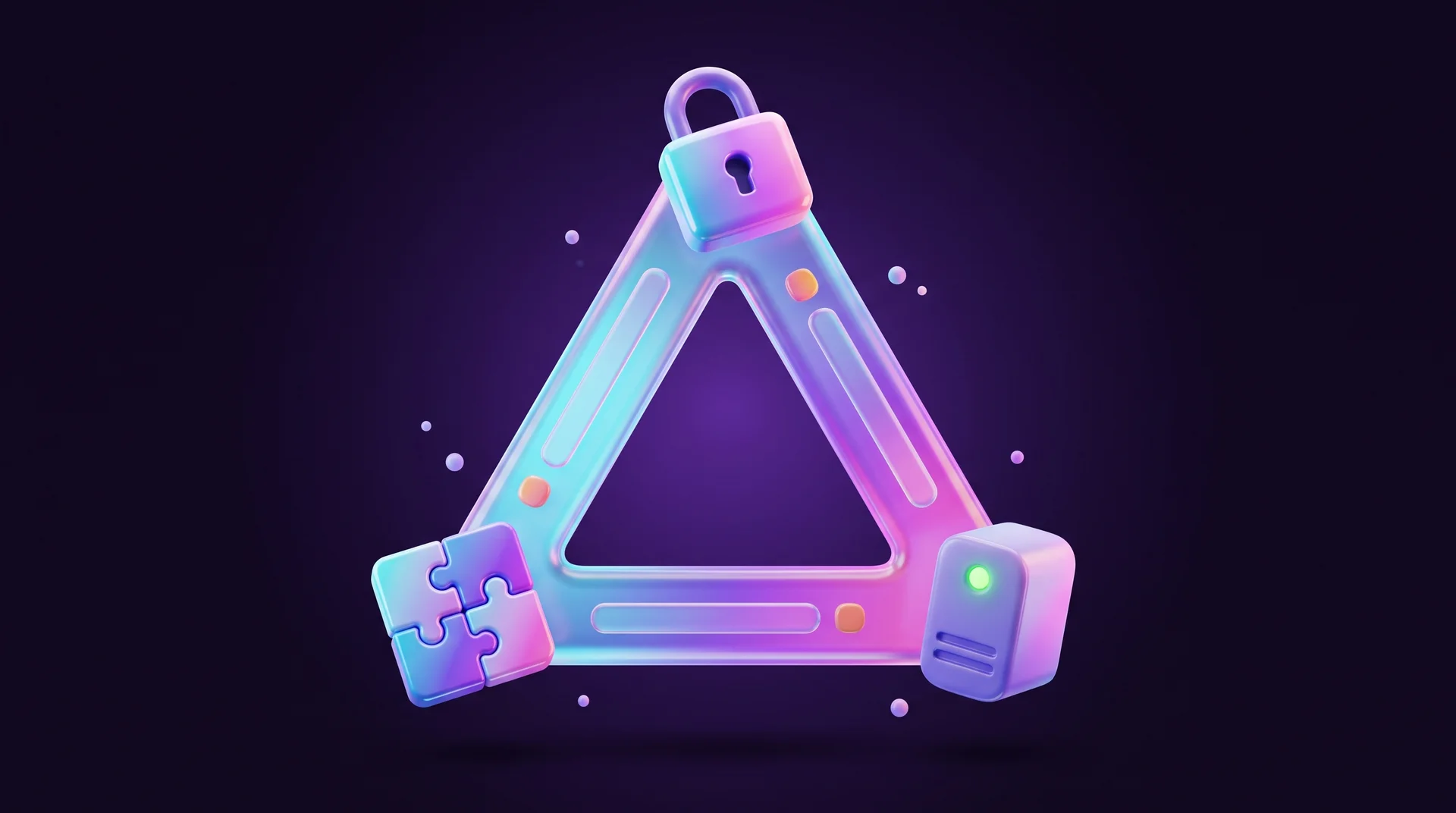
Information security is the part of cybersecurity that protects data from leaks, theft, tampering, unauthorised access, phishing and malware. Its goal is to keep control over information according to three principles that security professionals call the "CIA triad".
Confidentiality
Only authorised people can see the information. A leaked customer list, phone numbers harvested from a website form or a payroll file sent to the wrong person are all breaches of confidentiality. The main safeguards are role-based access, encryption, strong passwords and two-factor authentication.
Integrity
The information is accurate and does not change without approval. If an attacker alters a price in your online shop, injects a malicious link into a page or replaces the bank account number on an invoice sent to a client, integrity has been compromised. In fields such as finance and healthcare, even a small change can do serious damage.
Availability
Authorised people can reach the information and the service when they need it. A website knocked offline by a DDoS attack on the day of a big sale, or a booking system locked by ransomware, are failures of availability. Backups, distributed infrastructure and a recovery plan are what help here.
The three principles depend on each other. Good protection combines technical tools, staff training, written procedures and physical protection of equipment. A single weak link is enough to undo everything else.
Where information security threats come from
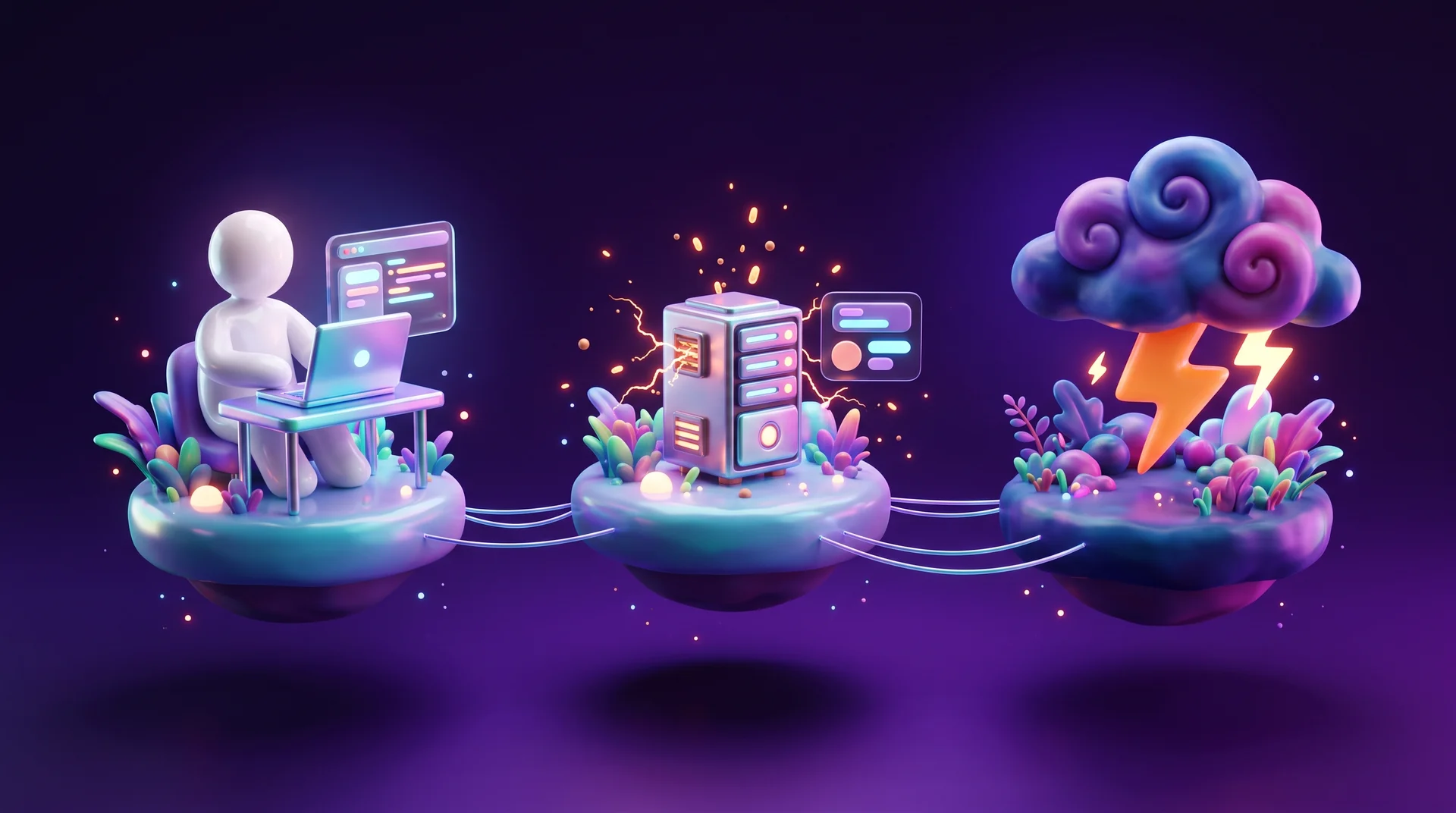
To defend yourself, you first need to understand where the risk comes from. Threat sources are usually split into three groups: people, technology failures, and natural disasters and emergencies.
People
This group covers both deliberate actions and honest mistakes. An employee who leaves an unencrypted laptop in the car, a manager who emails a customer file to the wrong address, or a colleague who clicks a link in a fake email can each trigger a security incident.
In recent years AI-powered impersonation has joined the list. In 2024 it was reported that an employee at the Hong Kong office of engineering firm Arup transferred around 25 million US dollars to fraudsters after a video call in which the "executives" he saw were deepfakes. The technique is no longer reserved for sophisticated groups: a short voice recording is enough to fake a WhatsApp voice message "from the boss".
A separate category is the insider threat: a current or former employee with access to sensitive data who leaks it, either on purpose or through carelessness. That is why access should be revoked the day someone leaves, even when the parting is amicable.
Technology failures
A server that dies, a backup that silently stopped running months ago, an update that takes the website down. On top of that, every software vulnerability, from a WordPress plugin to the server's operating system, is a potential door for attackers. Large providers such as Google and Cloudflare have reported DDoS attacks in recent years peaking at hundreds of millions of requests per second. They absorbed them thanks to huge distributed networks; a small business's single server would not have stood a chance.
Natural disasters and emergencies
Fire, flooding, long power cuts, severe storms and other emergencies can destroy equipment, cut an office off from the network or take local computers offline. The chaos of an emergency raises the risk too: procedures get forgotten, people work from home on unsecured networks, and attackers exploit the stress with phishing campaigns themed around the news.
How threats are classified
Security specialists use several classifications, and the right one depends on context. A company may split threats into internal and external; a medical practice will focus on patient data. Three classifications are useful for any business.
By scope of impact
A local threat affects one component, such as a single laptop infected with malware or one compromised email account. A global threat hits the whole system, like ransomware that encrypts every server. If a computer in the accounts department gets infected, you disconnect it from the network immediately, scan it in an isolated environment and review the financial transactions of the past few days so the incident does not spread.
By intent
A deliberate threat is an attacker's action: phishing, malware, data theft. An accidental threat is a mistake or a failure: someone deletes a shared folder, or a server shuts down because it overheated. Protection against phishing, for example, is built in layers: email filtering, staff training, two-factor authentication and monitoring of suspicious sign-ins. If one layer fails, say an employee clicks the link, the next layer stops the attacker.
By method
- Technical: exploiting weaknesses in software and hardware, such as malware and website vulnerabilities.
- Social (social engineering): tricking people, for example a phone call from "your bank's support team" or a text message about "a parcel held at customs".
- Physical: direct access to equipment: a stolen laptop, someone walking into a server room, or a flooded office.
The most common threats to a business website
Most small and mid-sized businesses do not run their own server room, but almost all of them have a website, forms, business email and connections to systems such as a CRM and a payment provider. These are the attacks we run into most often around websites.
Phishing and account takeover
An email "from Google" or "from Webflow" asks you to verify your account, leads to a fake login page, and the attacker then walks into your website's admin panel or your mailbox. The defence: two-factor authentication on every system, preferably passkeys or an authenticator app rather than SMS codes, plus a password manager such as 1Password or Bitwarden.
Outdated plugins and themes
On WordPress sites, most break-ins come through old plugins and themes rather than through the core itself. A plugin its developer has abandoned is an open door. We covered this in our guide to building a WordPress website: keep plugins to a minimum, install them only from trusted sources and update them regularly.
SQL injection and XSS
In SQL injection, an attacker sends code through a form or URL that ends up directly in a database query, which can let them read tables of users and passwords. In XSS (cross-site scripting), they inject JavaScript into a page, for example through a search field that does not sanitise input, and the code runs in your visitors' browsers. The defence sits on the development side: input validation, parameterised queries, a Content Security Policy and well-maintained libraries instead of home-grown solutions. The OWASP Top 10 list is a good starting point for learning the most common web development vulnerabilities.
DDoS attacks
The site is flooded with requests until it stops responding. The practical defence for a small business is a content delivery network with DDoS protection and a WAF (web application firewall), such as Cloudflare. We explained this in detail in our guide what a CDN is and why your website needs one.
Ransomware
Malware that encrypts your files and demands payment to unlock them, and sometimes also threatens to publish the stolen data. The most important defence is a backup the attacker cannot reach: an offline copy or a cloud backup with immutable versions that cannot be deleted.
Email spoofing on your domain
If your domain has no SPF, DKIM and DMARC records, anyone can send email that looks as if it came from your business, such as a fake invoice to your customers. Since 2024, Google and Yahoo have required these settings from bulk senders, so they matter both for security and for getting your emails into the inbox.
How to find vulnerabilities and rate their severity
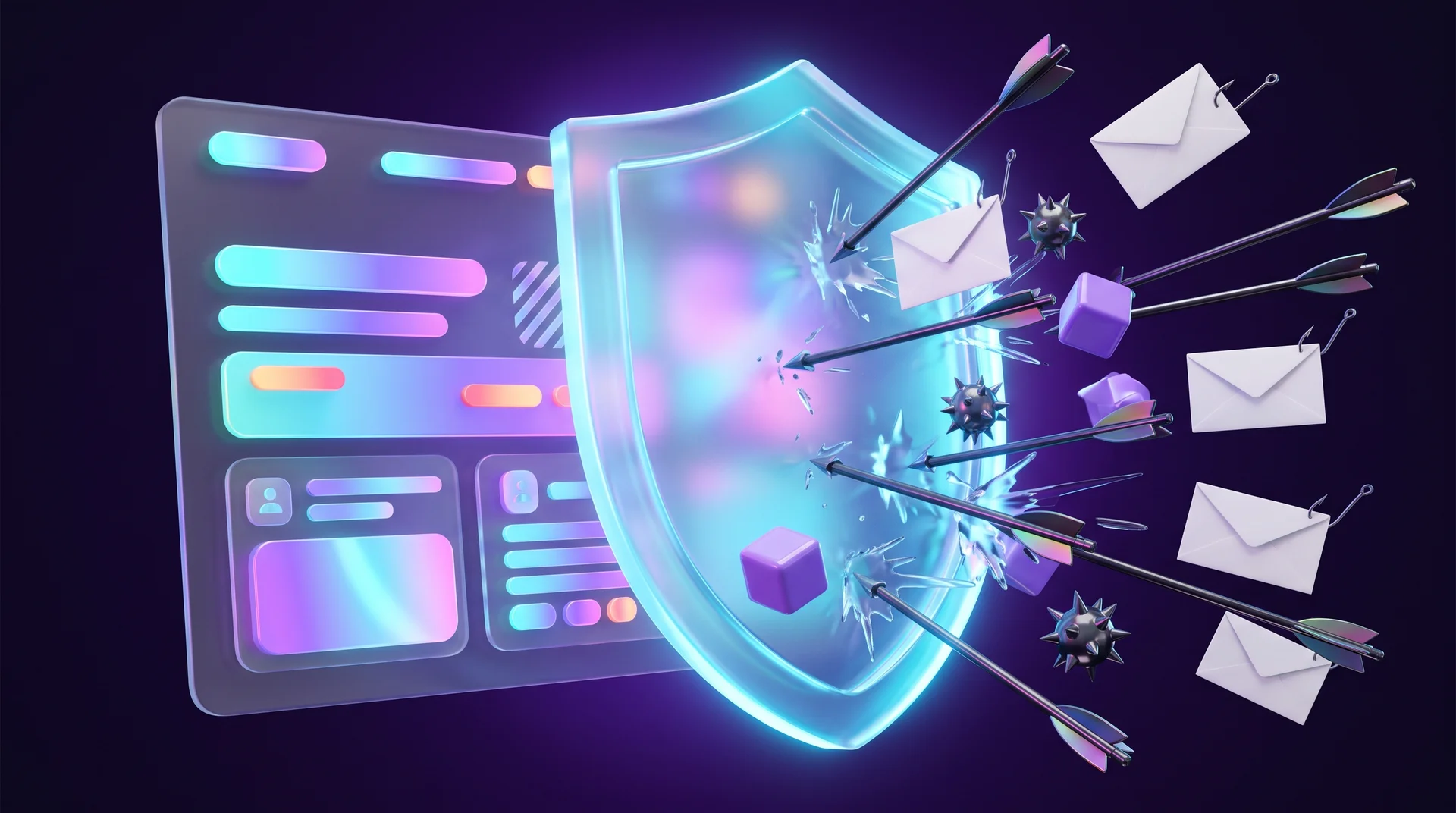
A vulnerability is a weak spot in a system that an attacker can exploit: a bug in the code, a misconfigured server, an open port, an outdated plugin. Assessing vulnerabilities in good time lets you close the most dangerous ones first.
Four main methods
- Security audit: a thorough review of systems and procedures. An auditor might find, for example, that staff reuse one password across several systems, or that the last backup successfully restored was a year ago.
- Vulnerability scanners: tools that automatically check for known weaknesses, such as an old server version, a plugin with a published flaw or an admin port open to the whole internet. WordPress sites have dedicated scanners such as WPScan and Wordfence.
- Penetration test: a specialist simulates a real attack with the business's permission, trying to get in through the website, the wireless network or a phishing email to staff.
- Fuzzing: sending thousands of random and malformed inputs to a form or an API to uncover crashes and unexpected behaviour.
How severity is rated: CVSS
Finding a vulnerability is not enough; you also need to know how dangerous it is. The most widely used method is CVSS (Common Vulnerability Scoring System), which gives each vulnerability a score from 0 to 10. The current version is CVSS 4.0, and the US National Vulnerability Database (NVD) offers a free calculator. The score depends on questions such as: can it be attacked over the internet, how complex is the attack, does the attacker need an account, does the victim have to click something, and what is the impact on confidentiality, integrity and availability.
Suppose your website has a search field that does not sanitise input, which allows reflected XSS: the attacker sends a link, and the code runs for whoever clicks it. It can be exploited remotely, it is easy to carry out and no account is needed, but the victim has to click the link and the server itself is not harmed. A vulnerability like this usually scores in the medium range (a typical CVSS 3.1 score is 6.1). It is not an emergency, but it should be fixed quickly, because it can be used to steal a user's session and take over their account.

Information security and the law: GDPR in brief
Information security is not only a technical matter. If you collect personal data about people in the European Union, the General Data Protection Regulation (GDPR) applies, and even a customer list or the enquiries submitted through a website form count as personal data. The GDPR requires you to protect that data with technical and organisational measures appropriate to the risk.
- Appropriate security: there is no single checklist. Regulators expect measures in proportion to the sensitivity of the data and the risk to people, such as access control, encryption where it makes sense, backups and regular testing.
- Breach notification: if a personal data breach is likely to put people's rights at risk, you generally have to notify your national data protection authority within 72 hours of becoming aware of it, and in serious cases inform the affected individuals as well.
- Suppliers: if your website, CRM or email marketing is run by an external provider, you remain responsible for the data. Put a data processing agreement in place with each of them.
- Sector rules: the EU's NIS2 directive adds cybersecurity obligations for many medium and large organisations in critical and important sectors, and the ePrivacy rules cover cookies and electronic marketing.
- Help: your national cybersecurity agency or CSIRT and your data protection authority publish practical guidance for small businesses and explain how to report incidents.
This is general information, not legal advice. To find out exactly which obligations apply to your business, speak to a lawyer who specialises in data protection.
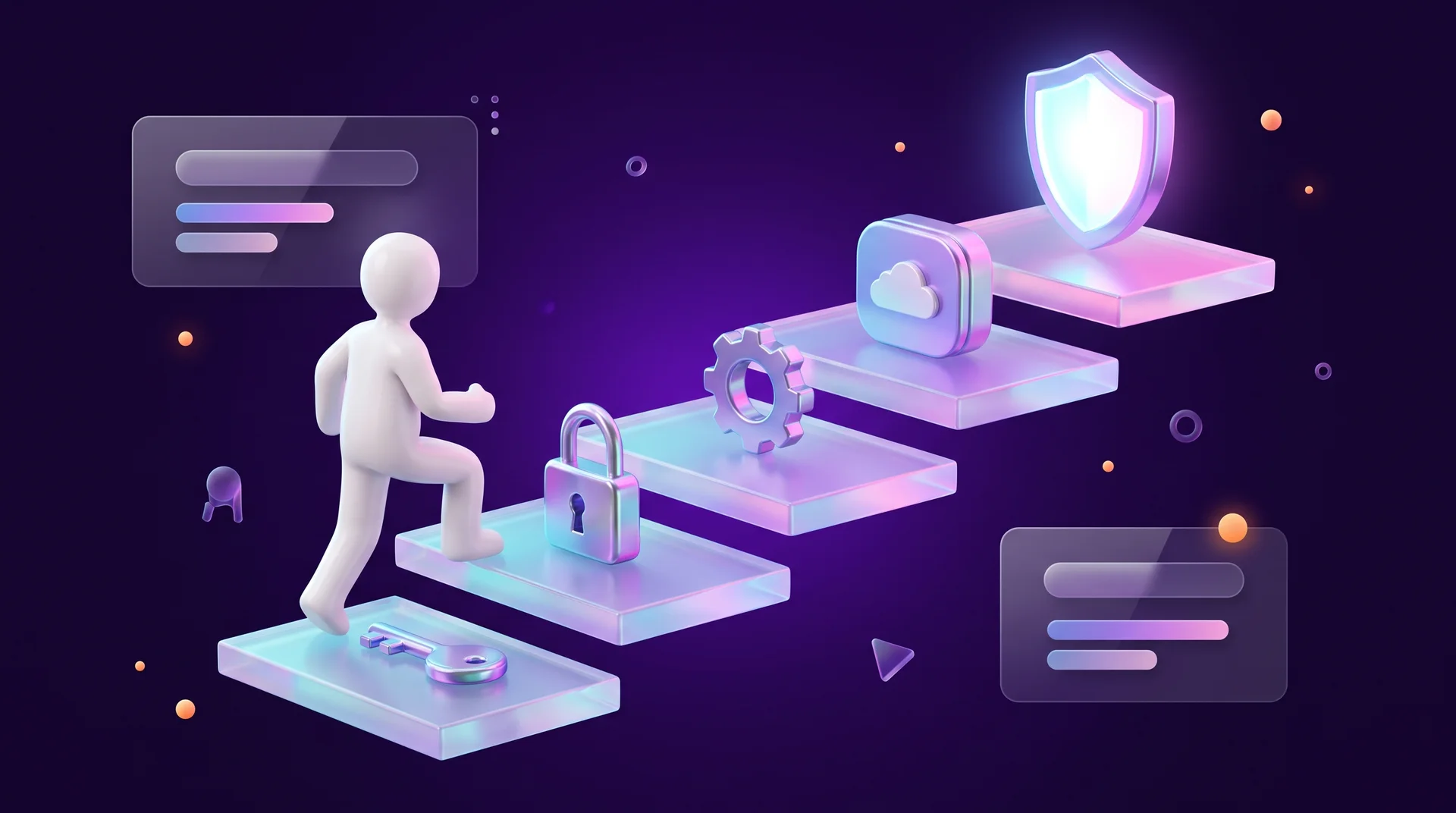
A seven-step protection plan for your business
You do not need a security department to remove most of the risk. These steps cover the majority of scenarios we see at small and mid-sized businesses.
Step 1: Map what you have
Make a simple list: which systems the business uses (website, email, CRM, payments, accounting), what data lives in each, and who has access. You cannot protect what you do not know exists.
Step 2: Two-factor authentication everywhere
Email, the website admin panel, your domain registrar, your Meta and Google ad accounts, online banking. This is the cheapest step there is, and it stops most account takeovers.
Step 3: A password manager and role-based access
Every person gets their own account, with no shared password for the whole team. Each person gets only the permissions they need, and when someone leaves, their access is removed the same day.
Step 4: Regular updates
Operating systems, browsers, WordPress core, plugins and themes. On managed platforms such as Webflow and Wix, the platform keeps the servers and software up to date, but custom code, third-party scripts and integrations remain your responsibility.
Step 5: Backups using the 3-2-1 rule
Three copies of your data, on two different types of storage, with one of them off-site or in the cloud with versions that cannot be deleted. Most importantly, test from time to time that you can actually restore from the backup.
Step 6: Protect the website
An SSL certificate and HTTPS on every page, a CDN with a WAF and DDoS protection, spam protection on forms (reCAPTCHA or Cloudflare Turnstile), uptime monitoring with alerts when the site goes down. In Google Search Console, check the "Security issues" report, which warns you if Google detects a hack or malicious code on your site.
Step 7: Training and an incident response plan
Run a short training session for staff twice a year: how to spot phishing, and why every request to transfer money must be confirmed by phone on a known number. Keep a one-page incident plan: who to call, how to disconnect a system, where the backups are and when to report.
Common information security mistakes businesses make
"We are too small for anyone to attack us"
Most attacks are automated and do not choose victims by size. Small businesses often have fewer defences, which makes them an easy target.
A backup that has never been tested
A backup that has never been restored is only a hope. Many businesses discover during an incident that the backup has not run for months or sits on the same server that was compromised.
Access left open for suppliers and former staff
The freelancer who built the website three years ago is still an admin, and a former employee's account is still active. Review the user list in every system at least once a quarter.
Too many plugins and scripts
Every plugin, pixel or third-party widget is someone else's code running on your website. If you are not using it, remove it.
Everything depends on one person
Only one person knows the domain password, and they are on holiday or no longer work with you. Access to critical assets such as the domain, hosting and the main email account should be documented and owned by the business.
How RJL Studio keeps your website secure
At RJL Studio we build and maintain websites on Webflow, WordPress and Wix with security as part of the job: correct permissions and two-factor authentication, plugin and theme updates, backups, SSL, SPF, DKIM and DMARC records for your domain, form protection, CDN and uptime monitoring. When we connect your site to a CRM, a payment provider or automation tools through APIs and webhooks, we make sure keys are stored safely and each system gets only the permissions it needs. If your website runs on WordPress and has not been updated in a while, we will start with a review.
Want to know how well your website is protected? Read about our WordPress development and maintenance and Webflow websites, or get in touch and we will get back to you.
Frequently asked questions
What is the difference between information security and cybersecurity?
Cybersecurity is the broader field, covering the protection of systems, networks and devices. Information security is the part of it that focuses on the data itself: keeping it confidential, accurate and available, whether it sits on a server, in the cloud or on paper.
Is a Webflow or Wix website more secure than WordPress?
On managed platforms such as Webflow and Wix, the platform handles the servers, updates and SSL, so there are fewer things that can be left unpatched. WordPress can be just as secure, but it needs regular maintenance of plugins and hosting. On any platform, the site administrator's account must have two-factor authentication.
What should I do if my website has been hacked?
Change all passwords immediately and make sure two-factor authentication is on, take a copy of the current state for investigation, restore from a clean backup, update every component and check Google Search Console for security alerts. If personal data has leaked, check with a lawyer whether you need to notify your data protection authority. Your national cybersecurity agency or CSIRT can also advise you.
How often should I check my website's security?
Check updates and backups weekly or monthly, depending on the platform. Review users and permissions once a quarter. Run a full vulnerability scan at least once a year and after every major change to the site, such as launching a new shop or adding a new integration.
Does a small business need a penetration test?
For most small businesses, the basic steps and automated scanning are enough to start with. A professional penetration test makes sense when the website holds sensitive data, such as medical or financial information, when there is a customer portal, or when a large business client requires it as a condition of working together.
Disclaimer: blog content is for general information and learning only and is accurate as of its publication date. It is not professional, legal, financial or business advice, nor a recommendation or call to take any action. Any use of this information is at the reader's own risk, and we accept no liability for any resulting loss. Links to external websites and tools are provided for convenience only. We recommend consulting a qualified professional before making decisions.