

AI Agent Harness: What It Is and Why It Matters
Getting AI to write a paragraph or generate an image no longer impresses anyone. The question businesses are asking now is different: how do you get AI to carry a complex task from start to finish, use real tools such as your CRM, calendar or booking system, and not give up halfway? The answer is not only in the model. It is in the software wrapped around the model, and that software is called a harness.
Two agents built on exactly the same model can behave completely differently. One finishes its tasks, checks its own work and stops at the right moment. The other gets stuck in a loop, invents results and burns through budget on model calls. The difference between them is usually the harness.
In this guide we cover:
- what a harness is and how an AI agent loop works;
- what a harness is made of and which components you actually need;
- how it differs from an AI agent and from an agent framework;
- when a business needs a full harness and when a single model call is enough;
- the main risks and how to test the quality of an agent.
What is an AI agent harness
A harness (or agent harness) is the software system that runs a large language model (LLM) inside an AI agent. It passes data and instructions to the model, handles the model's requests to use tools and feeds the results back. The word is a good metaphor: the model supplies the power, and the harness steers that power where it needs to go.
A system like this has three main parts:
- The language model (LLM) analyses the request, drafts an answer or proposes using a tool.
- The harness manages execution: what gets sent to the model, which tools it may call and when to stop.
- The runtime is the infrastructure where the agent's steps actually run: a server, a container, a browser or a cloud environment.
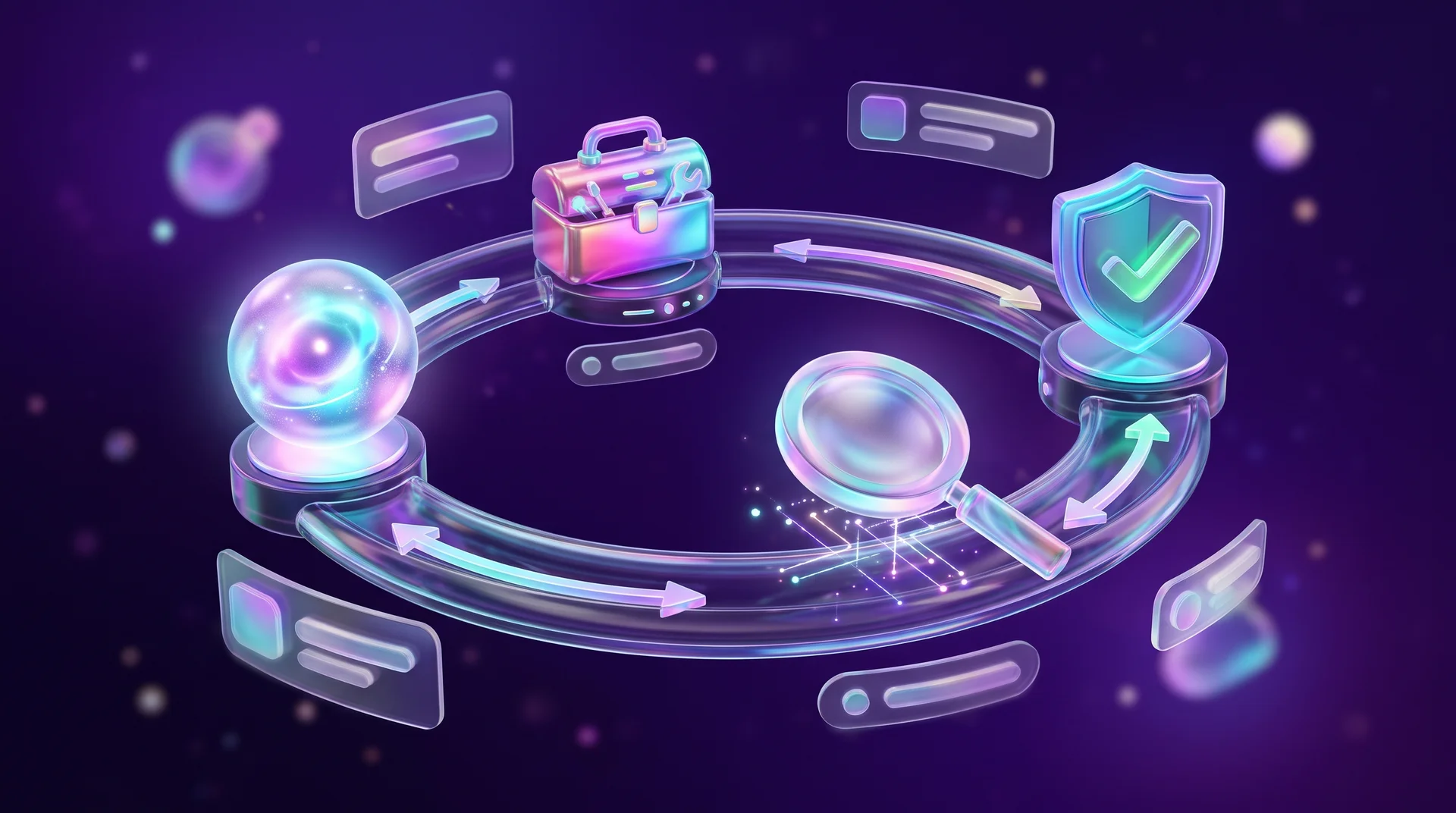
Here is how the process works. The harness receives the user's request and adds instructions, conversation history and any other data that will help complete the task. The enriched request goes to the model. The model looks at the information and decides: write an answer, or ask for a tool, such as a web search, a database query or running some code.
If the model asks for a tool, the harness checks whether the action is allowed. If it is, the harness runs it and returns the result to the model. The model analyses the result and chooses the next step: finish and answer, or keep working with tools.
This repeating process is called the agent loop. Depending on how it is configured, the harness can also run checks and retry actions that failed because of a technical glitch. The loop continues until the agent completes the task or a stop condition is met.
Example: the same task with and without a harness
To see the difference, let's compare two ways of doing the same job: a plain text answer from a model, and an AI agent managed by a harness.
Say the owner of an interior design studio asks AI to prepare a quote for a client. The client wants a consultation, a 3D visualisation and a lighting plan, and their budget is capped at a fixed amount including VAT.
A language model without a harness
She pastes the request into a chat and asks for a quote. The model produces a tidy, persuasive document, but it has never seen the studio's price list. It may invent prices, forget the VAT, add up the total incorrectly or offer a service the studio does not even provide. The quote looks good, but every number has to be checked by hand.
An AI agent with a harness
Now the same task goes to an agent with a harness. The system stores the client's requirements and gives the model access to approved tools: reading the price list from a Google Sheets spreadsheet, a function that calculates the total including VAT, and the studio's quote template. The model builds a draft, and the harness runs a check: a separate function calculates the total and compares it with the budget.
Suppose the check shows the quote is over budget. The harness sends that result back to the model, and the model suggests splitting the work into two phases or replacing the full visualisation with a single-room one. The new version is checked again: is it within budget, is every service on the price list, are the totals correct? Once all the conditions are met, the agent saves the quote as a draft and waits for the studio owner to approve it before it goes out. If any part of the data could not be verified, the system should say so explicitly.
The first approach gives you a draft you have to check line by line. The second gives you a quote that has already passed the checks you defined in advance. Mistakes can still slip through with a harness, but the system catches and fixes most of them before they reach the client.

What a harness is made of
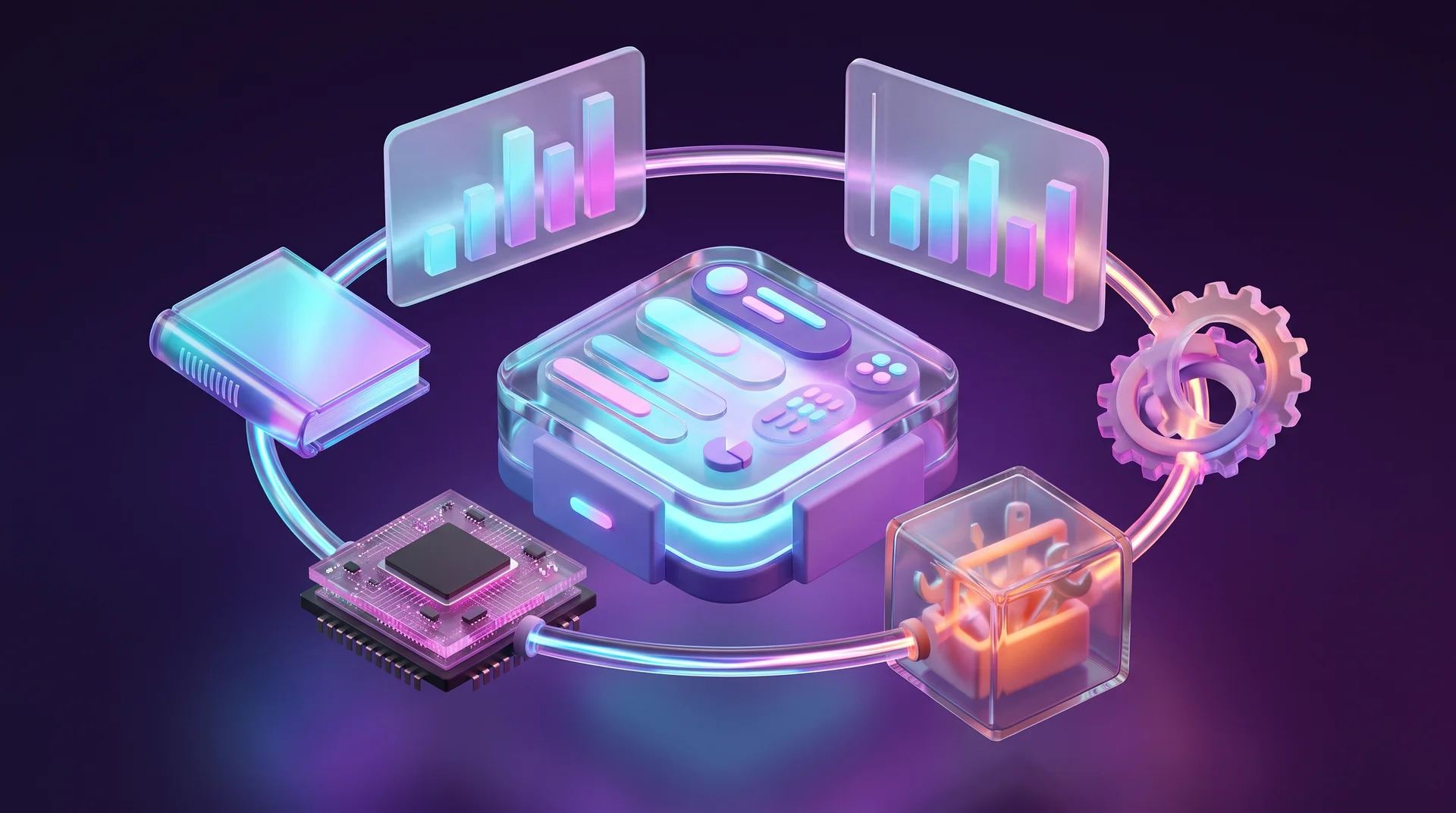
There is no single correct harness architecture. It all depends on what the agent has to do. Sometimes a few functions are enough; in a large project you need separate mechanisms for context, memory, tools and security. These are the main components.
Instructions and context assembly
Before every call to the model, the harness adds instructions, relevant history and tool results to the user's request. That way the model takes into account the task's requirements and the actions already taken. You do not have to pass the entire history: a good harness picks only what the current step needs.
You can write standing instructions for a specific project. For example, a coding agent gets rules for working with libraries and security guidelines. In Claude Code these instructions live in a CLAUDE.md file in the project folder.
Some systems use progressive disclosure: the model first sees only short descriptions of the available material and loads detailed instructions and documentation only when it needs them. This is how Claude Skills work, which we covered in our guide to Claude Skills for business. The approach saves space in the context window and avoids overloading the model with information it does not need.
Memory and state management
For the agent to keep working in line with what it has already done, the harness saves data and restores it when needed. It helps to separate three kinds of information:
- Current session history: the user's messages, the model's replies and the results of tool calls.
- Saved process state: which stage the task is at, which actions have been taken, intermediate results and errors. This is what lets the agent resume after an interruption instead of starting over.
- Long-term memory: information kept between sessions, such as user preferences, project rules or important details from earlier work.
Not every agent needs all three. An agent that prepares a weekly report does not need to remember the user's personal preferences, but it must keep intermediate results if the report is built in several stages.
The orchestration loop and stop conditions
Orchestration is managing the sequence of the agent's actions: model calls, tool calls and passing results between steps. The software component responsible for this is the orchestrator, and it usually runs through this cycle:
1. Request. The harness receives the request, prepares the context and sends it to the model together with the instructions.
2. Decision. The model analyses the information and decides what to do: write an answer or ask for a tool.
3. Action. If the model asks for a tool, the harness validates the request and runs only permitted actions.
4. Observation. The harness receives the result: data from a file, a response from a service or an error message.
5. Check. The result is checked against the requirements. For example, after the agent fixes a bug, the automated tests are run.
6. Next step or finish. If the task is not solved, the results go back to the model. If all the requirements are met, the work ends.
To stop the loop from running forever, you set stop conditions: a maximum number of steps, a token budget, a time limit or a cost ceiling. The loop should also stop after repeated errors or when an action simply cannot be performed.
Tools, permissions and sandboxing
Tools let the agent look up information, work with files, databases and APIs, control a browser and run code. In the harness, each tool gets a name, a purpose and parameters. The system passes these descriptions to the model and can reject requests with invalid parameters.
Tools are connected through APIs, plugins or MCP, an open protocol for connecting AI applications to external services and data sources. We explained it in detail in our guide What is MCP.
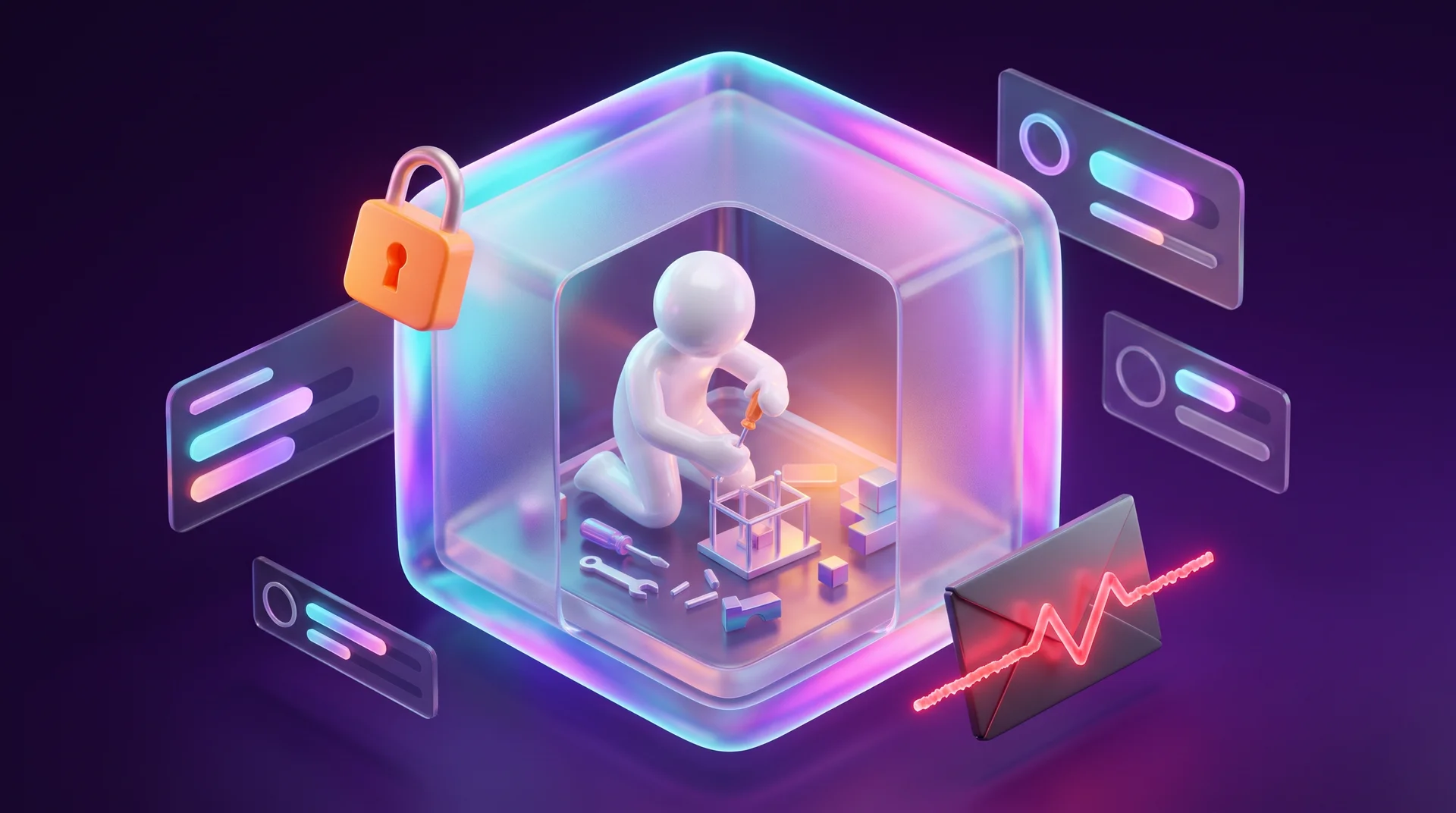
To limit access to resources, agents run in a sandbox, an isolated environment where the agent cannot damage other systems. Guardrails add another layer of control: rules and checks applied to inputs, tool requests and outputs. For sensitive actions, such as deleting documents or sending a message to a client, the system can ask a person for approval.
Errors, logs and output checks
The harness handles errors and retries temporary failures. If a service does not respond, the system tries again. For that you set a timeout and limit the number of attempts. When payments are involved, it is especially important to make sure a retry cannot cause a double charge.
Logs record requests, tool calls and errors, and tracing shows the sequence of related actions. Metrics show run time, token usage and error counts. Together they give you observability: you can understand how the agent worked and where exactly something went wrong.
To check the output, the harness runs tests and validators, functions that check the result against the requirements. For example, the total revenue in a report is compared with the sum of orders in the system. If a mistake could cause serious damage, a person reviews the result before it goes out.
How a harness differs from an AI agent and a framework
There are several closely related terms around AI agents. They all have to do with automation, but they describe different parts of the system.
Harness vs AI agent
An AI agent is a system that uses a language model to choose actions and solve tasks with tools. We covered agents in general in our guide AI agents for business. The harness organises the agent's work: it manages calls to the model and to tools, and tracks the state of the task and the conditions for finishing it.
In practice the line is not always sharp. Off-the-shelf products such as Claude Code or OpenAI's coding agents come with their own harness, so many people use one without knowing it exists.
Harness vs agent framework
An agent framework is a set of ready-made building blocks for creating agents. It helps you connect models and tools and set up several agents working together. Examples include LangChain and LangGraph, the OpenAI Agents SDK, the Claude Agent SDK and Mastra. No-code platforms such as n8n also have an AI Agent node that provides a basic loop with tools and memory, as we showed in our guide to n8n automation.
The harness is the wrapper around one specific agent. You can write it from scratch, for example in Python or TypeScript, or assemble it from a framework. The distinction helps you estimate how much custom development you will need. When choosing a solution, check what is built in, what you have to write yourself and what you can change, such as swapping the model or defining your own rules for tool calls.
When a business needs a full harness
Sometimes a single call to a model is enough. In other cases you need a system that chooses its own actions, works with several tools and checks its results. The choice depends on how complex the task is, how many actions it involves, whether external services are needed and how costly a mistake would be. Here are four levels.
A single model call
Suits tasks that can be solved in one request without external tools: summarising an article, rewriting a product description or explaining a term. If you do not need follow-up questions, saved intermediate results or separate checks, a harness with a loop is overkill.
A fixed workflow
Suits cases where the order of steps is known in advance. For example, an online shop wants to export the previous day's sales every morning, calculate revenue and send a report to the manager. Ordinary automation in n8n, Make or Zapier handles most of the steps, and the model is plugged into just one of them, for instance writing a short summary of the figures.
A simple agent loop
Needed when the next step depends on data that comes in along the way. For example, a customer writes on WhatsApp that their order has not arrived. You need to check the delivery status and the payment details, and maybe ask the customer for an order number. The model chooses the next step, and the harness runs only approved tools. For a scenario like this, a simple wrapper with a few functions, saved state and a limited number of retries is often enough. Even here you need error handling and stop conditions, so the agent does not repeat a failed action endlessly.
Sensitive and complex tasks
If the agent handles personal data or money, connecting the model to tools is not enough. You need separated permissions, data protection, error handling, an action log and output checks. For example, the agent can prepare a refund request, but before any money actually moves, the system should ask an authorised employee for approval.
Whatever architecture you choose, test it first on a small prototype with real tasks. That shows you what is missing and whether the extra complexity is really worth it. Every new harness component should solve a specific problem, and its benefit should be weighed against the cost of building and maintaining it. We explain how to work out the cost and return of a project like this in our guide to AI project cost and ROI.

Risks and mistakes when working with a harness
Even a well-designed harness does not guarantee the agent will succeed. These are the risks worth knowing about up front.
Lost context and expensive loops
When a long history is shortened, important requirements or check results can get lost. The agent can also get stuck: repeating the same failed action and paying for more and more model calls. That is why key data is stored separately, and both the number of retries and the spend are capped.
Overly broad permissions and data leaks
Unnecessary permissions increase the damage any mistake can do. An agent that only needs to read orders does not need the ability to change your entire customer database. Sensitive data can also end up by accident in requests to external services, in replies to users or in logs. So give the agent only the permissions and data it really needs, and mask passwords and API keys in the logs. This is a legal matter too: if the agent processes personal data of people in the EU, the GDPR applies to that processing just as it does to any other system, including data minimisation, security and clear responsibility for who processes what. This is not legal advice; check your specific setup with a data protection specialist. We also cover common security threats in our guide to information security threats.
Prompt injection
A separate risk is prompt injection: an attempt to influence the model through instructions hidden in external data. For example, the agent might read an email from a "customer" and treat an instruction inside it as a command, sending internal documents to an outside address. Separating external data from system instructions, limiting permissions and requiring human approval for risky actions all reduce this risk, but they do not eliminate it entirely.
Reporting success that did not happen
The model may report that an action succeeded when in fact it failed. For example, it says an email was sent when the mail service actually rejected it. The harness should check the result against the service's own data. And even when the service has accepted the email for sending, that does not mean it was delivered. For tasks where a mistake can cause harm, there must be a way for a person to step in.
How to test the quality of a harness
Even if the agent completes its tasks, its harness can still waste time and money. To test it, you use a fixed set of test tasks with defined success criteria. For a customer service agent, for example, you give it requests about deliveries, returns and payments. This method is called evaluation (or evals for short), and Anthropic describes it in its guidance on testing AI agents.
You need to check the actual outcome: not only that the agent wrote a reply, but that it sent it through the support system and got a confirmation. Handing a request over to a human agent also counts as success if that is what the rules require. The main metrics are:
- Success rate: how many tasks were completed according to the criteria.
- Steps and tool calls: whether there are unnecessary actions and whether there are enough checks.
- Time and cost: run time, token usage and fees for external services.
- Errors and retries: how often tools fail and actions are repeated.
- Human involvement: what share of tasks the agent resolves on its own.
- Consistency: whether the agent reaches the same result on repeated runs.
Run the same tasks several times. After every change to the harness, repeat the test with the same model, the same settings and the same starting data, otherwise it is hard to tell what caused an improvement or a new error. The tasks should be close to real use, because public benchmarks are not enough. It is also important to analyse the failed attempts, to understand which part of the system needs work.
Action plan: a harness for your first business agent
If you are considering an AI agent for your business, here is an order of work that saves a lot of rework later.
Step 1: Define one task and one success metric
Not "an agent that does everything", but one clear task: answering order status questions, sorting leads from your website or drafting quotes. Write down what counts as success and what counts as failure.
Step 2: Choose the minimum level
Check whether a single call or a fixed workflow is enough. Build an agent loop only when the steps genuinely depend on data that comes in along the way.
Step 3: Map tools and permissions
List every tool the agent needs and, for each one, the minimum permission: read only, write, or an action that requires approval. This is also where you decide which personal data the agent can see and where it is stored.
Step 4: Set stop conditions and approval points
A step limit, a cost ceiling, a maximum run time, and what happens after two errors in a row. Actions such as sending something to a client, charging a card or deleting data go through a person, at least at first.
Step 5: Build a test set before launch
Collect 20 to 50 real cases from the past, including tricky ones and messages in every language your customers actually write in. Run them before launch and after every change.
Step 6: Launch gradually and watch the logs
Start with a small share of requests, read the logs during the first few weeks, and expand only when the metrics are stable.
How RJL Studio builds AI agents that actually work
At RJL Studio we build AI agents and automations for businesses around the systems you already have: your website, CRM, WhatsApp and forms. We start with one well-defined task, choose the simplest level that will do the job, and define permissions, stop conditions and human approval points at the planning stage. Depending on the need, we work with n8n, Make and Zapier, with agent frameworks or with custom code, and connect tools through APIs, webhooks and MCP.
Want to find out whether an AI agent could save your business time? Read about our automation and integration services or get in touch and we will get back to you.
Frequently asked questions
What is the difference between a harness and a language model?
The language model analyses information and decides what to do. The harness is everything around it: it prepares the context for the model, runs the tools the model asks for, checks results, saves state and decides when to stop. The same model with a different harness can produce very different results.
Do I need to build a harness from scratch?
In most cases, no. Frameworks such as the OpenAI Agents SDK, the Claude Agent SDK, LangGraph or Mastra, as well as the AI Agent node in n8n, give you a ready-made loop, tool connections and basic memory. What you almost always need to tailor yourself is the permissions, the checks, the stop conditions and the connections to your business systems.
Does a small business need an AI agent with a full harness?
Not always. Many tasks in a small business can be handled with a single model call or a fixed automated workflow in n8n or Make. A full harness is needed when the agent has to choose its steps based on data, work with several systems or touch personal data and money.
How do you stop an AI agent from doing something dangerous?
Give it only the minimum permissions, run it in an isolated environment, check every tool request against defined rules and require human approval for sensitive actions such as sending something to a client, making a payment or deleting data. On top of that, keep system instructions separate from content that comes from outside, such as emails and documents.
How do you know the agent is really working well?
Build a fixed set of test tasks from real cases, define a success criterion for each and run them several times. Check the success rate, cost, time, errors and consistency, and compare results before and after every change. After launch, keep watching the logs.
Disclaimer: blog content is for general information and learning only and is accurate as of its publication date. It is not professional, legal, financial or business advice, nor a recommendation or call to take any action. Any use of this information is at the reader's own risk, and we accept no liability for any resulting loss. Links to external websites and tools are provided for convenience only. We recommend consulting a qualified professional before making decisions.