

Email List Fatigue: Why Customers Stop Reading
Customers still read emails, text messages, WhatsApp chats and push notifications. But their attention depends on what a business actually sends them: if there is no reason to open a message, they skip it. So the problem is rarely the channel itself. It is how the business manages its audience's attention.
A mailing list is not an unlimited advertising resource. It is an audience that decides, again and again, whether to give you a moment of its time. When a company sends too much, in the same style and without context, that audience wears out quietly: people don't unsubscribe, they simply stop paying attention.
In this guide we cover:
- how list fatigue starts and why it is almost invisible;
- what to check before every send;
- why mixing message types erodes trust, and how to separate them;
- how to choose a channel and build a single communication map;
- what European privacy rules and the major mailbox providers expect;
- which metrics show that your list is getting tired, and what to do when you are already sending too much.
What list fatigue is and how it starts
An audience almost never stops responding to your messages overnight. It is a gradual process.
First, a person skips a promotional message because it isn't interesting to them. Then they don't open the next one, because the subject line looks just like the last. Over time they switch off the app's notifications, filter your emails into a separate folder or mute your WhatsApp chat. Formally the contact is still on your list, but the channel to them no longer works.
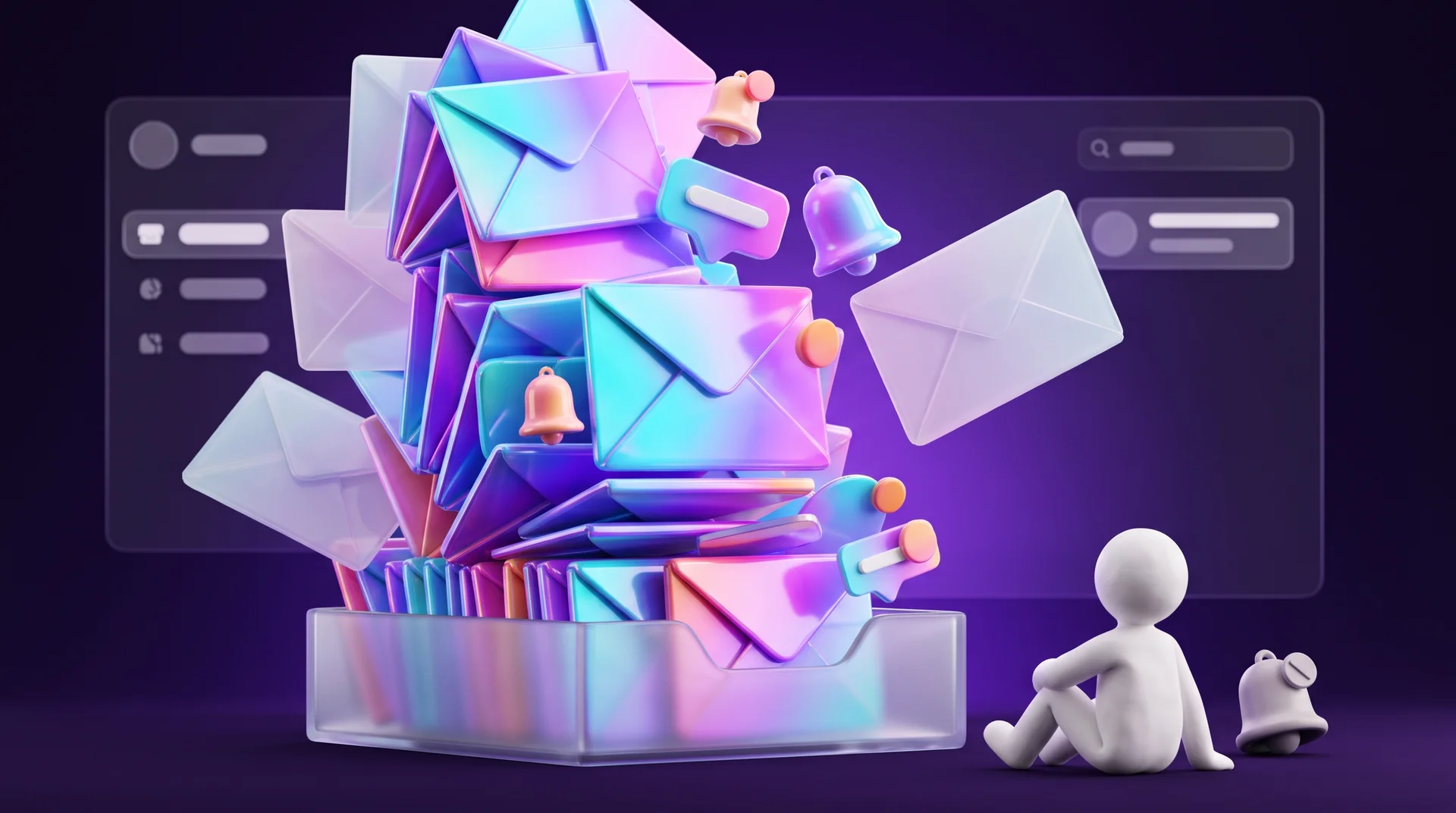
From the business side this looks like a familiar metrics problem: open rates, clicks and conversions go down. It seems that a new subject line, a fresh design or a better offer will make the next send work again.
But the cause can run deeper: the person has stopped seeing the brand's messages as useful and timely. This happens especially when messages with very different value to the customer are mixed in one channel. An appointment reminder or a delivery status update solves the customer's problem. A mass marketing blast solves the business's problem. When both arrive at the same frequency, in the same style and with no regard for context, the customer starts treating all of them as advertising noise that can be safely ignored.
Why it is hard to spot in time
Fatigue never shows up as a single line in a report. It is spread across channels, teams and campaigns. The marketing team sees a reasonable average open rate, the support team sees that its messages are delivered, and nobody notices that the same customer received nine messages from three different channels this week.
What to check before every send
People share a phone number or email address when they sign up, buy something, join a loyalty programme or subscribe to a newsletter. That gives the business a way to stay in touch, within the consent that was given and under the applicable data protection rules. But having a contact does not mean every message to that contact is appropriate.
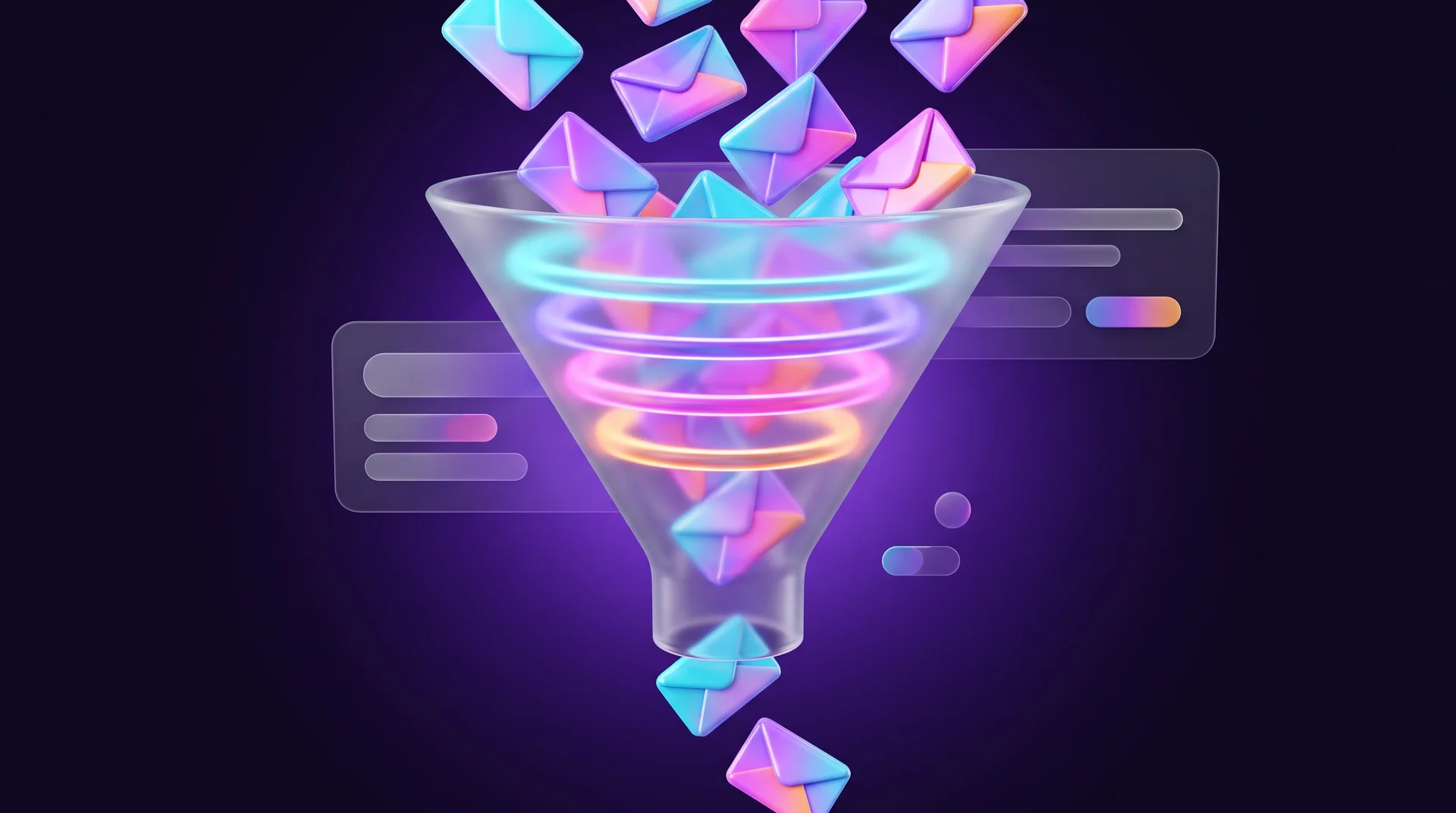
Before you hit send, look at the message from the recipient's point of view and check four things:
- Value. The message helps the person use the service, understand what is happening with their order, learn about an important change or pick a suitable offer.
- Context. The message is connected to a previous action, an interest the person has expressed or their current relationship with the business.
- Timing. The information matters right now and helps solve a task at the right moment.
- Relevance. The text makes it clear why this message is interesting or useful to this particular recipient.
For example, a delivery reminder a few hours before the courier arrives helps people plan their day. A note that a free trial is ending is appropriate if the person has actually used the service. But the same promotion sent to everyone who ever left their details will not feel like a personal offer, even if the email opens with their first name.
Personalisation does not start with a first-name merge tag. It starts with choosing the right audience and the right reason to send. Sometimes the best option is not to send the message to part of your list at all.
Why mixed messages destroy trust, and how to separate them
The same business may send a customer several kinds of messages in parallel: an order confirmation, a delivery delay notice, an abandoned cart reminder, news and discount codes. For the business these are different communications, triggered by different scenarios and sent to different segments. For the customer they are just several messages from the same sender. When nobody manages their frequency and purpose together, four problems appear:
1. Service messages lose visibility. Someone who has learned to skip promotional emails may also miss an important message about an order or an appointment.
2. Your communication builds up negative associations. Customers don't always tell a service message from a marketing one, and over time any activity from the brand starts to feel like an intrusion.
3. Results become hard to measure. When messages with different goals are mixed in one stream, it is unclear what actually influenced the customer: the reminder, the discount or the update about changed terms.
4. Frequency gets out of control. Marketing launches a campaign, the product team sends notifications, support announces maintenance and the CRM fires an automated message after a customer action. Each send makes sense on its own, but together they create a stream that is far too dense.
There is no single frequency that suits every business: it depends on the product, the audience's habits, the season and the channel. But you can set rules for each message type in advance.
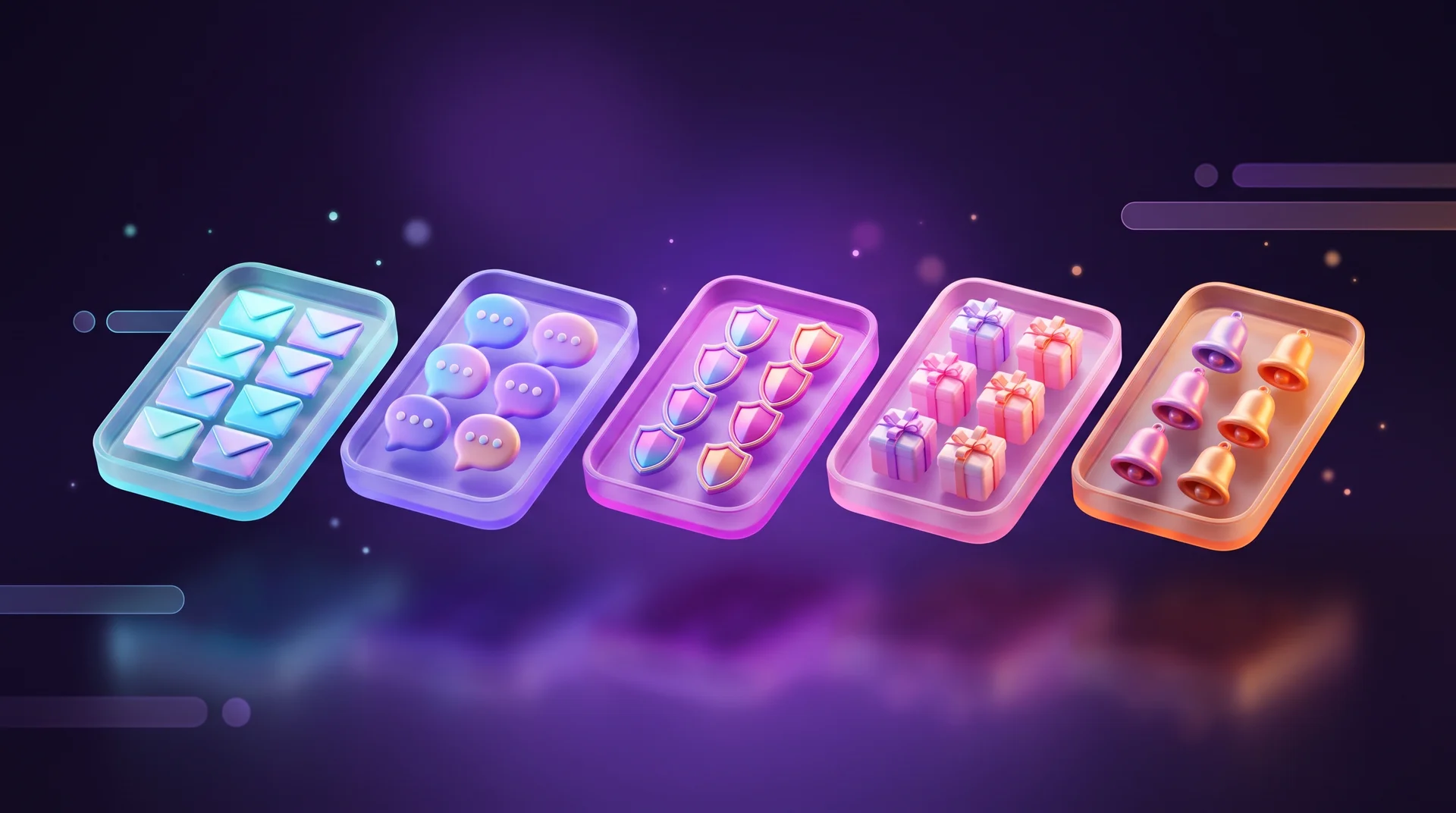
Service messages
Messages that help someone receive a service or finish something they have already started: order status, delivery delays, schedule changes, preparing for a visit. Accuracy, timing and a neutral tone matter most here. A sales block inside a service message is usually out of place: it distracts and makes it harder to understand the situation quickly.
Transactional messages
Payment receipts, login codes, password change alerts and other messages tied to an action the user has taken. Their purpose is to confirm the action and keep the account secure. They need separate templates, a clearly recognisable sender and high priority in the sending queue. Don't attach a coupon or news to a verification code: at that moment the customer is waiting for specific information, not an offer.
Marketing messages
Promotions, personal offers, product selections, launches and content newsletters. Their job is to tell people about the product, spark interest or move them to the next step. Before sending, answer three questions: who will genuinely find this offer useful, why send it right now, and what does the recipient get besides a request to buy?
Set a frequency cap for marketing messages that counts every promotional touch from the brand in that channel, not just the ones sent by the marketing team. If several scenarios can fire at the same time, decide the order in advance: for example, a reminder about an unfinished order goes out before the new arrivals email.
Re-engagement messages
These go to people who haven't interacted with the brand for a long time: no email opens, no app visits, no purchases. The common mistake is trying to wake up the entire inactive audience with the same email sequence. Start with a diagnosis: maybe their needs have changed, maybe they moved to another channel, or maybe they simply lost interest in your offers. Choose the scenario based on the reason: invite them to update their email preferences, send genuinely useful content or remind them of a relevant service. Some customers are better off temporarily excluded from mass campaigns.
Measure success not only by a purchase right after the message, but by returning interest: has the person started opening, clicking or using the service again? We explain how to spot customers drifting away before they disappear in our guide on how to detect unhappy customers before they leave.
Informational messages
Announcements about new rules, service changes, events and features. It is tempting to send them to the whole list, even though an update matters very differently to different groups. Before sending, check who the change actually affects. There is no need to tell people who don't use your app about an app update, and a new feature is best introduced through its benefit: what problem it solves and for whom.
Email, SMS, WhatsApp or push: how to choose a channel
The same customer may receive your emails and text messages, chat with you on WhatsApp and use your app with notifications turned on. That doesn't mean every update should go out through every channel.
The choice depends on the task:
- Email suits detailed explanations, terms, instructions, newsletters and curated content.
- SMS suits short, urgent messages: a verification code, an appointment reminder, a change to an order. In our guide to SMS marketing for business we cover when it also works for marketing.
- WhatsApp is a natural channel for service and conversation in many markets. The WhatsApp Business Platform separates template categories (marketing, utility and authentication), and a customer who feels overwhelmed can block or report the business in a couple of taps. We go deeper into this in our messenger marketing guide.
- Push notifications suit very short in-app messages: a reminder or a status change.
For urgent service messages, choose the most visible channel and prepare a fallback in case the first one fails. For example, if the WhatsApp message isn't delivered, an SMS goes out instead.
It is important not to treat channels as separate sales targets. For the customer, email, SMS, WhatsApp and push are all messages from the same brand, and together they form one experience. Before sending, ask: which channel will help this person complete the action without any extra messages? If the answer is none, because the message has no value of its own, it is better to rethink the campaign.
One communication map
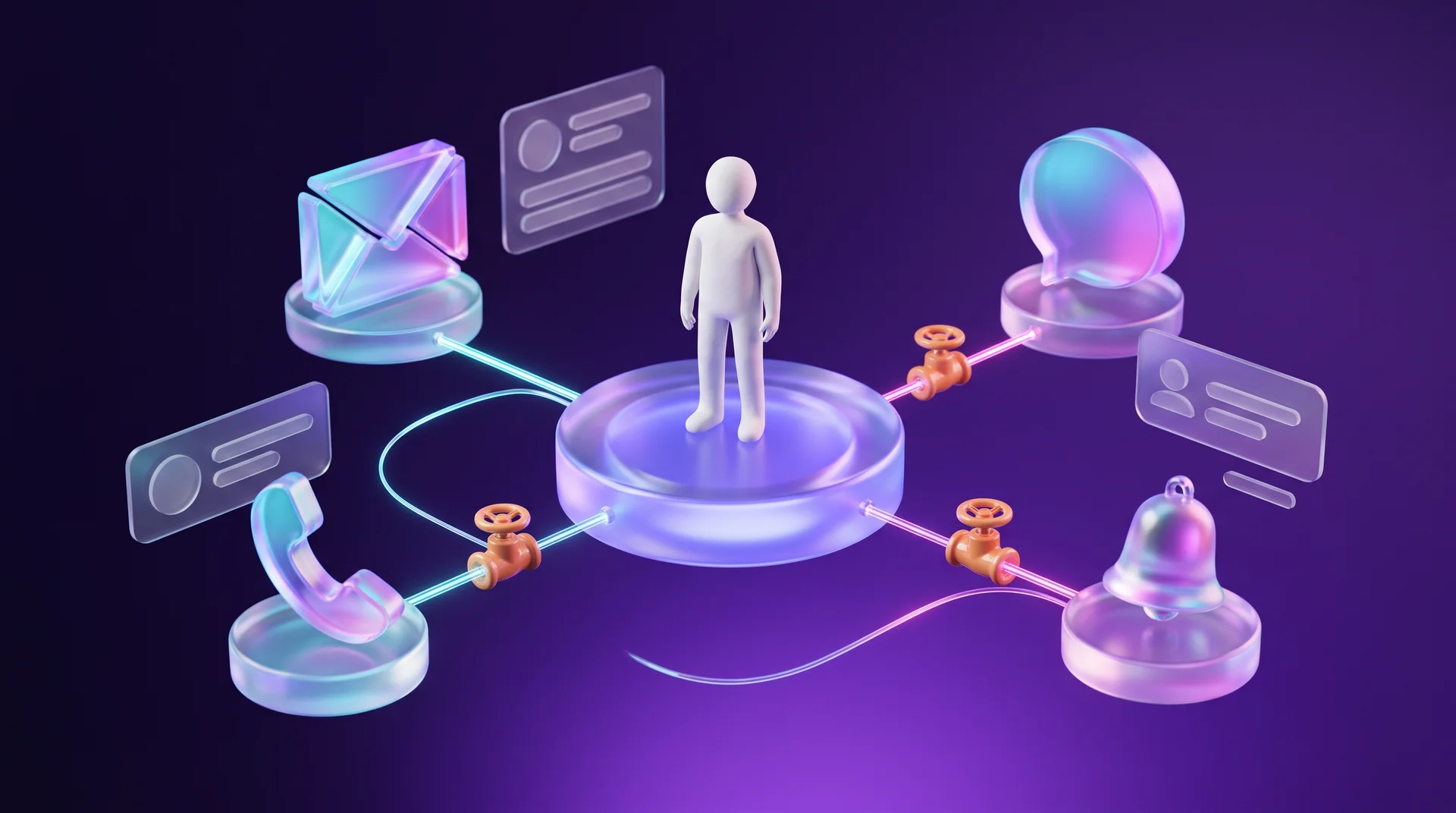
It pays to collect all these rules in a single document: a communication map. It lists every active scenario, audience, trigger, channel and frequency cap. A document like this reveals overlaps between scenarios, helps you avoid duplicates and lets you spot clashing sends before they happen. For a small business it can be a simple spreadsheet with columns for message name, owner, goal, audience, channel, trigger, maximum frequency and priority.
What privacy rules and mailbox providers require
Legal and technical requirements are the floor, not the ceiling. Meeting them won't make your messages relevant, but breaking them damages both your reputation and your deliverability. This section is a general overview, not legal advice: the exact rules depend on the countries where you and your recipients are, so check the specifics with a lawyer.
Consent and the ePrivacy rules in the EU
In the European Union, unsolicited electronic marketing by email and SMS is governed by the ePrivacy rules, implemented in each member state's national law, alongside the GDPR. In general terms this means:
- for marketing to individuals you usually need prior, opt-in consent; pre-ticked boxes don't count;
- there is a limited exception for existing customers who bought something similar from you, provided they were given a clear chance to opt out when their details were collected;
- the sender must be clearly identified, and every marketing message must include a simple way to opt out, which you then honour promptly.
That is why "they signed up once, five years ago" is a weak basis for a campaign. Genuine service and transactional messages are generally not considered direct marketing, which is exactly why you shouldn't slip promotional content into them.
GDPR and the data you keep
The GDPR applies to how you collect and store contact data, not only to how you send. For email marketing that means knowing where every contact came from and what they agreed to, being able to prove that consent, keeping only the data you actually need and deleting contacts you no longer have a reason to hold. Data minimisation is not just a legal requirement: a smaller, cleaner list is also easier to manage and performs better.
Gmail and Yahoo sender requirements
Since 2024, Google and Yahoo have required bulk senders to authenticate their domains (SPF, DKIM and DMARC), offer one-click unsubscribe and keep spam complaint rates low. You can find the full requirements in Google's email sender guidelines. A worn-out list hurts you here directly: more people hit "Report spam", and everyone's emails, including your service messages, start landing in the Promotions tab or the spam folder.
How to tell your list is getting tired
Looking at open rates alone is not enough. Since Apple introduced Mail Privacy Protection, some opens are registered automatically, which makes this metric inflated and less reliable. You need to look at several metrics together and at how they trend over time:
- unsubscribes and spam complaints;
- push notification opt-outs and blocks on WhatsApp;
- undelivered messages (bounces);
- click-through rate, not just opens;
- the share of contacts who haven't responded to anything within a set period, for example three or six months.
Compare not only against the list-wide average, but across segments, scenarios and periods. If long-standing customers respond worse than new ones, the cause may be cumulative frequency. If service messages get opened and promotions don't, check how relevant your offers are rather than sending them more often.
One metric worth building on purpose: total load per customer, meaning how many messages one person receives per week across all of your channels and scenarios. This number usually stays invisible when every team has its own plan and its own KPIs. If your data lives in a CRM, you can calculate it with a simple report.
Seasons, local context and language
Every market has periods when the audience's attention shifts sharply: public holidays, the summer break, the end-of-year rush, or times of crisis and bad news. A promotion sent at the wrong moment comes across as tone-deaf, even if it was planned months in advance. Check your sending calendar against the local holiday calendars of the countries you serve, and hold campaigns back when the mood isn't right. Multilingual lists are another reason to segment: a message in the wrong language is a fast way to lose someone's attention.
What to do when you are already sending too much
You don't need to stop all communication. Work through it in order:
1. Inventory. List every message you send: recurring, automated, service and one-off. For each one, record the owner, goal, audience, channel, trigger and frequency.
2. Priorities. Mark which messages are essential to the customer experience and which can be postponed, merged or dropped.
3. Priority and pause rules. For example, on a day when an important service message goes out, the same person doesn't get a general marketing email.
4. Segmentation. Remove people from campaigns when the offer is no longer relevant to them, and don't send the same message to the whole list just because it is technically possible.
5. Preference centre. Let customers choose topics, channels and frequency instead of offering a single "unsubscribe from everything" button.
6. List hygiene. Contacts who haven't engaged for a long time first get a short re-engagement sequence; if they still don't respond, they leave your marketing list. A small, active list beats a large, exhausted one.
7. Regular review. Go through your communication map once a quarter. A scenario that was useful at launch can lose its relevance a few months later.
Tools and automation
You don't have to do most of these steps by hand. Email platforms such as Mailchimp, Brevo and Klaviyo, and CRMs such as HubSpot and monday CRM, support segmentation, frequency caps and preference centres. When messages go out from several different systems, you can connect them through n8n, Make or Zapier so that, before every send, the workflow checks how many messages that person has already received this week. AI tools can help summarise replies and unsubscribe reasons, but the decision about what to send and to whom stays with you.
Common mistakes
- Measuring only open rates. The metric is inflated and doesn't reveal fatigue. Look at clicks, unsubscribes, complaints and trends.
- "We have consent, so it's fine." Consent is a legal requirement, not a reason to send. It doesn't make a message relevant.
- A coupon inside a service message. It hurts both the clarity of the message and trust in your brand.
- Sending everything through every channel. The same message by email, SMS and WhatsApp feels like spam.
- Waking up all inactive contacts at once. Without a diagnosis and a short sequence, this mostly increases spam complaints.
- Never cleaning your list. Dead addresses and inactive contacts hurt deliverability for everyone else on the list.
- Every team for itself. Without a shared communication map, nobody sees the total load on the customer.
How RJL Studio helps your messages work again
At RJL Studio we connect your website, forms, WhatsApp, email platform and CRM into one flow: consent is stored correctly, contacts are tagged by source and interest, and automated scenarios in n8n, Make or Zapier respect frequency caps and priorities. We help you build a communication map, set up metrics and reports that show fatigue early, and plan campaigns that respect your audience's attention.
Want to get your email marketing and automations in order? Read about our automation and integration services and campaigns and social marketing, or get in touch and we'll get back to you.
Frequently asked questions
How many messages a week is too many?
There is no single number that works for everyone. The right frequency depends on your product, channel and audience habits. The real signal is the trend: if unsubscribes, complaints and notification opt-outs are rising, or if long-standing customers respond less than new ones, you are probably sending more than your audience is willing to receive.
Should I delete inactive contacts?
Not right away. First send them a short re-engagement sequence or an invitation to update their preferences. Anyone who still doesn't respond is better removed from your marketing list. This improves deliverability and reduces legal risk, since you are no longer holding data you don't need.
Do service messages require marketing consent?
A genuine service message, such as an order confirmation or an appointment reminder, is generally not treated as direct marketing. But as soon as you add a promotion or an offer, it may be treated as marketing. Keep the two separate, and when in doubt, check with a lawyer who knows the rules in your market.
Why is my open rate high but nobody clicks?
Some opens are recorded automatically by privacy features such as Apple Mail Privacy Protection, so the open rate is inflated. Clicks and conversions are a much better reflection of real interest. If they are low, review how relevant your content is and how well your list is segmented.
What is a communication map and why do I need one?
It is a single document that lists every message your business sends, with its goal, audience, channel, trigger, frequency and priority. It reveals overlaps and clashes between teams and scenarios, and helps you control the total load on each customer.
Disclaimer: blog content is for general information and learning only and is accurate as of its publication date. It is not professional, legal, financial or business advice, nor a recommendation or call to take any action. Any use of this information is at the reader's own risk, and we accept no liability for any resulting loss. Links to external websites and tools are provided for convenience only. We recommend consulting a qualified professional before making decisions.