


SMS Marketing for Business: A Practical Campaign Guide
A text message is one of the few channels that almost always gets seen. It doesn't land in a promotions tab, doesn't need a special app and doesn't depend on a social media algorithm. The phone buzzes, the message appears on the screen, and in most cases it gets read within minutes.
That is why SMS works so well for information that matters and can't wait: an appointment reminder, an order confirmation, an offer that ends tomorrow. But the channel has its costs too. Every message is paid for, you only have a few dozen characters to work with, and data protection and e-marketing rules set clear limits on who you may send promotional texts to and when.
In this guide we cover:
- what businesses use SMS for and when it beats other channels;
- how to send SMS campaigns and how to choose a platform;
- how to write a short, focused message;
- how to measure results and what to do with the data;
- what you need to know about consent, GDPR and e-marketing rules;
- the most common mistakes and how to get started properly.
Why SMS still works for business
Most digital channels compete for attention in a crowded space. Inboxes are full of newsletters, every scroll of a social feed brings another ad, and on messaging apps a business message gets buried between family and friends' group chats. SMS has stayed relatively quiet: it mostly carries service notifications, verification codes and messages from organisations the customer already knows.
That brings a few practical advantages:
- It reaches almost every phone. No app, account or internet connection is needed to receive a text. This matters especially for older audiences and for people who don't use messaging apps or social media.
- It is read quickly. A short message on the lock screen gets read without even being opened. That makes SMS a good fit for anything that should be understood at a glance.
- Timing is precise. You can send a message exactly when it is relevant: two hours before an appointment, a day before an offer ends or the moment an order ships.
There are downsides as well. SMS is paid per message, it isn't suited to long or visual content, and sending too often erodes trust faster than email does. That is why many businesses combine it with email and WhatsApp and keep SMS for what really matters. We cover how to combine channels in detail in our guide to messenger marketing for business.
What businesses use SMS marketing for
SMS works both on its own and as part of multichannel communication. These are the five most common goals.
Sales and promotions
Announcing a sale, a new collection or an end-of-season clearance. The goal here is action: a visit to the website, a trip to the shop or a phone call. This kind of message works best when there is a genuine reason and a clear date, such as a weekend offer before the holidays or early access for loyal customers.
Service notifications
Order confirmations, shipping updates, a parcel waiting at a pick-up point, a reminder about a dental or hair appointment. Customers value these messages most because they save them phone calls and checking. They also reduce no-shows and cut the number of requests to customer support.
Collecting feedback
After a purchase or a service, you send a short message asking the customer to rate the experience or follow a link to a quick survey. A single question with a 1–10 scale, NPS-style, works better than a long form. Customers who give a high score can be invited to leave a Google review, while those who give a low score should get a call from someone on your team.
Important updates
New opening hours, a move to a new address, an outage in the booking system or delivery delays during a busy period. These messages don't sell anything, but they shape the customer experience and prevent frustration.
Personalised offers
A price drop on an item left in the cart, a birthday coupon, a reminder to renew a subscription or reorder a consumable. Offers like these are based on data from your CRM or online store, so they are more relevant and convert better.
Cascading messages across channels
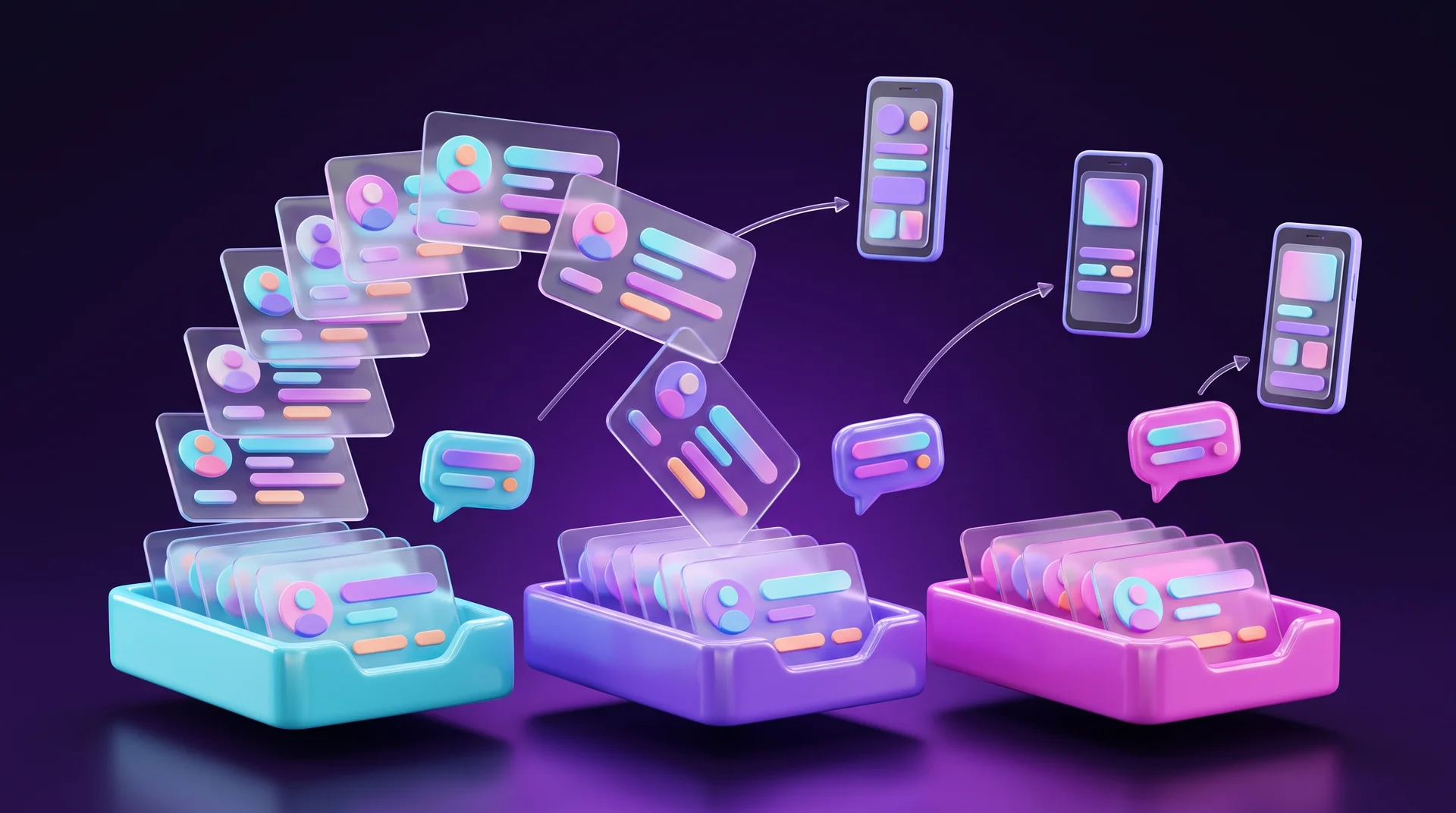
Automation platforms often use a method called cascading. The principle is simple:
- you start with the cheaper channels: email or a push notification;
- if the customer hasn't opened or acted within a set time, you follow up on WhatsApp or by SMS;
- as soon as the customer completes the action, the sequence stops.
This keeps SMS as the reliable "last resort" channel, and you don't spend budget on it when the customer has already received the message another way.
How to send SMS campaigns: platforms and methods
There are two main ways to send SMS at scale: through a messaging platform with a user-friendly interface, or through an API connected directly to your website, online store or CRM.
Messaging platforms
This is the most common option for small and medium-sized businesses. You upload a contact list, split it into segments, write a message and send it straight away or schedule it. Many email marketing platforms now support SMS as well, for example Brevo and Klaviyo, which combine email and SMS in one place. There are also dedicated SMS providers that focus only on text messaging.
API and automation
When messages need to go out automatically, for example after every order or booking, you use an SMS provider's API. International providers such as Twilio, Vonage and Infobip offer well-documented APIs. You can build the connection in code, or without code through n8n, Make or Zapier: a website form, a new order in your store or a status change in your CRM triggers a message.
What to check when choosing a provider
- Sender name. Can you send under your business name (an alphanumeric Sender ID of up to 11 characters) rather than from a random number? A familiar name builds trust and gets more messages read. Rules differ between countries, and some require the sender name to be registered in advance.
- Language and character support. Correct display of accented and non-Latin characters, accurate character counting and a clear estimate of how many message parts you will be billed for.
- Opt-out management. Automatic removal of anyone who asks to stop receiving messages, and a suppression list shared across all campaigns.
- Reporting. Delivery data, failed messages, link clicks and opt-outs.
- Integrations. A connection to your CRM, store or website, or at least an API and webhooks.
- Pricing. Price per message and per destination country, bundles, sender name fees and what happens when a message splits into two parts.
Sending step by step
1. Build your list. Only contacts who have explicitly agreed to receive marketing messages. Bought lists or numbers collected without consent are a legal risk, not just a reputational one.
2. Segment. By purchase history, interests, location or language. Even a simple split into new and returning customers improves results.
3. Write the message. Short, with one offer and one call to action (more on this below).
4. Send a test. To several different phones, to check the display, the link and the sender name.
5. Schedule. At a time that suits your audience, and never at night or on public holidays.
6. Measure. Deliveries, clicks, conversions and opt-outs, and compare them with previous campaigns.
How to write an SMS that works
In a text message every character counts. The message has to be understood in a second, spark interest and lead to a single action.
Keep it short and watch the encoding
Message length has a direct effect on cost. A message that uses only the standard GSM alphabet (Latin letters, digits, basic punctuation and some accented letters) can hold up to 160 characters. As soon as it contains a character outside that set, such as an emoji, Cyrillic letters or accented letters like ã or õ, it is sent in Unicode and the limit drops to 70 characters. Longer messages are split into several parts, each billed as a separate message, and every part loses a few characters to the technical header. So a message of 80 Unicode characters costs the same as two messages.
That is why it pays to:
- put the essentials first: what the offer is and when it ends;
- skip long greetings and unnecessary pleasantries;
- use a short link on your own domain instead of a long URL;
- check in your platform how many message parts will be billed before you send.
Tailor the message to the recipient
Using the customer's first name, mentioning a product they viewed or giving a coupon with a personal expiry date turns a generic message into a relevant one. To do that, you need clean data in your CRM or store. If your systems aren't connected yet, start with our guide on how to choose a CRM for your business.
One call to action
Every message should lead to one clear action: clicking a link, calling or showing a code at the till. A deadline, such as "until Sunday night", helps people decide, but only if it is real. A "last chance" offer that comes back every week teaches customers to ignore you.
A calm, readable tone
- no text written with odd substitutions or missing vowels to save characters: it is hard to read and looks suspicious;
- no strings of exclamation marks or words in ALL CAPS, which read as shouting;
- no abbreviations that only you understand;
- emoji only in moderation: a single one switches the message to Unicode and may look different on different devices.
Check language and formatting
If you write to customers in several languages, send each segment a message in its own language rather than mixing two in one text. Prices, dates and links can also display differently from what you expect, especially when special characters are involved. The simple fix: put the link at the end of the message, on its own line, and test the message on both an Android phone and an iPhone before sending. It is also worth deciding on a consistent, inclusive way of addressing your audience.

When and how often to send
Even a good message will annoy people if it arrives at the wrong time. A few basic rules:
- Not at night. Sending very late or very early hurts trust and increases opt-outs. If your audience spans several countries, schedule by the recipient's time zone.
- Weekends and public holidays. Respect local customs and holidays in each market. A message about a holiday offer goes out a few days before, not on the day itself.
- By type of business. A restaurant message works before lunch or dinner, an appointment reminder a few hours or a day in advance, and an online store offer usually in the morning or evening.
- Moderate frequency. There is no magic number, but promotional SMS should remain an event. A big Black Friday discount deserves a text; a small weekly discount is better sent by email.
- Clean your list. Contacts who haven't responded to any message for months should be removed from promotional sends or reached through another channel. This saves money and improves results.
How to measure the effectiveness of SMS marketing
Most SMS providers show basic data: how many messages were sent, how many were delivered and how many failed. That is enough to know the message arrived, but not to know whether it made money. For that, you need to connect SMS to your website and your sales.
Links with UTM parameters
Every link in a message gets UTM parameters, for example utm_source=sms, utm_medium=sms and utm_campaign with the campaign name. In Google Analytics 4 you can then see how many visits, leads and sales each message generated. Because a UTM link is long, use a link shortener, ideally on your own domain, so recipients recognise your business.
Unique coupons
A discount code sent only by SMS, or a personal code for each recipient, lets you count redemptions from the channel, even when the purchase happens in a physical shop.
A dedicated landing page and phone number
A page meant only for message recipients shows how many arrived and what they did on the site. A separate phone number for the campaign lets you count the calls it generated.
Attribution window
For each campaign, define a period during which sales are credited to it, for example the two days of a sale. For the figure to be reliable, it's best not to message the same audience through other channels during that period, or at least to segment so you can tell them apart.
The metrics worth tracking
- delivery rate and failure rate (clean out invalid numbers);
- click-through rate on the link;
- conversion rate: leads, orders, attended appointments;
- revenue versus campaign cost;
- opt-out rate after each send. A sharp rise signals irrelevant content or too high a frequency.
To see all your channels in one picture, SMS, email, paid and organic, it's worth setting up end-to-end analytics. We explain how in our guide to end-to-end marketing analytics.
SMS marketing and the law: consent, GDPR and ePrivacy
In the European Union, marketing by SMS is governed by two sets of rules: the GDPR, which covers personal data such as phone numbers and purchase history, and the ePrivacy rules on electronic marketing, which each member state implements in its own national law. Details differ between countries, so what follows is a general overview, not legal advice. If you send outside the EU, check the local rules in each market.
Prior, explicit consent
As a rule, you may not send marketing texts to individuals without their prior consent. In practice, that means a separate checkbox on your website form, not ticked in advance, with a clear explanation that the person will receive marketing messages. Agreeing to your terms of use or privacy policy is not consent to marketing. Keep a record of when, where and with what wording consent was given, because you may need to prove it.
Identify yourself
The recipient should be able to tell immediately who the message is from. Use a recognisable sender name, mention your business in the text and don't disguise a promotional message as something else.
An easy way to opt out
Recipients must be able to stop receiving messages easily, for example by replying with a keyword or following an unsubscribe link, and you should offer this in every marketing message. Honour opt-out requests immediately and across all campaigns, not just the one the request came from.
The risk
Breaking these rules can lead to complaints to the data protection authority, fines and claims from individuals. GDPR fines can be substantial, and for a list of thousands of recipients even a small mistake repeated in every message adds up. Beyond the legal side, sending without consent is the fastest way to damage your reputation and your sender name.
Service messages
A purely transactional message, such as an order confirmation or appointment reminder, is generally not treated as marketing. But if you add an offer, a coupon or a link to a sale, it may be treated as promotional. Keep the two types of messages separate.
Data protection
Phone numbers and purchase data are personal data. Under the GDPR you need a lawful basis for processing them, appropriate security measures and agreements with the providers who process data on your behalf. In practice: collect only what you need, give access to contact lists only to the people who work with them, choose providers that protect data properly and never pass lists around as open files by email.
Common SMS marketing mistakes
- Sending to a list without consent. A bought list or numbers taken from business cards is the shortest route to complaints and fines. Build your list yourself: website forms, the checkout, lead magnets.
- Messages that are too long. One extra line or a single emoji can double the cost without improving results.
- Linking to a page that isn't mobile-friendly. Everyone who taps a link in an SMS is on their phone. A slow or awkward mobile landing page burns your budget.
- No measurement. A link without UTM tags and one generic coupon for every channel make it impossible to know whether the campaign paid off.
- Sending to everyone. A generic message to the whole list costs more and delivers less than a segmented one.
- Ignoring opt-outs. An unprocessed opt-out request is both a legal problem and a hit to your reputation.
- Mixing service and promotion. Adding an offer to a service message turns it into marketing, with everything that implies.
How to get started: a 5-step plan
1. Define one goal. Appointment reminders, winning back customers, seasonal offers or collecting reviews. Pick one goal for the pilot.
2. Sort out consent. A separate checkbox on your forms, a record of consents and a clear opt-out process.
3. Choose a provider and connect it. A platform with a sender name, proper character support and a connection to your CRM or store, either directly or via n8n, Make or Zapier.
4. Run a pilot. One campaign to one segment, with UTM tags, a mobile-friendly landing page and an A/B test of two versions of the message.
5. Measure and improve. Compare cost with revenue, check opt-outs and decide whether to scale up, adjust or move the message to another channel.
How RJL Studio helps you build SMS marketing that delivers
At RJL Studio we connect SMS marketing to the rest of your business systems: website forms with proper consent, your CRM, online store and analytics. We build automations that send service messages and reminders on their own, cascading flows across email, WhatsApp and SMS, and fast mobile landing pages for your links to point to. We also set up tracking with UTM and GA4, so you know how much revenue each campaign brought in.
If you want to start sending SMS in a structured way or connect it to your CRM and website, take a look at our automation and integration and campaigns and digital marketing services, or get in touch for a short intro call.
Frequently asked questions
How many characters can an SMS contain?
A message using only the standard GSM alphabet can hold up to 160 characters. If it contains any character outside that set, such as an emoji, Cyrillic letters or certain accented letters, it is sent in Unicode and limited to 70 characters. Longer messages are split into several parts, and each part is billed separately.
Can I send marketing SMS to existing customers?
As a rule, you need prior consent to send marketing messages. In the EU there is a limited exception, often called "soft opt-in": you may be able to market your own similar products to existing customers whose number you collected during a sale, provided you gave them a clear chance to refuse at the time and in every message. Its exact scope differs by country, so the safe approach is to ask for consent separately, keep records and check with a lawyer if in doubt.
What is the difference between SMS and WhatsApp for marketing?
SMS reaches almost any phone and suits short, urgent messages. WhatsApp supports images, buttons and two-way conversations, but requires the WhatsApp Business Platform, approved message templates and compliance with Meta's policies. Many businesses use both: WhatsApp for conversations and rich content, SMS for reminders and for people who aren't reachable on WhatsApp.
How often should I send promotional SMS?
There is no single number, but promotional SMS should be relatively rare and saved for strong offers and important dates. Watch your opt-out rate: if it rises after every send, your frequency is too high or your content isn't relevant. Service messages are sent whenever they are needed.
How do I know if an SMS campaign worked?
Add UTM parameters to your links and check in Google Analytics 4 how many visits, leads and sales came from the campaign. Use coupons unique to the channel and compare revenue with the cost of sending. It's also worth tracking the opt-out rate and comparing each campaign with previous ones.
Disclaimer: blog content is for general information and learning only and is accurate as of its publication date. It is not professional, legal, financial or business advice, nor a recommendation or call to take any action. Any use of this information is at the reader's own risk, and we accept no liability for any resulting loss. Links to external websites and tools are provided for convenience only. We recommend consulting a qualified professional before making decisions.