


Does Your Business Need an App? 7 Common Myths
Having your own app feels like the natural next step. Your customers live on their phones, a competitor already has an icon on the home screen, and it seems that without an app your business is falling behind. In practice, many companies invest in app development, launch with great expectations and discover a few months later that only a handful of people installed it, and even fewer come back.
An app is a powerful tool, but not for every business and not at every stage. Before you commission development, it is worth separating what really matters from the myths that circulate in the market.
In this guide we cover:
- when an app justifies the investment and when a good website is enough;
- the difference between native apps, cross-platform apps and PWAs;
- why an app should not simply copy your website;
- how to choose between in-house development and an external partner;
- a step-by-step action plan for making the decision.
Myth 1: Every brand needs an app
An app is not a basic product that every business must have, and certainly not a young business with a limited budget. Building an app just because "everyone has one" is a reliable way to burn money. For most small and mid-sized companies, a fast, mobile-friendly and easy-to-use website delivers more value for less.
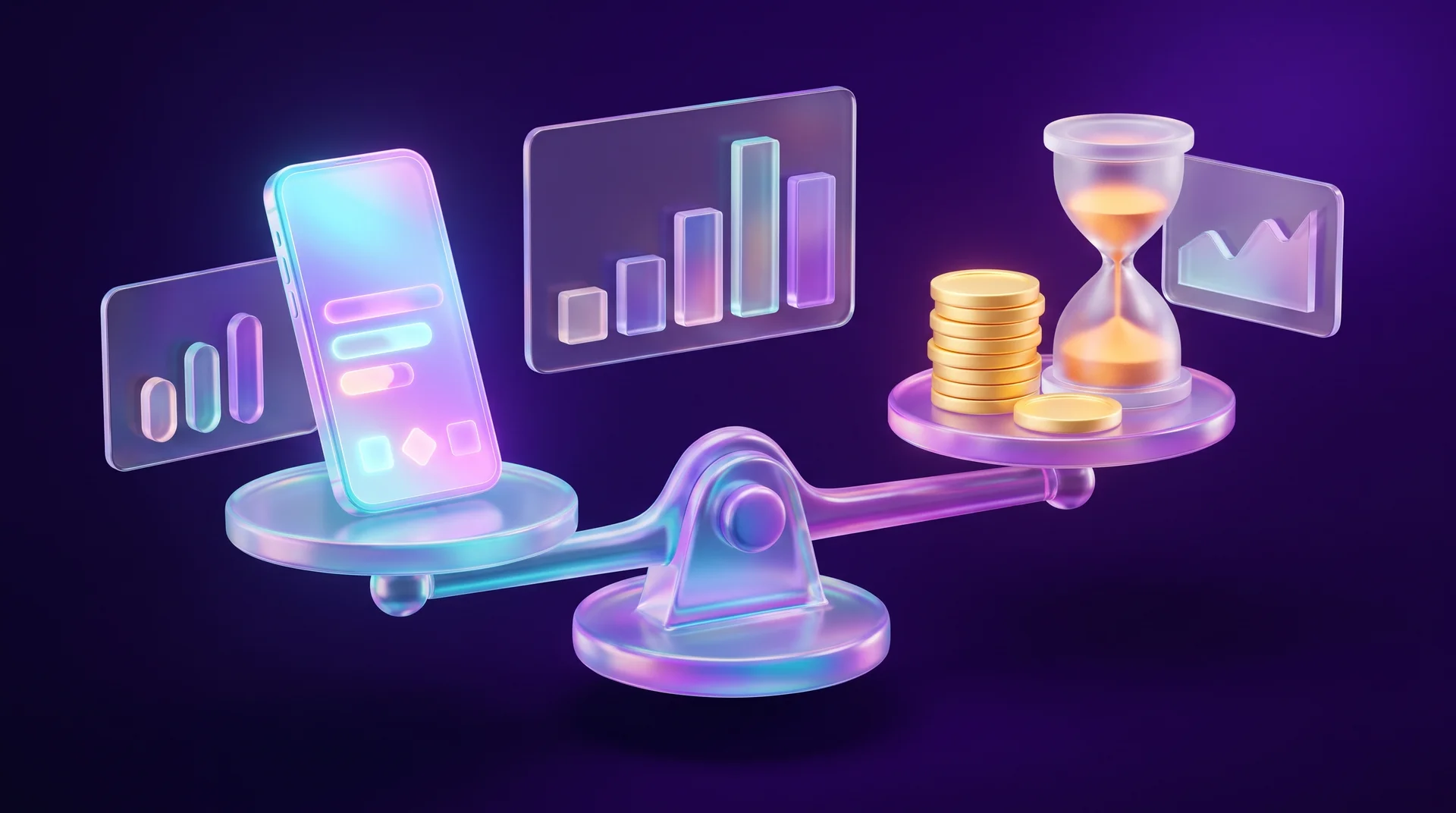
Before you decide, check the following points.
Where your traffic comes from
Open Google Analytics and see what share of your visitors arrive on mobile. In most markets the majority of browsing already happens on phones, so that number alone tells you very little. What matters more is what people do on your site. If they visit once, read and leave, an app will not change that behaviour. If they come back again and again to order, check a status or manage an account, you have a basis for a conversation about an app.
How often a customer buys from you
The main job of an app is retention: push notifications, personal offers, one-tap repeat orders. That is why apps suit businesses whose customers buy frequently, such as grocery stores, food delivery, cosmetics, fashion retail and gyms. For a business that sells a one-off service, like a home renovation or a logo design, an app almost never pays off.
There is one exception: a one-off but urgent service, such as towing, roadside assistance or a locksmith. Here an app with real-time location and live tracking of the service provider can be a genuine advantage.
What the app will offer that the website does not
A good app adds new capabilities instead of duplicating the website. For a shop that might be a barcode scanner, saved shopping lists or a digital loyalty card. For a transport service, live vehicle tracking on a map and fare estimates. For a clinic, a patient area with test results and appointment reminders. If you struggle to name a capability like this, it is probably too early for an app.
Whether it needs to work offline
One of the strengths of an app is offline mode: a map of your locations, an entry ticket, saved documents. If customers use your product often, in different places and without a stable connection, that is a strong argument in favour of an app.
Whether you run a loyalty programme
A loyalty programme is one of the most common reasons to build an app. A membership card on the phone, points that add up and offers that appear at the right moment are far more convenient than a plastic card or a code sent by text message.
What maintenance will cost
A website can be built on a modest budget, for example a landing page on a website builder. An app costs more from the very first version (the MVP), and the spending does not stop at launch. You need to update it for new iOS and Android releases, fix bugs, add features, pay for servers and market it so people actually install it. Budget for at least one to two years of maintenance, not just for development.
Myth 2: It does not matter which type of app you choose
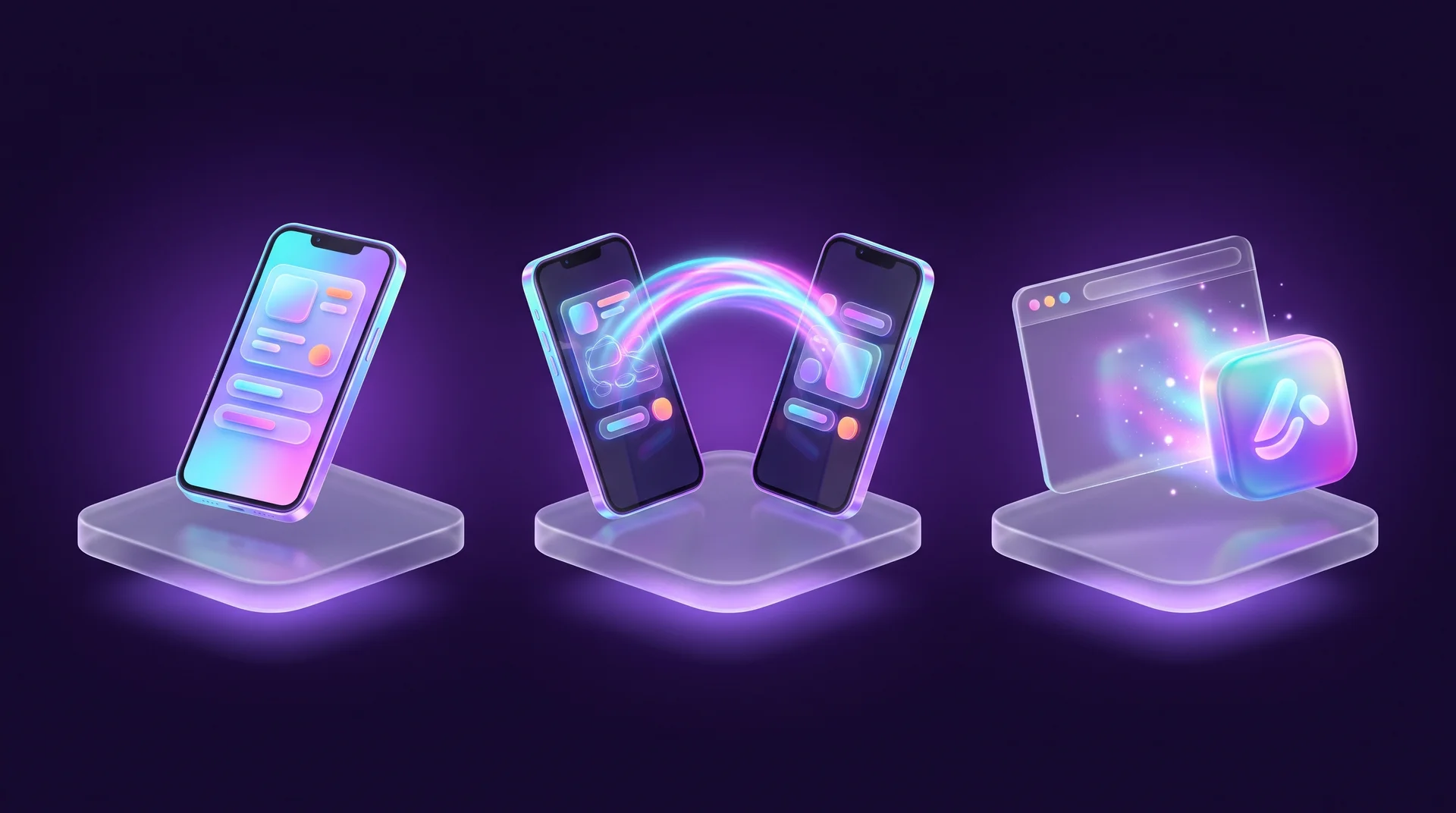
There are three main types of apps: native, cross-platform and web apps (PWA). The choice between them affects your budget, the speed of development and the cost of maintenance for years to come.
Native apps
A native app is written separately for each operating system: for iOS, usually in Swift and SwiftUI; for Android, in Kotlin and Jetpack Compose. An iOS app will not run on Android and vice versa, so in practice you build and maintain two products. That makes development slower and more expensive.
On the other hand, a native app has full access to the device: camera, GPS, Bluetooth, sensors, Face ID, the digital wallet. It is fast, smooth and works well offline. This is how complex apps with large audiences are usually built: banking, payment apps and products where the app is the core of the business.
Cross-platform apps
Here you write one codebase that runs on both iOS and Android. The leading tools today are Google's Flutter and React Native, and in recent years Kotlin Multiplatform as well. This approach saves time and money, which is why it is the common choice for small and mid-sized businesses and for the first version of a product.
The drawbacks have shrunk considerably, but they still exist. New operating system features sometimes arrive with a delay, some platform-specific functions require extra native code, and in apps with very heavy graphics the performance gap is still noticeable.
Web apps (PWA)
A PWA (Progressive Web App) is a website that behaves like an app. Users install it straight from the browser to their home screen, without an app store. It works on any device with a modern browser, and search engines see it as a regular website, so its content can appear in Google.
A PWA is faster and cheaper to build, and updates reach users immediately, without waiting for store review. It is worth considering in two cases:
- when the product's features are simple and complex development makes no sense, for example a content site, a catalogue, appointment booking or a simple choose-and-order service;
- when you need to test demand quickly and cheaply before investing in a full app.
Myth 3: A PWA can fully replace a native app
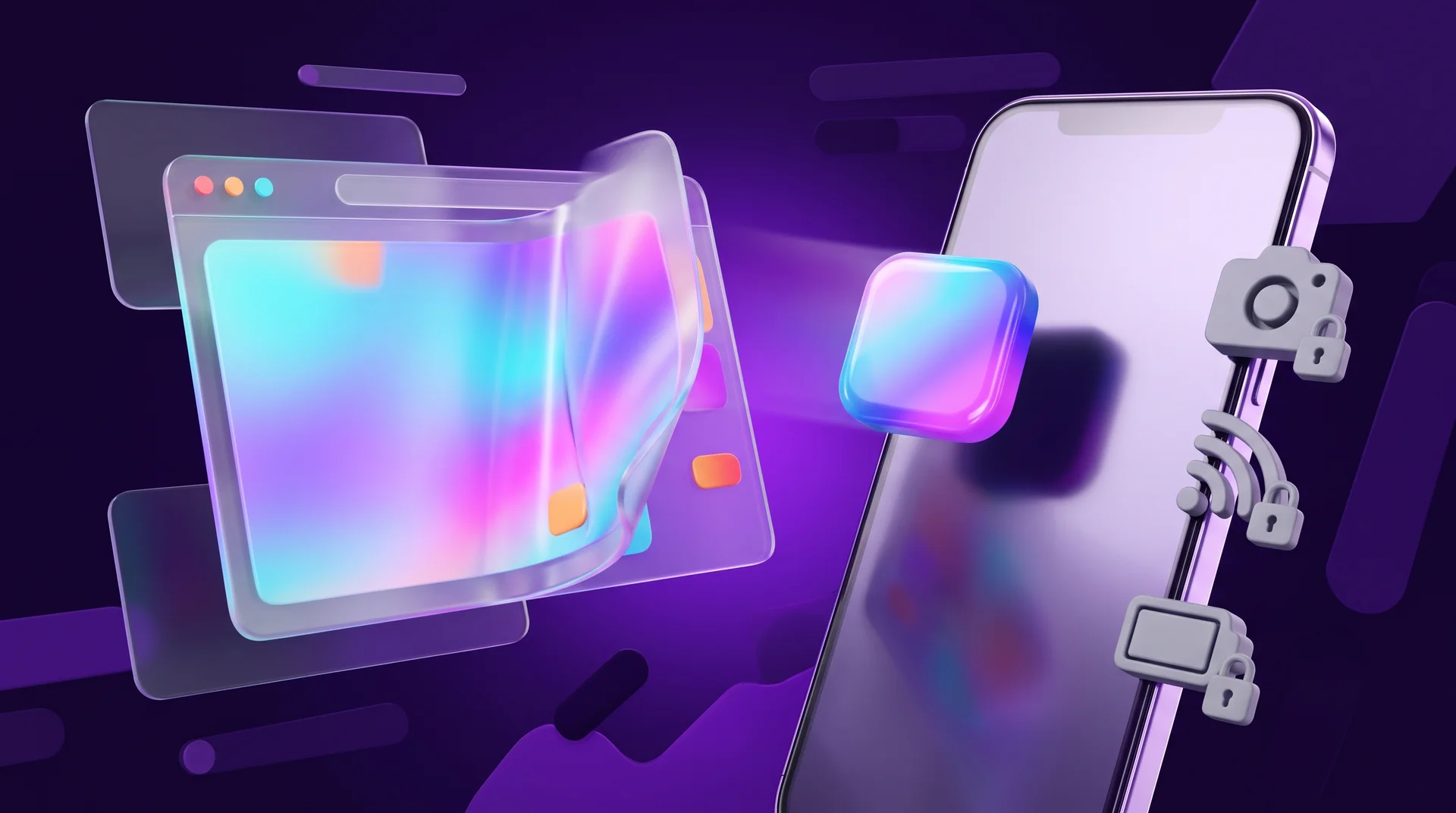
PWAs have improved a lot. On iOS, starting with version 16.4, a web app can send push notifications once the user has added it to the home screen. On Android you can even publish a PWA on Google Play. Still, it is not a complete replacement.
Browser limitations
Everything a PWA can do is limited by what the browser can do. Heavy animations, games, video processing or complex visual effects work less well than in a native app.
Partial hardware access
Access to some device capabilities, such as Bluetooth, NFC, contacts, the calendar or background tasks, is limited or unavailable, especially on iOS. If your product depends on any of these, a PWA will not be enough.
Installation and discovery
There is no app store search, and on an iPhone the user has to add the app to the home screen manually, through the browser's share menu. Most people do not know this is possible, so you need to guide them through it.
Payments
A PWA does not use the app stores' billing systems. That is partly an advantage, because you do not pay a commission to Apple or Google, but you need to connect your own payment provider. Typically that means a card payment gateway, often combined with Apple Pay, Google Pay and the local payment methods your customers already use.
Myth 4: A native app is always more convenient
There is a common belief that only a native app can be truly convenient. That is not quite right. Each type does its job well today, and the main differences sit "under the hood": in the code, the architecture and the way data is processed. Most users will not notice a difference in either look or comfort.
What really defines the user experience is design: a short and clear user flow, buttons within easy reach of the thumb, fast loading and understandable copy. A native app with a messy user flow will be less convenient than a well-planned PWA. So before you argue about technology, invest in product specification and in testing with real users.
Myth 5: A small business must build everything in-house or outsource everything
There are two extreme positions. One says: "We have no developers, so we will hand everything to an agency." The other says: "Only an in-house team can build a good product." The truth lies in between, and it depends on your stage and on the complexity of the product.
When in-house development makes sense
An in-house team fits when the app is the product itself rather than an extra channel. The advantages are clear:
- full control over the process, the pace and the costs;
- the people who know the business best take part in every decision;
- you can fix bugs and add features quickly, without a quote for every change;
- product knowledge stays inside the company.
The drawback is cost. You need to hire and retain developers, QA engineers, a designer and a product manager, which is a heavy load for a small business.
When an external partner is the better option
When the app is an additional service channel, when you need a first version fast, or when there is not yet enough work for a permanent team, outsourcing makes more sense. To make it work, agree on the following up front:
- who on your side owns the product and makes decisions;
- what goes into the first version and what is postponed;
- who owns the code, the store accounts and the domain. All of them should be registered to your business;
- what maintenance looks like after launch and how much it costs.
A common middle ground: an external partner builds the first version while the business gradually hires people who will continue development in-house.
Myth 6: An app is a smaller version of the website
A website and an app solve different tasks, so there is no point in copying the structure and design of your website into an app.

A website usually has a marketing job: to attract attention, explain, persuade and set the business apart from competitors. That is why there is room for bold typography, strong colours and visual effects. A visitor to your website does not necessarily know you yet.
An app has a different role: to help a user who has already chosen you complete a task quickly. Here function, simplicity, navigation and speed come before beauty. That is why app design tends towards minimalism: few details, clear controls and placement that is easy to tap with a thumb.
If you compare popular apps, you will notice they look alike: button placement, menu structure, the product card. That is not a lack of imagination. Designers follow the platform guidelines, Apple's Human Interface Guidelines and Google's Material Design, which build on habits users already have.
If you serve customers in several countries, there is one more layer: languages. Plan for longer German or Portuguese labels, different date and number formats, and right-to-left languages such as Arabic if they are part of your audience. Test these interfaces on real devices, including the direction of arrows and icons, mixed-language input fields and swipe gestures.
Myth 7: The more features, the better the app
This may be the most widespread myth of all. Today's phones can do almost anything, and the temptation to pack an app with as many features and impressive graphics as possible is strong. In practice it bloats the app, slows it down, complicates the interface and increases the number of bugs.

Users prefer simple apps where the key action takes seconds: a repeat order from their usual restaurant, paying by scanning a QR code, booking an appointment in three taps. Unnecessary features and animations clutter the design and pull attention away from what matters.
So instead of adding more features, improve usability. The faster users complete the core task, the more loyal they are to your business. Two methods help here:
- Start with an MVP. The first version includes only the feature the app exists for. Everything else comes after you see real usage data;
- Test with users. Usability testing with five or six users reveals most of the major problems before launch.
How to decide: a step-by-step action plan
Here is a practical process that helps you decide whether you need an app and, if so, which kind.
Step 1: Define the goal
Write down in one sentence what the app should change in your business: more repeat purchases, fewer calls to customer support, an active loyalty programme. If you cannot write that sentence, it is too early to build.
Step 2: Look at the data
Check in your analytics how many visitors return, how many repeat purchases you get and which actions customers perform most often. Ask your support team what customers request most.
Step 3: Improve the website first
Sometimes what looks like a need for an app is really a slow website or a poor mobile experience. A fast website with a customer account, convenient checkout and quick sign-in solves a large share of the problems. No-code platforms make it possible to do this relatively quickly.
Step 4: Test demand with a PWA or a prototype
Before investing in a full app, you can build a PWA or a clickable prototype and test with real customers whether they actually use it.
Step 5: Choose the technology and the partner
If the data shows a real need, choose between cross-platform and native based on the features you require. Compare several vendors, ask to see apps they have built and check what maintenance includes.
Step 6: Do not forget the regulatory requirements
- Privacy. Apps collect a lot of personal data. If you have users in the European Union, the GDPR applies, and the ePrivacy rules cover tracking and marketing messages. Apple and Google also require a privacy policy and a disclosure of the data your app collects. This is not legal advice, so check the details with a specialist;
- Accessibility. The European Accessibility Act has applied since June 2025 to a range of digital services, including many e-commerce and banking apps. Plan contrast, text size and screen reader support from the start;
- Payments. Customers expect to pay on their phones with Apple Pay, Google Pay and familiar local methods. Check in advance what your payment provider supports;
- Languages. If your audience speaks several languages, build multilingual support into the structure from day one, not as a late add-on.
Step 7: Plan the promotion
An app nobody knows about will not get installed. Plan how you will drive installs: links from the website, a message to existing customers, a reward for the first install and a paid campaign. After launch, track metrics such as active users, retention over time and store ratings.
How RJL Studio helps you choose between a website and an app
At RJL Studio we start with what the business needs, not with the technology. We review your website data, map user flows and help you understand whether an app will bring real value or whether a fast, mobile-friendly website will do the job better and for less.
When the website turns out to be the answer, we build it with a focus on the mobile experience, a customer area and integrations. When an app idea needs validating, we plan UX/UI design and specification and a prototype you can show customers before any development starts. Want to find out what is right for your business? Get in touch and we will get back to you.
Frequently asked questions
When does a small business need an app?
When customers come back often, when you run a loyalty programme, or when the app offers something the website cannot, such as a digital card, real-time tracking or offline access. If customers buy once or once a year, a good website is almost always enough.
What is the difference between a PWA and a regular app?
A PWA is a website that can be installed to the home screen from the browser, without an app store. It is cheaper and faster to build and shows up in Google like a website, but its access to phone features is more limited, especially on iPhone.
Which is better: Flutter, React Native or native?
For most businesses, a cross-platform app in Flutter or React Native strikes a good balance between cost and quality. Native makes sense when the app relies on advanced device features, heavy graphics or maximum performance.
How much does it cost to maintain an app after launch?
It depends on complexity, but maintenance is an ongoing expense, not a one-off: updates for new operating system versions, bug fixes, servers, the annual Apple developer membership fee and marketing. Ask for a maintenance estimate as part of the development quote.
Can an existing website be turned into an app?
Yes, in several ways. You can add PWA capabilities so the site can be installed to the home screen, or wrap it in a simple app for the stores. But an app that is only a wrapper around the website with no added value rarely justifies the investment, and Apple may reject it from the App Store.
Disclaimer: blog content is for general information and learning only and is accurate as of its publication date. It is not professional, legal, financial or business advice, nor a recommendation or call to take any action. Any use of this information is at the reader's own risk, and we accept no liability for any resulting loss. Links to external websites and tools are provided for convenience only. We recommend consulting a qualified professional before making decisions.