


Vibe Working: How to Use AI at Work Without Losing Control
Most office workers already open an AI chat several times a day: to draft an email, summarise a long document or sketch the outline of a presentation. But using AI now and then is not the same as having a way of working with it. Some teams save hours every week. Others get generic copy, factual errors and the feeling that the tool has simply added one more thing to check.
The difference between those two outcomes now has a name: vibe working. It describes work in which a person and an AI carry out complex tasks together, while decisions and accountability stay with the person.
In this guide we cover:
- what vibe working is and where the term comes from;
- which tasks you can hand to AI today, and which tools suit them;
- when you need to be careful with AI;
- four principles that let you work with AI without losing control;
- how to roll out vibe working in your business in seven steps, and what to keep in mind about language, privacy and internal policy.
What vibe working is
The term grew out of vibe coding. In early 2025 Andrej Karpathy, one of the co-founders of OpenAI and the former head of AI at Tesla, described a style of development in which the developer explains in plain words what they want, and the model writes the code, fixes errors and assembles a working prototype. The developer steers and decides; the AI does most of the technical work. We cover this in more depth in our guide to vibe coding for business.
Vibe working takes the same idea and applies it to the rest of office work. Instead of doing a multi-step task alone, an employee does it side by side with an AI assistant: bouncing ideas off it, asking it to analyse information, requesting a draft, then correcting and refining. In 2025 Microsoft also used the term when it introduced Agent Mode in Excel and Word, which shows it has moved from social media into the vocabulary of software vendors.
Wharton professor Ethan Mollick, in his book "Co-Intelligence", describes AI as a new kind of team member: a digital colleague that helps you shape ideas, analyse information and look for solutions. It is a useful way to frame it, because it reminds you that both sides do the work, but only one of them is accountable for the result.
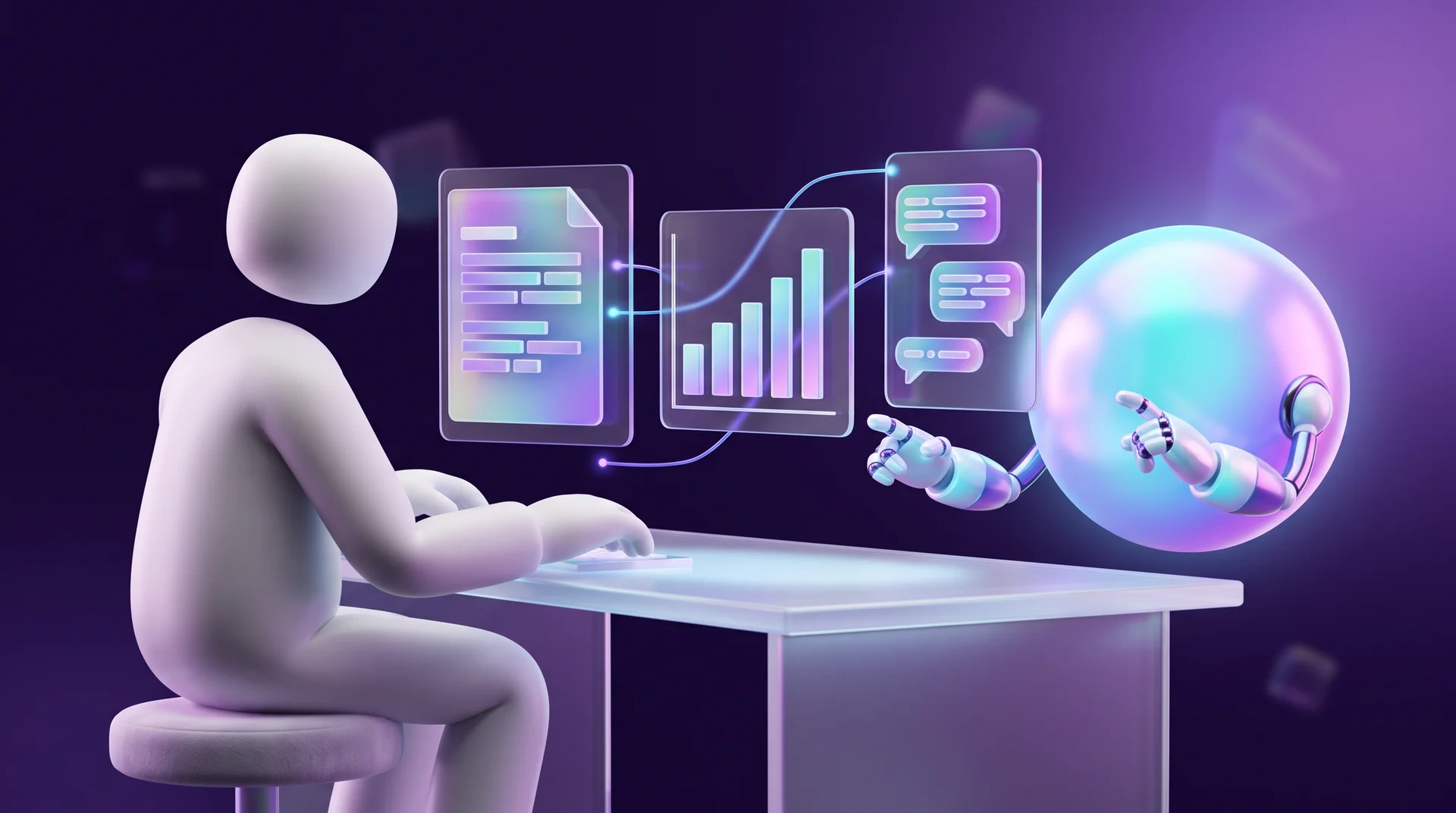
How vibe working differs from ordinary chat use
Ordinary use is question and answer: you ask, you get a reply, you copy it. In vibe working, AI is part of the workflow itself. It has standing context (company documents, writing style, guidelines), it is connected to the tools your team already uses, and for every task it is clear what the AI does and what the person checks. The richer the context, the more accurate the output and the fewer corrections you need.
Which tasks you can hand to AI today
In some businesses everyone uses one general-purpose assistant and opens a separate conversation for each task. Others build a set of specialised assistants: one writes code, another analyses documents, a third prepares reports. Either way, these are the areas where AI has already proven its value.
Routine tasks
AI assistants are particularly good at repetitive, template-like work: proposing a structure for a text, drafting an email, building the skeleton of a presentation, rewriting a paragraph in a different tone or translating internal content. This is where the time savings are most noticeable and the risk is lowest, because the employee reads and edits the result anyway. The quality of the draft depends heavily on how you phrase the request, so it is worth learning the basics of writing good AI prompts.
Documents and internal knowledge
Instead of digging through folders, procedures and email threads, an employee asks a question and gets an answer with a reference to the source document. You can do this with ready-made tools such as Google's NotebookLM, Projects in ChatGPT and Claude, or Copilot in Microsoft 365. Or you can build a smart internal knowledge base connected to your company documents using RAG.
Meetings and teamwork
AI assistants transcribe meetings, summarise them, record decisions and assign action items. Zoom, Google Meet and Microsoft Teams already include these features, and there are dedicated tools such as Otter, Fireflies and tl;dv. Less information gets lost between meetings, and follow-up becomes easier to track. If your meetings are not in English, or your team mixes several languages, test transcription quality on a real recording before you commit to a tool.
Data analysis and management decisions
The next step is analysis: AI spots patterns in sales data, flags tasks that are slipping behind schedule and helps you see where the team is overloaded. Managers can upload a spreadsheet and ask questions in natural language instead of waiting for an analyst's report. The decision itself stays with the manager, but they reach it faster and with a fuller picture.
Customer communication
Chatbots and voice assistants handle common enquiries, answer questions about opening hours, delivery and pricing, and pass to a human agent only what genuinely needs a person. Agents use AI to draft replies faster and to summarise a customer's history before they respond. The result: customers get a quick answer, and the team has more time for the complex cases.

Vibe working tools in 2026
You don't need ten tools. Most businesses manage perfectly well with one general-purpose assistant plus one or two tools built into the environment the team already works in.
- General-purpose assistants: ChatGPT, Claude and Gemini. All three handle writing, document analysis, working with files and research, and all three offer business plans for teams.
- AI inside office suites: Copilot in Microsoft 365 and Gemini in Google Workspace work directly in your documents, spreadsheets and inbox, so you don't have to copy information back and forth.
- Knowledge bases: NotebookLM, plus the project features in the general-purpose assistants, which let you keep standing documents and instructions for the whole team.
- Work management: monday.com, Notion and ClickUp include AI features for summarising tasks, drafting status updates and analysing workload.
- Automation and agents: n8n, Make and Zapier connect AI models to your business systems, so a task can run end to end on its own. We explain how this works in our guide to automation with n8n.
Tools change fast, so choose them based on your tasks and on where your team already works, not on whatever launched this month.
When to be careful with AI
Some tasks call for particular caution with AI: when confidential information is involved, when the decision requires deep expertise, and when the team has not yet built up experience with the tools.
Hallucinations and wrong sources
Even models that work with external sources, including RAG systems, sometimes invent facts, draw the wrong conclusions or give bad recommendations, and they do so with complete confidence. A study by the Tow Center for Digital Journalism at Columbia University found that AI search engines attributed quotes to the wrong article or source in more than half of cases. That is why every number, name, date or quotation that comes from AI needs to be checked against the original source.
Personal and confidential data
Pasting a customer list, a contract or payroll data into a free AI tool means handing that information to a third party. On the business plans of most vendors, your data is not used to train models by default, but you need to confirm this in the settings and terms of the specific tool, and decide in advance what information must never be uploaded.
Erosion of expertise
A survey of knowledge workers by researchers at Microsoft and Carnegie Mellon found that the more people trust AI, the less critical thinking they apply and the less they check its output. When automation runs without oversight, people stop looking at the details, and over time the team loses expertise that is hard to rebuild.
High-stakes tasks
In vibe coding it is common not to review the code by hand, but to improve it through repeated rounds with the model. When the same approach moves into office work, whole tasks get handed to AI with nobody checking the result, and then a small mistake in a quote, a contract or a message to a customer becomes expensive. The higher the stakes of a task, the more rigorous the human review needs to be.

Four principles for working well with AI
For vibe working to deliver results, you need to keep a balance between the "vibe" and the work itself. Four principles help you do that.
1. Measure effectiveness
Judge your use of AI against clear metrics: how much time it saves, how many corrections the output needs, whether the cost of the task has gone down and whether quality has held up. Check regularly where AI genuinely improves the work and where it doesn't yet, and adjust how you use it. Without measurement, it is easy to be impressed by the technology and miss the fact that it is mostly creating extra work.
2. Teach the team new skills
Working with AI is a skill in its own right. Internal guidelines, short how-to guides, checklists and sharing prompts and tools that worked well all help people develop it. Learning should become part of company culture: the better your team understands what the tools can and can't do, the better they will work with them.
3. Build AI into your business infrastructure
Choose solutions based on your own tasks and processes, not on the first tool that shows up in your feed. Sometimes a general-purpose assistant with a well-configured project is enough. Sometimes it makes sense to build a dedicated AI assistant, a smart knowledge base or an AI agent connected to your CRM, your helpdesk and your company documents.
4. Accountability stays with people
Even when you use AI every day, decisions stay with people. Every process should make it clear who is responsible for the result, and in which tasks AI may and may not be used. Managers need to keep this in mind when they assign work, especially where confidential information or commitments to customers are involved.
How to roll out vibe working in your business: seven steps
1. Map your tasks. For one week, each employee notes which tasks repeat and eat up their time. Email drafting, meeting notes, weekly reports and answers to recurring questions usually come up straight away.
2. Pick two or three tasks for a pilot. Start with high-value, low-risk tasks: drafts, summaries, initial research. Don't start with price quotes or legal correspondence.
3. Choose a tool and set the rules. One tool for the team, on a business plan, with a short document that defines what information may be uploaded, what may not, and who approves new tools.
4. Build standing context. Set up a project or custom assistant with instructions about your business, your writing style, your target audience and examples of good work. That way nobody has to explain everything from scratch in every conversation.
5. Define review points. For each task, decide what the person checks before the result goes out: facts, numbers, names, tone.
6. Measure and compare. After a month, compare time spent and the number of corrections with the situation before the pilot. Expand what works; change or stop what doesn't.
7. Connect it to your processes. Tasks that have proven themselves can be turned into automations: for example, every enquiry from your website is summarised automatically and added to the CRM with a draft reply waiting for an agent's approval.

Vibe working in practice: language, privacy and policy
Language quality
Large models write very well in English and in most major European languages, but not perfectly in every one of them. In smaller languages the phrasing can sound translated, the form of address can drift between formal and informal, and industry terms can come out unnatural. Give the tool examples of your own texts, state the tone and form of address you want explicitly, and read every text that goes to a customer. For transcription and voice tools the differences between vendors are bigger, so test them in the languages your team and customers actually use before you choose.
Privacy and personal data
This section is general information, not legal advice. If you work with customers or employees in the EU, the GDPR applies whenever personal data passes through an AI tool: you need a lawful basis for the processing, you should share only the data the task actually needs, and you need a data processing agreement with the vendor. Before you upload information about customers, employees or patients, check where the data is stored, who can access it and whether it is used for training. The EU AI Act also expects organisations that use AI to make sure their staff have a sufficient level of AI literacy, which is one more reason to invest in training. If in doubt, talk to a data protection specialist or a lawyer.
An AI usage policy
Even a business with five employees needs a one-page set of rules: which tools you use, what information must not be uploaded, what requires human review and who is responsible for the result. This document saves arguments and prevents a situation where everyone uses a different tool with different settings.
Common mistakes when working with AI
Starting with the tool instead of the task
People buy a subscription to a well-known tool and then look for a use for it. Do it the other way round: first understand which task is eating up time, and only then choose a tool.
Copying without checking
Text that sounds professional is not necessarily correct. Numbers, names, quotations and references to laws need to be checked against the source, every single time.
Letting everyone pick their own tool
When everyone works in a different tool, you can't share instructions, measure results or control what information leaves the business.
Giving no context
A request like "write an email to a customer" returns generic text. A request with a goal, an audience, a tone and an example returns a draft you can send after a small edit.
Expecting instant savings
In the first few weeks the team is learning, so work sometimes takes longer, not less. Measure the real benefit after one or two months.
How RJL Studio helps you bring AI into your business
At RJL Studio we build AI into real workflows: we connect ChatGPT, Claude and Gemini to your business systems, build assistants and knowledge bases on top of your company documents, and set up automations in n8n, Make and Zapier that move information between your website, your CRM, WhatsApp and your inbox. We start by mapping your tasks and running a small pilot, and we keep human review points wherever a mistake would cost money.
Want AI to save your team time instead of adding one more tool to check? Read about our automation and integration services or get in touch and we'll get back to you.
Frequently asked questions
What is the difference between vibe working and vibe coding?
Vibe coding is software development in which the developer describes what they want and the AI writes the code. Vibe working extends the same approach to all office work: writing, analysis, meetings, customer service and management. In both cases the person steers and checks, and the AI does a large share of the work.
Which tasks should I hand to AI first?
Repetitive, low-risk tasks: drafts of emails and documents, meeting summaries, initial research and presentation outlines. Tasks with legal or financial consequences are better left for a later stage, and they should always have human review.
Can I upload customer data to an AI tool?
It depends on the tool, the plan and the type of data. On business plans most vendors commit not to train models on your data, but you still need to check the settings and the terms of use, and under the GDPR you need a proper agreement with the vendor. It is best not to upload sensitive information to free tools at all, and if in doubt, consult a data protection specialist.
How do I know whether AI is really saving time?
Measure before and after: how long the task took without AI, how long it takes with it and how many corrections the output needs. If after one or two months the total time hasn't dropped, or quality has suffered, change how you use the tool or stop using it for that task.
Will AI replace employees?
In vibe working, AI takes over part of the tasks, not the accountability. Employees spend less time on routine work and more on work that requires judgement, customer relationships and expertise. People who learn to use the tools well become more effective, not redundant.
Disclaimer: blog content is for general information and learning only and is accurate as of its publication date. It is not professional, legal, financial or business advice, nor a recommendation or call to take any action. Any use of this information is at the reader's own risk, and we accept no liability for any resulting loss. Links to external websites and tools are provided for convenience only. We recommend consulting a qualified professional before making decisions.