


What Is RAG? AI That Answers From Your Business Data
Language models like ChatGPT, Claude and Gemini know a lot, but they do not know your business. What RAG is, how it connects AI to your documents and knowledge base, and where it saves your business time and money: that is exactly what this guide is about.
Language models handle large volumes of text well, but they do not always have the information a specific task requires. They do not know your company procedures, your internal knowledge base, your client contracts or your users' files.
One way to give a model access to this information is RAG. This approach powers enterprise assistants, AI agents, document search, customer service and any system that needs to answer based on specific sources.
In this guide we cover:
- what RAG is and how it differs from a regular language model;
- where RAG helps businesses;
- how a RAG system is built, step by step;
- how AI agents use RAG;
- how to start a RAG project and check that it answers correctly.
What RAG is and how it differs from a regular language model
RAG (Retrieval-Augmented Generation) is an approach to building AI systems in which the language model receives additional information from external sources before it answers, for example from the business's documents, knowledge base or database.
A regular language model answers based on what it learned in training and what it was told in the conversation. A RAG system adds a search step: it first finds information related to the user's question, and only then passes it to the model together with the question itself.
The information source can be company documents, a knowledge base, user files, a database or any other source the system is connected to.
For example, an employee asks the company assistant what the procedure for requesting time off is. A language model without additional context can only answer in general terms. A RAG system first finds the relevant section of the internal policy, passes it to the model, and the model answers according to that specific company's rules.
It is important to understand: RAG is not a neural network or a separate language model. It is an architectural approach that connects several components: an information source, a search mechanism and a language model (LLM). Search is responsible for finding the relevant information, and the model uses it as context to write an answer. That is also why comparing "RAG vs. LLM" makes no sense: the LLM is the model that generates text, and RAG is the way to organize a system around it and feed it external information.

Where RAG helps businesses
RAG is used in any system that needs to answer based on specific information: internal documents, work instructions, contracts, technical documentation, databases and other sources.
A customer service bot that knows your product
An AI assistant can look up answers in product documentation, user manuals and support team materials. That way it answers common questions automatically and hands only complex inquiries to an agent. If you are just getting started with bots, first read our guide to chatbots for business.
An internal knowledge base for employees
An employee asks a question in plain language, and the system finds the information in internal documents and writes an answer. This way people can look up time-off policies, onboarding instructions for new hires or work procedures without digging through folders. The same principle works in marketing: an assistant that knows your customer and brand data helps you build an AI-powered marketing strategy based on real information rather than generic advice.
Document search and analysis
RAG is well suited to finding information in contracts, reports, technical specifications and large archives. For example, you can ask what the terms for terminating an agreement are, and the system will find the relevant clauses and write an answer based on them.

In fields where mistakes are costly, such as medicine and law, the system's answers need an additional review by a professional. Having a source does not guarantee a correct answer: the document may be outdated, the search may pick the wrong passage, and the model may misinterpret it.
How a RAG system is built: 3 steps
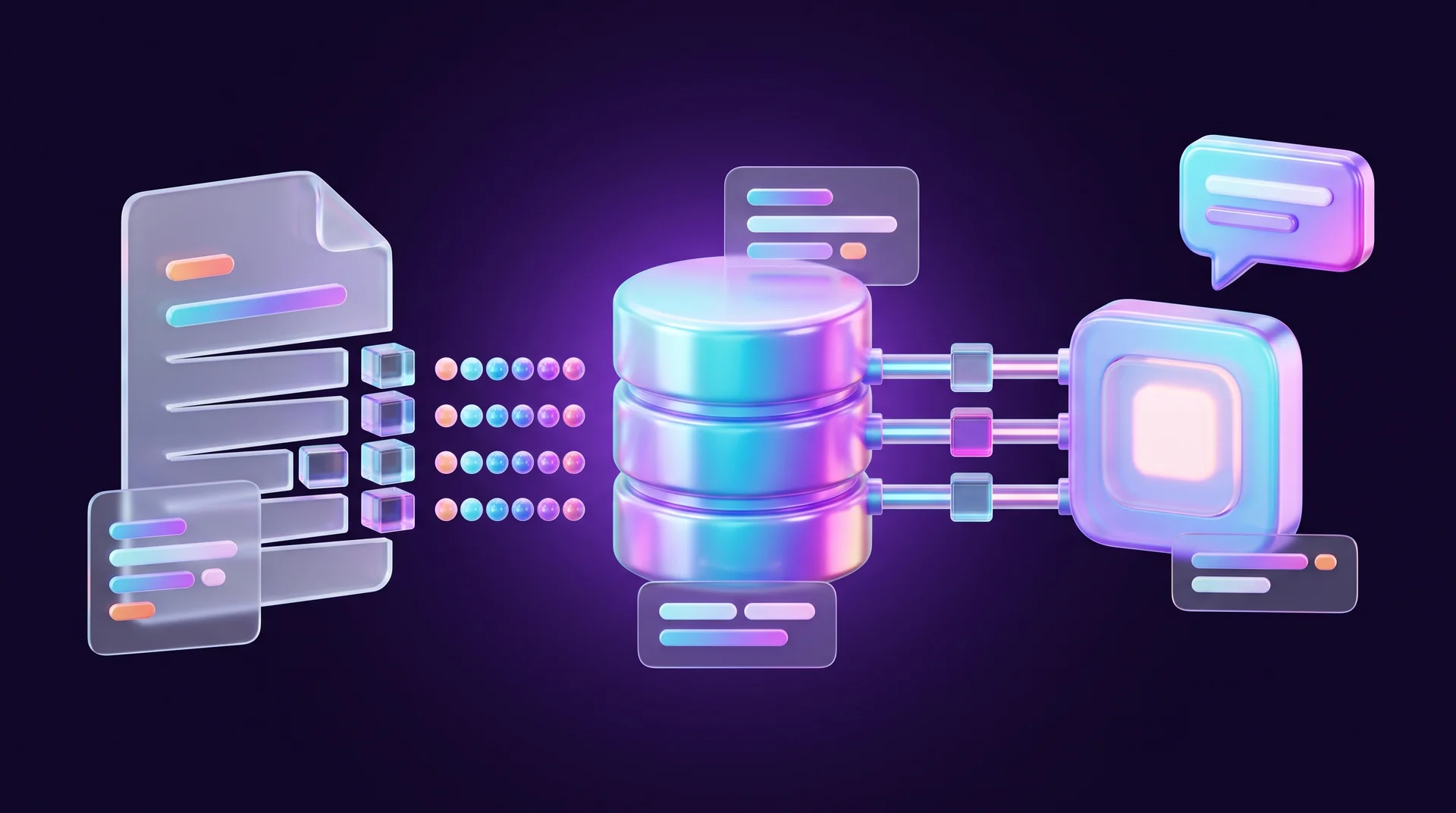
The architecture depends on the task, but the basic structure is almost always the same. The system prepares the information, searches it based on the user's question and passes the passages it finds to the language model to write an answer.
Step 1: Preparing the data and splitting it into chunks
Information sources can be documents, databases, enterprise systems and other services. Before search, the data is cleaned and split into small, meaningful passages called chunks.
Chunk size directly affects search quality. A chunk that is too large contains a lot of irrelevant information, and one that is too small loses context. So the chunking method is adapted to the type of documents and the task, and tested on real questions.
You can add metadata to each chunk: the document name, section, page number or a link. Metadata helps filter results and show users which sources the answer is based on.
Step 2: Searching by meaning
One of the core search methods in RAG is vector search. Text is converted into embeddings, a numerical representation that lets you compare passages of text by their meaning, not just by their words.
For example, the question "the server is not responding" will match a passage in the documentation that says "unable to connect to the server", even though the wording is completely different. The vectors are stored in a vector database such as Pinecone, Qdrant or Supabase with pgvector.
A component called a retriever selects the matching passages. Some systems combine vector search with full-text search to capture both meaning and exact matches, such as error codes, order numbers or SKUs. This is called hybrid search. You can also rerank the results so that only the most relevant passages reach the model.
Step 3: Generating the answer
After the search, the system attaches the passages it found to the user's question and passes them to the language model, such as OpenAI's GPT, Claude or Gemini. The model uses this context to write an answer.
If metadata was stored, the application can show the documents, pages or links the answer is based on. More advanced systems also add access control, query filtering and monitoring tools to restrict access to information and understand why the system gave a wrong answer.
AI agents and RAG: when the assistant also takes action
In a standard RAG system, the developer defines the sequence of actions in advance: receive a question, find matching passages in the knowledge base and pass them to the model.
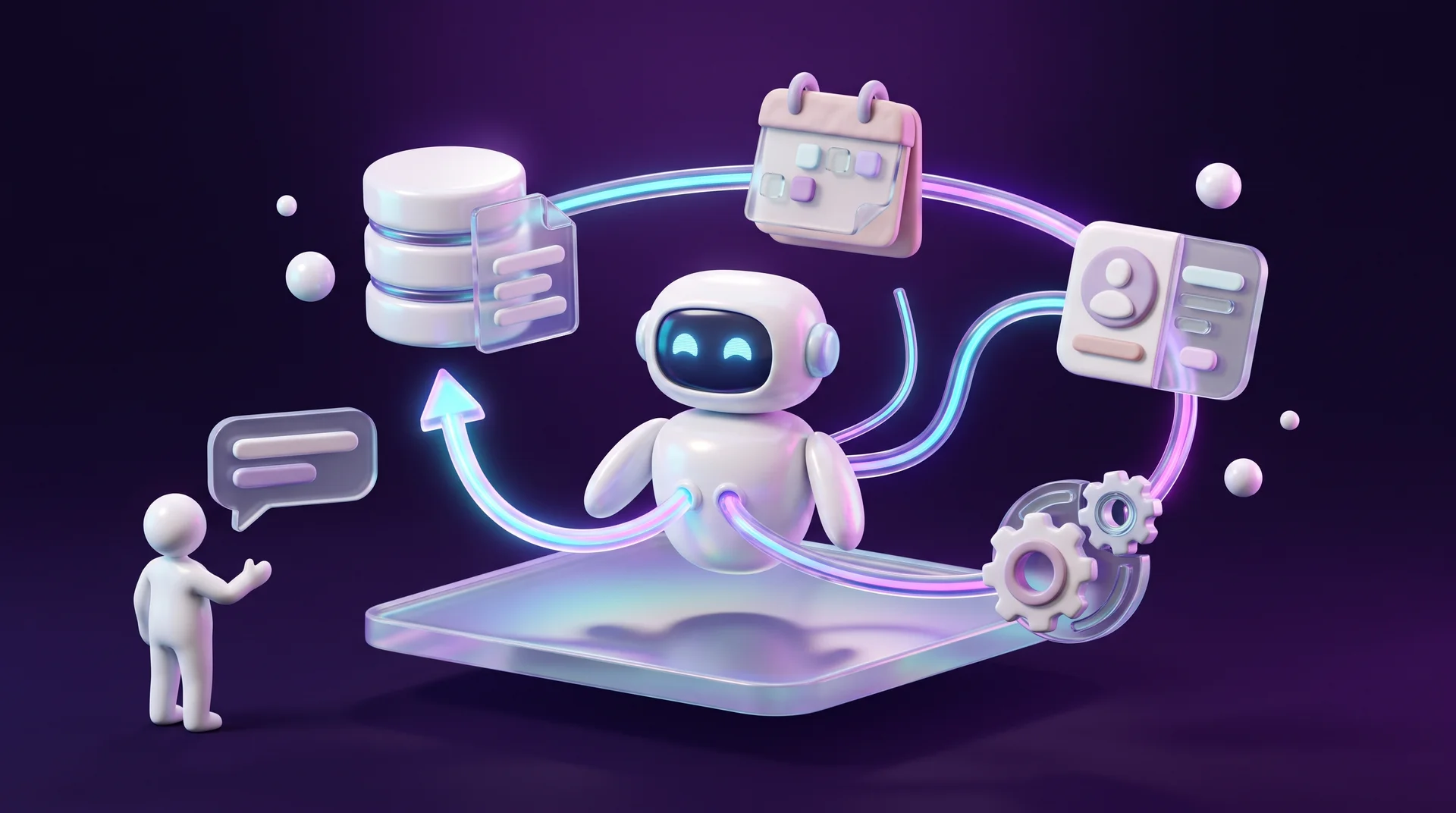
In a system with an AI agent, the model itself makes some of the decisions. The agent can decide whether a search is needed at all, choose the right source, refine the query and decide what to do with the information it finds. RAG becomes one of the agent's tools, alongside APIs, databases and other services. This approach is called Agentic RAG.
For example, a new employee asks the company assistant which documents to bring on their first day. A standard RAG system will find the onboarding instructions and answer based on them. An AI agent can go further: find the general rules through RAG, query the HR system through an API, check the role, department and documents already submitted, and prepare a personal task list. If information is missing, the agent will write a new query and search again, for example for department-specific instructions.
You can also give the agent memory so it retains information between actions or conversations. That way the assistant knows which onboarding steps the employee has already completed and will not suggest them again.
Another common scenario is customer service. RAG finds the instructions for fixing the issue, and the agent checks the order status or payment details through an API, or opens a ticket for an agent in the CRM. This way the system does not just answer questions but also carries out the actions related to them.
How to start a RAG project in your business
Before development, decide which task the system will solve, where the information is stored, how often it is updated and whether users need to see links to sources. From there, you can move forward in stages:
- Pick one clear use case. For example: answering customers based on FAQs, terms of service and the returns policy. To choose well, look at how competitors and industry leaders already use AI; see our guide to benchmarking for business.
- Collect and prepare the documents. Make sure they are up to date, free of duplicates and clearly named. RAG is only as good as the information you feed it.
- Choose the components. An embedding model that supports the languages you work in, a vector database and a language model such as GPT, Claude or Gemini. For fast builds there are also ready-made libraries such as LangChain and LlamaIndex.
- Instruct the model to answer only from the context. State in the instructions that if there is not enough information, the model should say so rather than make up an answer.
- Build a prototype and test it on real questions. You can build a first prototype even in a free environment like Google Colab and add a simple chat interface.
- Connect it to channels and systems. Website chat, WhatsApp, a CRM or internal work tools, for example with n8n or Make.
- Plan for ongoing updates and permissions. New documents should enter the knowledge base automatically, and each user should see only the information they are allowed to.
Answer quality depends not only on search but also on the model itself. A model that is too small may phrase correctly retrieved information inaccurately, and switching to a stronger model improves the wording. Even so, a strong model does not guarantee a correct answer: the result also depends on document quality, chunking, search and the model's instructions.
How to check that a RAG system answers correctly
Even a well-built system will not answer every question accurately. Errors can happen at two main stages: either the system found unsuitable information, or the language model misused the context it received. So it helps to test each stage separately.
Testing the search
If the system did not find the right information, the problem is usually in the retrieval stage. The causes vary: the information does not exist in the documents at all, the text was chunked poorly, the embedding model does not match the question to the content well, or too many irrelevant passages make it into the results. Sometimes the question itself is too general.
To test search, use metrics such as Precision@K and Recall@K, where K is the number of top results you check. If the system passes three passages to the model, then K=3. Precision@3 shows how many of the three passages are actually related to the question: if two out of three are relevant, the value is 2/3. Recall@3 shows how many of the needed passages the system managed to find out of all relevant passages in the knowledge base. It is especially important when a complete answer requires information from several places.
In practice, prepare a short list of test questions, mark in advance which documents or passages should be found for each one, and check whether they appear among the top results.
Testing the model's answer
If search works well but the final answer is wrong, the problem is in the generation stage. So for every answer, ask two separate questions: did the system find the right information? And did the model use it correctly?
One of the key metrics is faithfulness: how well the claims in the answer are supported by the retrieved context, and whether the model added information that is not in the sources. Another metric is answer relevance: whether the model actually answers the question rather than drifting from it. Tools such as Ragas, DeepEval and TruLens automate these checks by using a separate language model as a "judge".
No single metric describes the quality of the whole system. An answer can be highly relevant to the question and still include claims that do not appear in the sources, or the other way around. So check the entire chain: the question, the passages found, the context passed to the model and the final answer. That way you will understand not only that the system made a mistake, but also at which stage.
How RJL Studio builds AI assistants on your business knowledge
At RJL Studio we build AI assistants that answer from your business's own information: a website chat that knows your services and pricing, a WhatsApp bot that answers according to company policy, and an internal team assistant that finds information in procedures and documents. We work with models from OpenAI, Claude and Gemini, and connect the assistant to the systems you already use: CRMs like HubSpot and monday.com, Google Drive, Notion and your website, using n8n and Make, with access permissions and quality checks.
Want to see how an assistant like this would work on your data? Read about our automation and integration services or get in touch and we will get back to you with a proposal.
RAG FAQ
What is the difference between RAG and fine-tuning a model?
Fine-tuning changes the model itself and is mainly suited to teaching a style, format or recurring task. RAG does not change the model; it brings it up-to-date information at the moment of the question. So when the information changes, with RAG you only need to update the documents.
Does RAG prevent AI "hallucinations"?
RAG reduces them significantly, because the model answers based on sources rather than only on its memory. But it does not eliminate them entirely: an outdated document or an unsuitable passage can still lead to a wrong answer. That is why it is important to test the system and show sources.
Which information sources can you connect to a RAG system?
Almost any text source: PDF and Word files, website pages, FAQs, Google Drive, Notion, databases and CRM systems. What matters is that the information is up to date and well organized.
Does your business data stay secure?
It depends on the architecture. In a properly built system, you set access permissions for each user, choose model providers with a clear data usage policy and restrict the bot to only the documents it is allowed to see.
Does RAG work in languages other than English?
Yes. Multilingual embedding models and modern language models handle most major languages well. Test the system on real questions in the languages your customers use, including different phrasings and the professional terminology of your field.
Disclaimer: blog content is for general information and learning only and is accurate as of its publication date. It is not professional, legal, financial or business advice, nor a recommendation or call to take any action. Any use of this information is at the reader's own risk, and we accept no liability for any resulting loss. Links to external websites and tools are provided for convenience only. We recommend consulting a qualified professional before making decisions.