


What Is OAuth 2.0? A Plain-English Guide for Business
Have you ever clicked "Sign in with Google" on a website? Connected your company's Facebook page to a post-scheduling tool, or given n8n access to Google Sheets? Every time, you were using OAuth 2.0, even if you had never heard the name.
OAuth 2.0 is the standard that lets applications work with each other without you handing your password to every one of them. It is what allows you to connect a website, a CRM, an email marketing platform or a WhatsApp bot to other services, and to decide exactly what each of them is allowed to do.
In this guide we explain:
- what OAuth 2.0 is and why it is safer than sharing a password;
- the difference between authentication and authorisation, and where OpenID Connect fits in;
- who takes part in the process and how it works step by step;
- which OAuth flows are used today and which are no longer recommended;
- how to register an application and where businesses run into OAuth every day;
- which security mistakes to avoid.
What OAuth 2.0 is
OAuth 2.0 (short for Open Authorization) is a protocol that lets one application get limited access to your data in another service without ever receiving your username and password. Instead of a password, the application gets a token: a temporary digital key that only allows the actions you have approved.
Imagine you use an online photo editor and want to open pictures stored in Google Drive. Without OAuth, the editor would have to ask for your Google password. With that password, the editor would get access not only to your photos but also to your email, documents and calendar. And if the editor's servers were ever breached, your password would end up in someone else's hands.
With OAuth, the process looks different. The editor sends you to Google's own sign-in page. There you log in and see a clear request: "This app wants to access files in your Google Drive." If you approve, Google gives the editor a token that only works with those files, and only for a limited time. The editor never sees your password, and you can withdraw its access whenever you like.
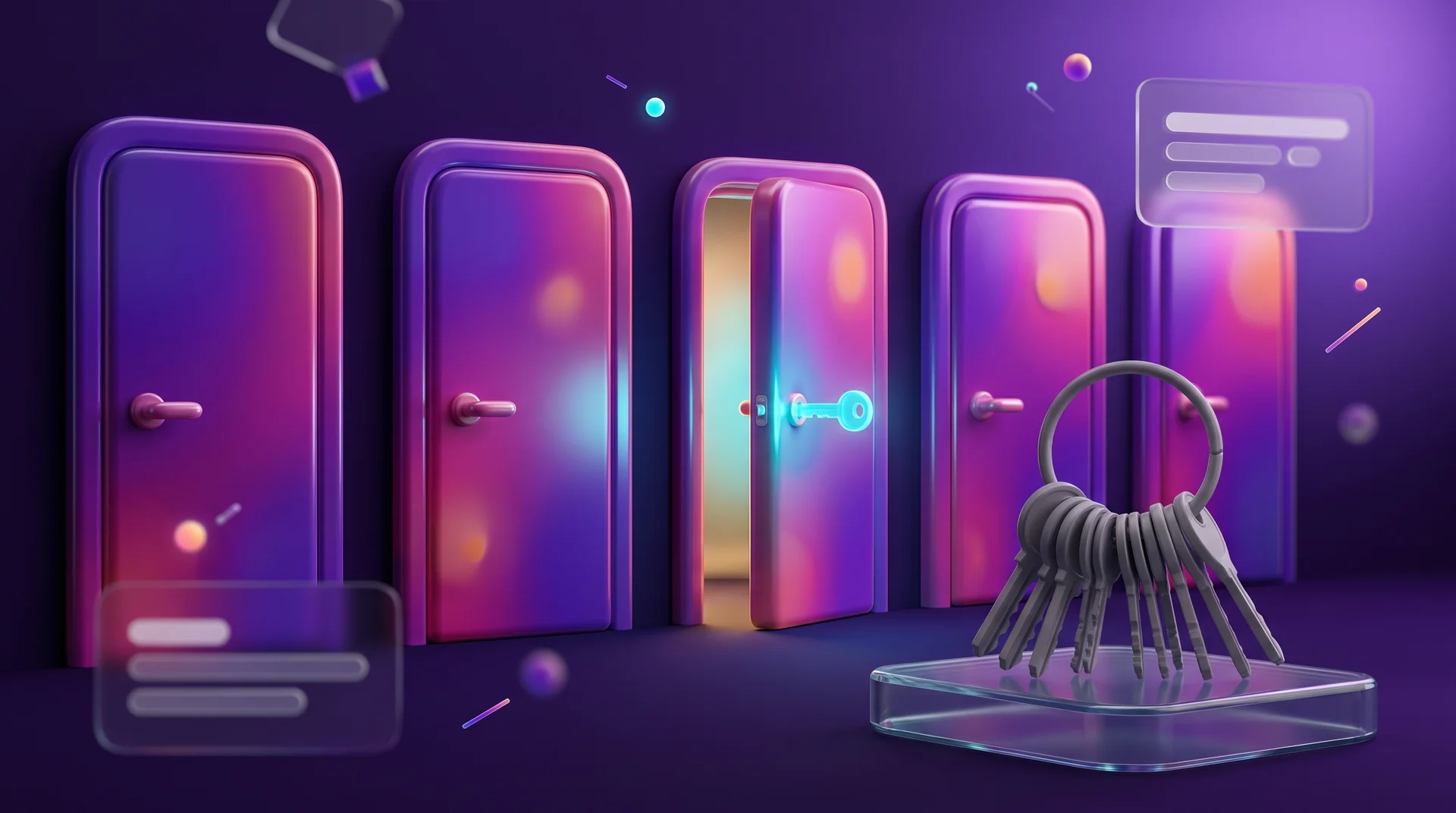
A good way to think about it is valet parking at a hotel. You give the attendant a valet key that starts the car but does not open the boot or the glovebox. Your master key stays in your pocket.
Who is behind the standard
OAuth 2.0 is an open standard published by the IETF, the organisation that defines the core protocols of the internet. The base specification was released in 2012 as RFC 6749. The first version of the protocol required complex cryptographic signatures on every request, which made it hard to implement. Version 2.0 is simpler and is built around different types of tokens.
Since then the standard has gained extensions and security recommendations. Today they are consolidated in the OAuth 2.1 draft and in the IETF's official security best-practice document for OAuth (RFC 9700). If you come across older tutorials, be aware that some of the techniques they describe are no longer recommended. We will come back to this below.
Authentication vs authorisation: OAuth 2.0 and OpenID Connect
Two terms get mixed up all the time here, so it is worth separating them:
- Authentication answers the question "Who are you?". The system checks that you really are who you claim to be, for example with a password, a one-time code sent by SMS or a fingerprint.
- Authorisation answers the question "What are you allowed to do?". The system decides which data and actions you can access: read only, edit as well, or delete too.
OAuth 2.0 is an authorisation protocol. It defines what an application may do with your data, but it was never designed to tell the application who you are.
Where OpenID Connect comes in
The authentication part is handled by OpenID Connect (OIDC), a layer built on top of OAuth 2.0. It adds an ID token to the process: a digitally signed document with basic facts about the user, such as a unique identifier, a name and an email address.
When you click "Sign in with Google" on a website, both usually work together. OpenID Connect confirms who you are, and OAuth 2.0 gives the website access to the basic profile details you have agreed to share. The older protocol called simply OpenID, which still appears in some outdated guides, is no longer in use. Today everyone means OpenID Connect.
In the corporate world you will also meet SAML, an older standard for single sign-on (SSO) across a company's internal systems. It remains common in large organisations, but new websites and apps usually choose OpenID Connect because it is lighter and works better with mobile apps and modern APIs.
The four roles in OAuth 2.0
Every OAuth process involves four parties. Let us stay with the photo editor and Google Drive example:
1. Resource owner. That is you, the user who decides whether to grant access to your data.
2. Client. The application or website requesting access, in our case the photo editor. "Client" is a technical term here and has nothing to do with your business's customers.
3. Authorisation server. The system that verifies who you are, shows you the permission request and issues tokens. In our example, that is Google's sign-in server.
4. Resource server. The system where the data actually lives. It receives a token from the application, checks it and grants access only to what is allowed. In our example, that is the Google Drive API.
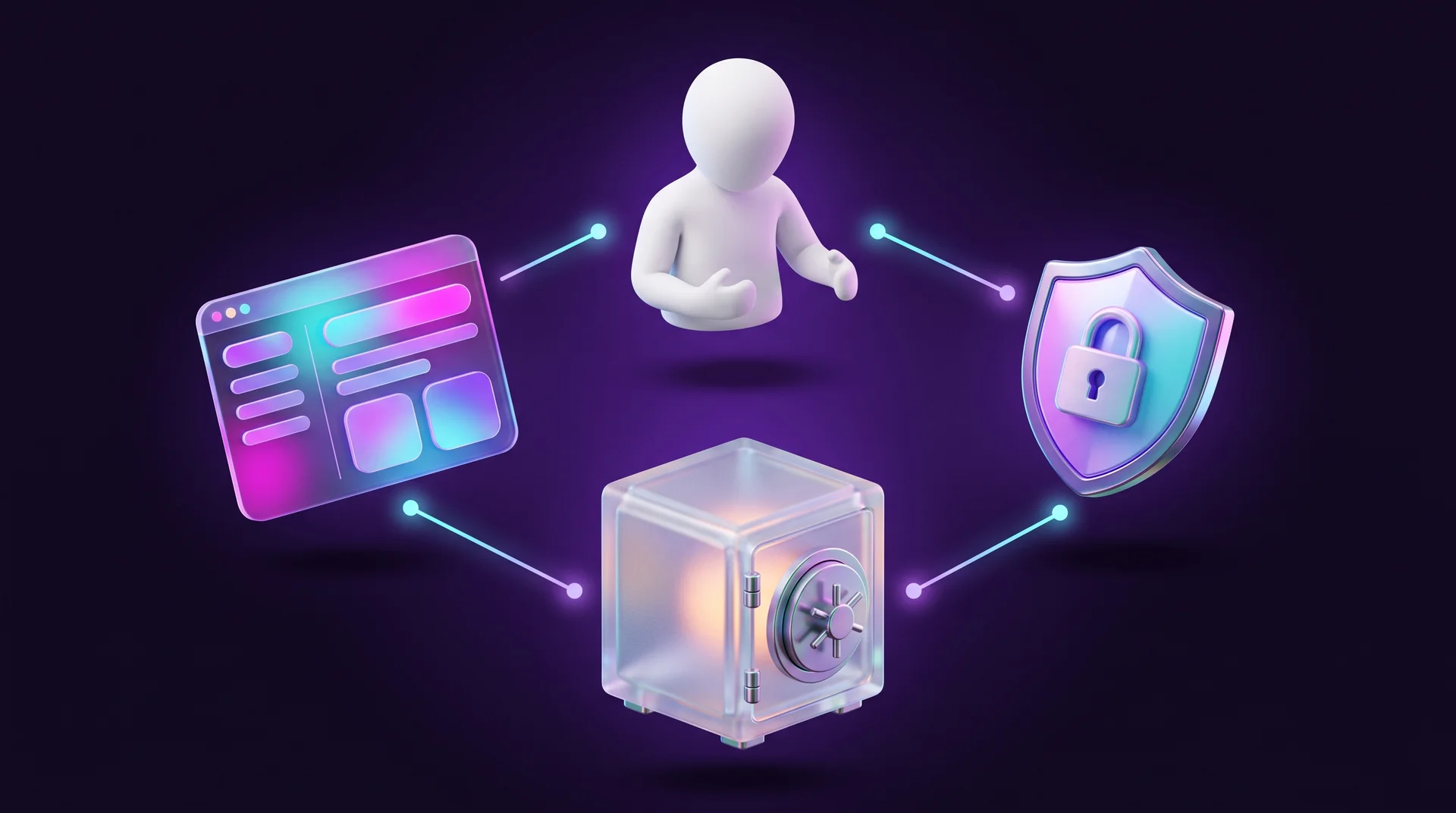
With large providers, the authorisation server and the resource server usually belong to the same company, but they are still two separate roles. That separation matters: the application never talks to the data store using your password, only with a token that has a clear scope and an expiry date.
How OAuth 2.0 works, step by step
The most common flow is called Authorization Code. In practice it looks like this:
1. Redirect to the authorisation server. The application sends you to the service's sign-in page with a URL containing a few parameters: client_id (the application's identifier), redirect_uri (where to send you after approval) and scope (which permissions are being requested).
2. Sign-in and consent. You log in on the service's own page, not the application's, and see a consent screen listing the requested permissions.
3. Authorisation code. Once you approve, the service sends you back to the application with a one-time code in the URL. The code is valid for a very short time and can only be used once.
4. Exchanging the code for a token. The application's server sends the code to the authorisation server along with its own credentials and receives an access token in return.
5. Accessing the data. The application calls the API with the token, and the server returns only the data covered by the permission.

Why bother with a code at all instead of sending the token straight away? Because the code travels through the browser, where it is easier to intercept. The token itself is exchanged directly between servers over an encrypted channel. Even if someone captures the code, without the application's credentials and without PKCE (more on that below) they cannot turn it into a token.
Tokens: access tokens and refresh tokens
OAuth uses two main types of token:
- An access token is the key the application uses to reach your data. It is short-lived, typically from a few minutes up to an hour. If it is stolen, the damage is limited in time.
- A refresh token lets the application obtain a new access token without asking you to log in again. It lives longer, which is why it should only be stored on the server side and kept secure.
The big advantage of tokens over passwords is that they can be revoked. If you stop using a tool, you remove its permission in your account settings and its access is cut off immediately, without changing your password and without affecting any of your other connected apps.
OAuth flows: what is relevant today
OAuth 2.0 defines several ways, called flows or grant types, of obtaining a token. Each one suits a different kind of application. The recommendations have changed considerably since 2012, so it helps to split them into two groups.
Flows in use today
- Authorization Code with PKCE. The standard flow for any application a user signs in to: websites, mobile apps and single-page browser apps (SPAs). PKCE (Proof Key for Code Exchange) adds a one-time secret to every request, so that even an intercepted code is useless to whoever intercepted it. It used to be recommended only for mobile apps; today it is recommended for every application.
- Client Credentials. For cases with no user involved, where one system talks to another on its own behalf. For example, a server that pulls sales data from another platform every night. The application identifies itself with a client_id and client_secret and receives a token.
- Device Authorization. For devices where typing is awkward, such as a smart TV or a kiosk. The device shows a short code, you open a web address on your phone, enter the code and approve the request.
- Refresh Token. Not a separate flow so much as the way to renew an expired access token without involving the user.
Flows that are no longer recommended
- Implicit. It used to be the go-to option for browser apps: the token came back directly in the URL, with no code step. It turned out to be far too easy to leak, and today it is replaced by Authorization Code with PKCE.
- Resource Owner Password. The user types their password directly into the application, which forwards it to the authorisation server. That contradicts the whole idea of OAuth, so current IETF security guidance rules this flow out, and OAuth 2.1 removes both it and Implicit.
If a vendor or developer offers you a solution built on either of these two flows, treat it as a reason to ask some hard questions.
How to register an application for OAuth
Before an application can request permissions, it has to be registered with the service it connects to. The process is similar at Google, Microsoft, Meta, GitHub and most other providers. Let us use Google Cloud Console as an example.
Step 1: Create a project
Sign in to Google Cloud Console with your company's Google account, not an employee's personal one, and create a new project. The project holds all of the application's settings, APIs and permissions in one place.
Step 2: Configure the consent screen
Fill in the details users will see: the app name, logo, support email address and links to your privacy policy and terms of service. A clear, professional consent screen builds trust and increases the share of users who click "Allow".
Step 3: Create an OAuth client and set the redirect URIs
Choose the application type (web application, mobile app, desktop app) and enter the redirect URIs: the exact addresses the user is allowed to be sent back to. Any address that is not on the list will be rejected, which is an important defence against impersonation.
Step 4: Choose the minimum permissions
Add only the scopes you genuinely need. If the app only has to read files, do not request write access as well. At Google, sensitive scopes require the app to go through a verification process before it can be opened to all users, and a narrow request gets through that review faster.
Step 5: Keep secrets on the server
At the end you receive a client_id and a client_secret. The ID is public, but the secret must stay on your server or in a secrets manager. Never put it in front-end code that runs in the browser, inside a mobile app or in a public GitHub repository.
Before writing any code, you can try the whole process in Google's OAuth 2.0 Playground: pick an API, approve a permission and see what the code and tokens actually look like.
Where businesses run into OAuth every day
Even if you are not a developer, OAuth is already built into many of the tools your business uses.
Signing in to a website with Google, Apple or Facebook
Social sign-in saves your users yet another password, and saves you from storing passwords and handling "forgot password" requests. On WordPress sites it is added with a dedicated plugin, on Wix it is part of the members area, and on Webflow it is usually handled by external tools such as Memberstack. In every case, OpenID Connect and OAuth are doing the work behind the button.
Connections in automation tools: n8n, Make and Zapier
When you connect a Google, Microsoft 365 or HubSpot account in Make or Zapier, a sign-in window from that service pops up. That is OAuth. In a self-hosted n8n instance, you sometimes have to create your own OAuth client in Google Cloud and paste in the redirect URL that n8n displays. We cover this in detail in our guide to n8n automation for business.
A tip from real projects: a Google app left in "Testing" mode receives refresh tokens that expire after seven days. If an automation "breaks" once a week and asks you to reconnect, that is usually the reason. Moving the app to production status solves it.

Integrations between systems
Connecting your website to a CRM, an email marketing platform, Google Calendar for booking meetings or the APIs of advertising platforms usually relies on OAuth. If you are new to the topic, start with our guide What is a REST API. It explains how systems talk to each other, and OAuth is how they prove they are allowed to.
AI tools and agents
AI assistants also connect to business systems through OAuth: when you give an assistant access to your inbox, calendar or CRM, you are approving a permission. The MCP specification, the protocol that connects language models to external tools, also bases authorisation for remote servers on OAuth. We go deeper into this in our guide What is MCP.
OAuth and data protection under GDPR
If you work with customers in the European Union, the GDPR expects you to collect only the personal data you need and to keep it secure. OAuth fits that spirit well: you request only the data required, you never store users' passwords, and access can be withdrawn easily. But OAuth does not take your obligations off your hands. If a website collects a name and email address through Sign in with Google, that processing still needs to be described in your privacy policy, rest on a lawful basis and be stored securely. If you also use the connection for marketing emails, the ePrivacy rules on consent apply on top. This is general information, not legal advice: for specific questions, talk to a data protection lawyer or your data protection officer.
OAuth security and common mistakes
OAuth is only secure when it is implemented correctly. Here are the most important rules and the mistakes we see most often.
Principles worth sticking to
- Least privilege. Every application requests only what it needs. If a token leaks, the damage stays limited.
- HTTPS everywhere. All codes and tokens must travel over an encrypted channel. A site without HTTPS should not be using OAuth at all.
- Short-lived tokens. Access tokens expire quickly, and sensitive actions, such as changing account details or accessing financial data, get extra protection.
- PKCE in every application, including websites with a server-side back end.
- Exact redirect matching. A closed, exact list of redirect URIs, with no wildcards.
- The state parameter. A random value the application sends and checks when the user comes back, to prevent an attack in which someone silently logs you in to their own account.
Mistakes that cost dearly
1. Secrets in client-side code. A client_secret or tokens saved in the website's JavaScript, in a mobile app or on GitHub. Anyone who opens the code can take them.
2. Requesting every permission "just in case". Users get nervous at a long consent screen and click "Cancel", and if there is ever a leak, the damage is far greater.
3. Connecting through an employee's personal account. The company's automation runs on an employee's Google account; the employee leaves, the account is closed and the processes stop. A service account or a dedicated business account is the safer choice.
4. No permission clean-up. Old tools nobody uses any more still have access to your inbox or Drive. Once a quarter, review the "connected apps" list in your Google, Microsoft and Meta accounts and remove whatever is no longer needed.
5. No handling of token expiry. The integration works at launch and breaks a week or a month later. Plan for automatic renewal and an alert when a connection fails from the very start.
You will find more on common threats and how to defend against them in our guide to information security threats for business.
How RJL Studio connects your systems securely
At RJL Studio we connect Webflow, WordPress and Wix websites to CRMs, email marketing platforms, calendars, WhatsApp and AI tools. We build these integrations with APIs, webhooks, n8n, Make and Zapier, and we follow the rules described in this guide: minimum permissions, secrets kept on the server, service accounts instead of personal ones, and automatic token renewal with alerts whenever something fails.
Want to connect your website and business tools without passing passwords from hand to hand? Read about our automation and integration services or get in touch and we will get back to you.
Frequently asked questions
Does OAuth 2.0 pass my password to the application?
No. You only enter your password on the service's own page, for example Google or Microsoft. The application receives a token with limited permissions and never sees your password at any stage.
What is the difference between OAuth 2.0 and OpenID Connect?
OAuth 2.0 deals with authorisation: what an application is allowed to do with your data. OpenID Connect is a layer on top of it that deals with authentication: who you are. A "Sign in with Google" button usually uses both together.
How do I revoke access I have given to an app?
Open the security settings of your account at Google, Microsoft, Meta or any other service and look for the list of connected or third-party apps. From there you can remove any application, and its tokens stop working.
Is OAuth 2.0 suitable for a small business?
Yes, and most of the time you use it without developing anything: connections in Make, Zapier and n8n, social sign-in on your website and CRM integrations are already built on it. What is left for you is to choose minimum permissions and manage your connections from a business account rather than a personal one.
What is OAuth 2.1?
OAuth 2.1 is a consolidated version of the standard that brings together the recommendations accumulated since 2012. It makes PKCE mandatory for the Authorization Code flow and removes the Implicit and Password flows. If an application already follows current OAuth 2.0 best practice, moving to 2.1 requires almost no changes.
Disclaimer: blog content is for general information and learning only and is accurate as of its publication date. It is not professional, legal, financial or business advice, nor a recommendation or call to take any action. Any use of this information is at the reader's own risk, and we accept no liability for any resulting loss. Links to external websites and tools are provided for convenience only. We recommend consulting a qualified professional before making decisions.