


Chatbots for Business: What They Are, Why You Need One and How to Build It
How do you build a chatbot yourself, without developers? And when is it time to bring in a developer? We've gathered everything you need to know before adding a chatbot to your business.
Customers like messaging businesses. Twilio surveyed about 6,000 consumers and found that 85% of them want to contact customer service by message. According to GSMA data, 56% of customers would rather chat than call a contact center, and 51% expect an instant reply at any hour of the day.
In many markets this is especially noticeable: WhatsApp is the main channel between businesses and customers, and that's exactly where customers expect a fast response. For the customer, a chatbot means 24/7 service and an answer within seconds. For the business, it means more sales and support without growing the team of agents.
This guide is for anyone who hasn't yet added a chatbot to their toolkit. We'll cover:
- which business tasks a chatbot solves, and why it shouldn't be confused with broadcast messaging;
- when a no-code tool is enough and when it's better to hire a developer;
- how to build a simple chatbot yourself in 5 steps;
- what you need to know to commission development of a complex bot.
What a chatbot is and why your business needs one
A business chatbot is an automated system for conversations with customers: an algorithm that helps them complete tasks such as placing an order in an online store, booking an appointment or checking a status, without a human agent getting involved.
Almost every marketer knows the term, but it's often confused with other tools or credited with capabilities it doesn't have. Let's clear things up: which tasks text bots solve in a business, where they're used and what they can't do.
Examples of standard bot actions: reminding customers about a promotion, taking an enquiry, helping complete an order, cancelling a doctor's appointment, confirming a delivery, saving the user's answers, qualifying a lead and passing the details to the CRM.
Where you encounter chatbots
- in messaging apps and social networks: WhatsApp, Instagram, Messenger and Telegram;
- in mobile apps;
- on websites, in a chat window;
- in voice assistants such as Google Assistant, Siri and Alexa;
- on dedicated landing pages.
It's important not to confuse a chatbot with broadcast messaging or an updates channel. A chatbot "talks" with the user and answers their questions. A broadcast only delivers information, without asking anything or responding to replies. If you send a broadcast through a chatbot, the bot can answer questions and continue the conversation with the user.
Bots can work not only in text but also by voice, or a combination of both. In this guide we focus on text-based chatbots. Voice assistants are a topic for a separate article.
Which business tasks a chatbot solves
In business, chatbots solve two large groups of tasks:
- Conversions and sales. Bots that talk to prospective and returning customers, with the goal of leading the user to a purchase.
- Reducing the load on customer support, and therefore cutting costs. Bots that answer frequently asked questions and help users solve problems. Especially common in large companies.
What a chatbot can't do
There are a few misconceptions about chatbots. They don't fully replace people: the bot closes some tasks on its own and hands the conversation to an agent for others. Chatbots also aren't meant for spamming people who never asked to receive messages. And a bot in a messaging app doesn't replace your entire sales setup: you still need a website.
How effective are chatbots? Messages in messaging apps get opened at a much higher rate than emails, and customers reply to them faster. A bot's response time is measured in seconds, compared with hours for email.
By common industry estimates, a bot on the first line of support can take on 50% or more of enquiries. These are routine requests that don't need a personal touch. The bot frees agents from repetitive work, saving both direct costs and indirect costs that are hard to measure.
Chatbots are also used inside organizations: in HR, to answer employee questions, or in internal IT support, to open tickets, track their status and book meeting rooms. In this guide we focus on bots for marketing and sales.
No-code tool or custom development?
Chatbots vary in complexity. There are simple bots: they show information on request or answer questions if the answer exists in their knowledge base. If there's no answer, the bot hands the conversation over to an agent. Bots like these are usually built in-house with no-code tools.
Complex chatbots understand free-form language, remember the context of the conversation and connect to the business's systems. Today most of these bots are based on large language models (AI) such as ChatGPT, Claude or Gemini, and they're usually commissioned from developers. No-code tools already have AI features too, but when you need deep integrations, complex business logic or full control over the answers, custom development still delivers a better result.
It isn't always worth starting by looking for a developer. First, map out the solution: sketch the conversation script on a digital whiteboard such as Miro, FigJam or Lucidchart.
If the script is linear, simple and doesn't require connecting systems, you can try building it yourself with no-code tools. There are plenty of them today, and they're very mature.
How to build a simple chatbot yourself: 5 steps
Chatbot builders usually cost tens of dollars a month. There are free plans as well as more expensive services. With some tools the price depends on the number of contacts or the complexity of the scripts. On WhatsApp you also need to factor in Meta's fees for conversations through the WhatsApp Business Platform.
Step 1: Choose where the bot will run
WhatsApp, a chat window on your website, Instagram and Messenger, Telegram or a separate landing page. Most businesses start with WhatsApp and their website, because that's where their customers already are.
Step 2: Define the bot's goals
Which action should the bot lead the user to? For example: getting information, ordering a product, joining a waiting list or booking an appointment. Maybe the bot needs to announce discounts, promotions and products that are back in stock, or answer questions.
To answer the first two steps, you need to know your audience: where your customers come from, what questions they ask, what interests them, where and how they prefer to talk to your team, and why they leave.
Step 3: Plan the conversation script
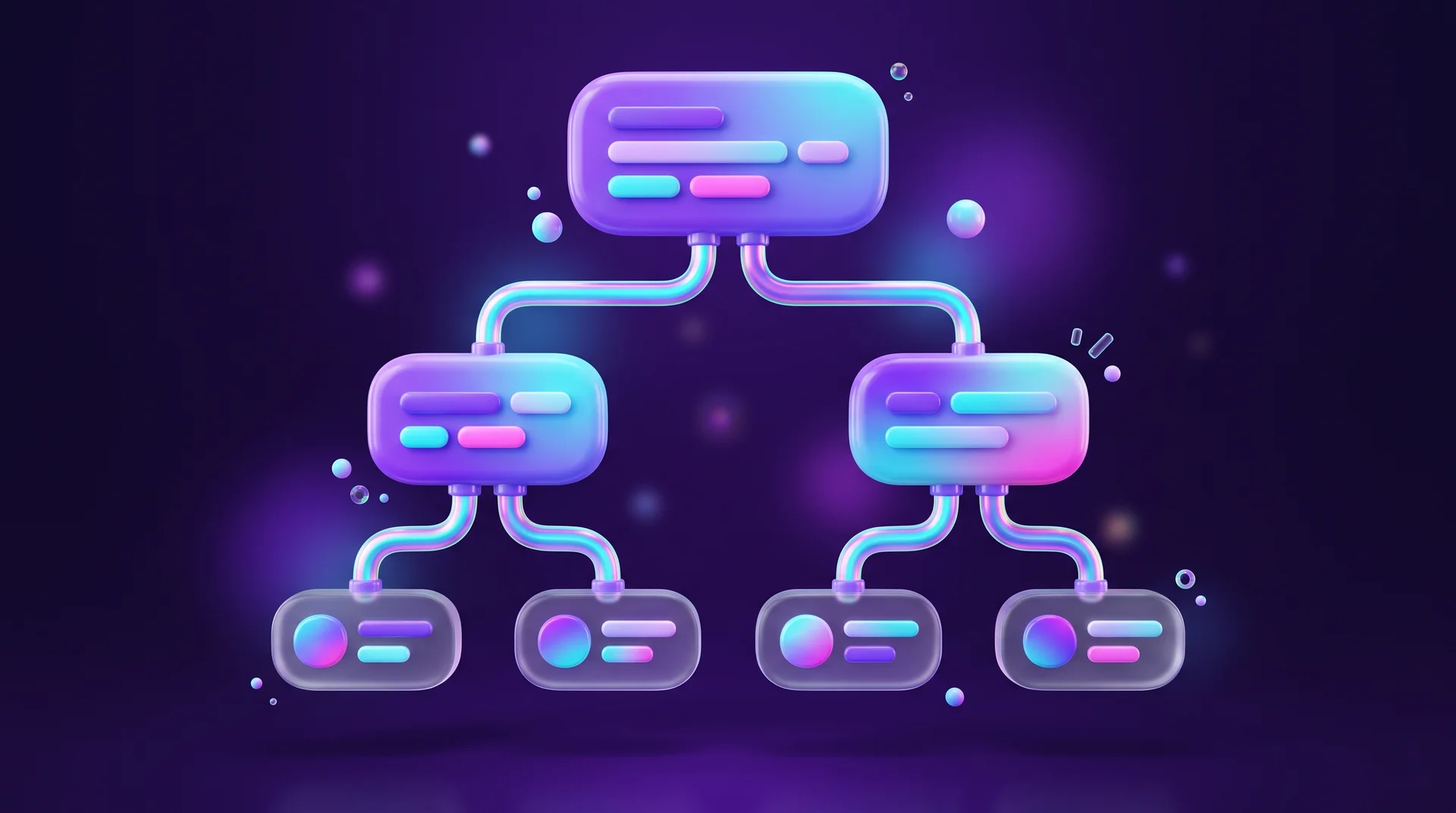
Define the bot's logic and the order of actions. The final structure is easiest to describe as a message flowchart: each message leads to several reply options, and each reply opens a new branch.
At this stage it's also important to decide on the bot's tone of voice. A food delivery service and a law firm will talk to customers in completely different styles. You can add buttons, emoji, animations and images to messages. Want to go deeper into designing the experience? Read our UX/UI guide.
Step 4: Choose a platform to build the bot
Tools differ in features, integrations and supported channels. Choose based on your tasks. A few well-known examples:
- ManyChat – bots for Instagram, WhatsApp and Messenger, with a Shopify integration;
- Chatfuel – bots for WhatsApp, Instagram and Messenger;
- Flow XO – bots for websites and messaging apps;
- Botpress and Voiceflow – platforms for AI-powered bots and agents.
Telegram and Messenger have their own bot-building tools. They're free but more complicated than commercial tools. On WhatsApp you work through the WhatsApp Business Platform, either directly or via an official Meta Business Partner.
To hold a real conversation, the bot needs data from somewhere: orders, products, delivery status and so on. So you connect it to the systems where that data lives, such as Google Sheets, Google Calendar, a CRM like HubSpot or monday.com, a Shopify or WooCommerce store, or Instagram. When choosing a tool, make sure it works with the systems you already use. You can also build the connections between systems with automation tools such as n8n, Make or Zapier.
If it's your first time, choose a tool that doesn't require connecting external services to get started.
A few more things worth checking:
- simple, intuitive setup of the account and bots;
- responsive support in case the bot stops replying;
- storage of customer data;
- pricing that fits your tasks;
- a large template library;
- the option to run the bot in the cloud;
- full support for your customers' languages, including right-to-left scripts if you need them;
- ideally, no mandatory integrations;
- a free trial.
Step 5: Improve the bot after a trial period
Once the bot has been running for at least a month, it's time to improve it:
- Look at how customers use the bot. What are they looking for? How can you adapt the bot to their needs?
- Pay attention to words and phrases the bot didn't recognize. Most tools log this data. If a phrase keeps coming up, add it to the script.
- Check who starts conversations with the bot and how they talk to it. You may want to adjust the tone.
Complex chatbots: how to commission development
Beginners can build a chatbot too, but developers and professional conversation designers will build a better bot, and usually faster. In this section we explain what drives the price, where to find a provider and what to include in the brief.
What drives the cost of chatbot development
The price of a project depends first on complexity: how many scripts there are, whether AI is needed and how many systems the bot connects to (CRM, calendar, payments, inventory). A simple bot on a no-code tool will cost much less than a custom AI bot with integrations.
The price also depends on the channel. Bots for Telegram, Messenger and websites are relatively simple, because you can use an existing interface. A WhatsApp bot requires a connection to the WhatsApp Business Platform and Meta's approval, and comes with an ongoing cost per conversation.
Don't forget maintenance: updating scripts, improving answers and tracking performance are ongoing work, not a one-off task.
Where to find a developer or studio
Finding a provider is no different from finding professionals for any other project:
- Freelance platforms. Choose by rating, reviews and experience, and remember that unusually low prices usually come from beginners.
- An agency or studio specializing in bots and automation. More expensive, but the bot won't just be written for your business: it will also be configured, tested and supported on an ongoing basis.
- Social networks. Professional groups on Facebook, LinkedIn and Telegram include both freelancers and agencies. Check their experience carefully before you start.
- Recommendations from people you know. This one needs no explanation.
A good rule of thumb: freelancers are a fit for simple, linear bots, while development of complex bots is better entrusted to a studio or professional team.
In the intro call, check that the provider has experience with the technologies you need: natural language processing (NLP) and language models, speech recognition (Speech-to-Text), text-to-speech (Text-to-Speech) and API integrations. Learning all of these from scratch takes too long.
A complex chatbot can be developed in different programming languages. If you already have a team working in, say, Python or Node.js, there's no reason to complicate things: the bot can be written in the same language.
How to write a brief and get an accurate quote
To write a good brief and understand the price range, look through similar proposals: which requirements they include, what the timelines are and what the prices are. Then:
- Explain to the provider what kind of bot you need. If you're not sure yet, focus on goals: what the bot should do for your business or project.
- Spell out which features will meet which needs. For example, if the goal is to reduce the load on your support team, you'll probably need an AI-powered bot that can hold a sophisticated conversation.
- Send the requirements to several providers and ask them to estimate the timeline and cost.
How RJL Studio builds chatbots for businesses
At RJL Studio we build chatbots and smart assistants for businesses: bots for WhatsApp, Instagram and Telegram, AI website chat based on OpenAI, Claude and Gemini, and smart forms that qualify leads. We connect the bot to your business systems (CRMs like HubSpot and monday.com, calendars, payment systems) using n8n, Make and Zapier, so every enquiry lands in the right place without manual work.
Want to find out which bot fits your business? Read about our automation and integration services or leave your details and we'll get back to you with a proposal.
FAQ: Chatbots for business
What's the difference between a chatbot and a WhatsApp broadcast?
A broadcast sends information one way. A chatbot holds a conversation: it asks, understands the answer and responds, for example by answering a question, booking an appointment or handing the customer over to an agent.
Can a chatbot replace a customer service agent?
Not completely. A good bot closes routine enquiries on its own, which are usually half of all requests or more, and passes cases that need a personal touch to a human agent.
How much does a business chatbot cost?
The cost depends on complexity: a simple bot in a no-code tool costs tens of dollars a month, and on WhatsApp there are also Meta's conversation fees. A custom AI bot with CRM, payment and calendar integrations is a development project, and the price depends on the number of scripts and integrations.
How do I build a WhatsApp bot for my business?
Connect to the WhatsApp Business Platform directly or through an official Meta Business Partner. For simple scripts, choose a no-code tool such as ManyChat or Chatfuel; for a complex AI bot integrated with your booking systems, work with a developer. Also factor in Meta's conversation fees.
How long does it take to set up a chatbot?
A simple bot on a no-code tool can be up and running within a few days. An AI-powered bot integrated with your business systems needs a spec, development and testing, so it usually takes a few weeks.
Can a chatbot speak my customers' language?
Yes. Modern AI models understand and write most major languages at a high level. Just make sure the platform you choose displays your languages correctly, including right-to-left text if needed, and that the scripts are written in natural, native-sounding language.
Disclaimer: blog content is for general information and learning only and is accurate as of its publication date. It is not professional, legal, financial or business advice, nor a recommendation or call to take any action. Any use of this information is at the reader's own risk, and we accept no liability for any resulting loss. Links to external websites and tools are provided for convenience only. We recommend consulting a qualified professional before making decisions.