


What Is NoSQL? A Guide to Non-Relational Databases
For years, most of the data behind websites and apps lived in relational databases: tables with a fixed structure, columns defined in advance and relationships between the tables. That model is reliable and battle-tested, and it is excellent for structured data such as online store orders, invoices or a customer list.
Digital services, however, have become far more demanding. They handle millions of requests, data whose shape keeps changing, user-generated content, events streaming in from mobile apps and conversations with chatbots. A family of more flexible systems grew up to handle these jobs, and they go by the umbrella name NoSQL.
In this guide we cover:
- what NoSQL is and how it differs from a relational database;
- why the model appeared and which problems it solves;
- how a NoSQL database works, using an online store as an example;
- the main types of NoSQL databases and what each one is good for;
- how to choose between SQL and NoSQL, and where you will meet NoSQL in your own website and business.
What is NoSQL
NoSQL (short for "Not only SQL") is a collective name for data storage and management technologies that are not built on the classic table-based model. The umbrella covers several very different families: key-value stores, document databases, wide-column databases and graph databases. In recent years vector databases, which power many AI systems, have joined the list as well.
The core difference is how the data is stored.
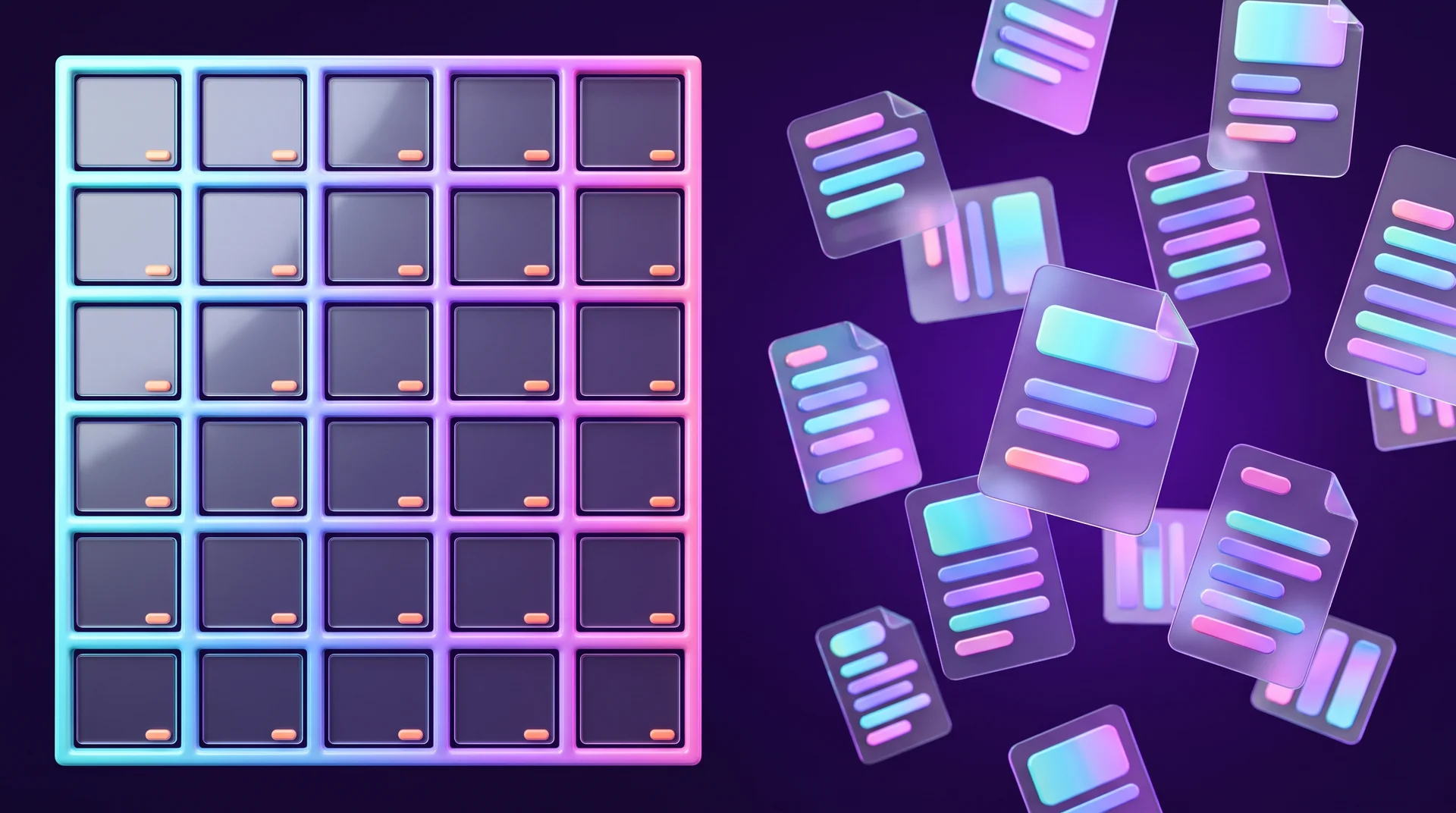
In a relational database, information lives in tables with a fixed set of columns, and the tables are linked through shared fields. For example, a customers table might have a column holding each customer's group ID, which points to a separate groups table. Every row has to match the structure of its table. We explain this in detail in our guide to what a relational database is.
A NoSQL database does not force a single structure. Each record can contain only the fields it actually needs. One product in your store can have a size and a colour, another can have a volume and an expiry date, and both can sit in the same collection without adding empty columns to every other product.
NoSQL does not mean "no SQL"
The name is a little misleading. NoSQL does not mean that SQL is forbidden or outdated. Many NoSQL systems now support SQL-like query languages, and many relational databases, PostgreSQL being the best-known example, can store flexible JSON documents too. The line between the two worlds keeps blurring, so the useful question is not "which camp are we in" but "which model fits our data and the job we need it to do".
Why the NoSQL model appeared
A rigid table structure is not the only limitation of relational databases. They are also harder to scale when the load grows very large, and they usually depend on one primary server that accepts all the writes. The reason lies in the principles they are built on, known as ACID.
ACID in a nutshell
- Atomicity. An operation on the data either completes in full or does not happen at all. There is no halfway state.
- Consistency. After every operation the data remains valid and follows the rules you have defined. When a customer moves €100 from one account to another, the first balance goes down by €100 and the second goes up by the same amount. If something fails midway, the system rolls back to the valid state it was in before.
- Isolation. Operations running at the same time do not see each other's intermediate states. If two customers try to buy the last item in stock at the same moment, only one succeeds, and the other is told the product is sold out.
- Durability. Once an operation is complete, the change is saved even if the server crashes a second later.
These principles make relational databases extremely dependable, but they require constant coordination between every part of the system. When requests reach hundreds of thousands per second and the data is spread across many servers in different regions, that coordination becomes a bottleneck.
The growth of the web
As the web, social networks and mobile apps grew, large companies found their servers running at the limit and their developers spending a lot of time squeezing varied data into one rigid format. To keep growing they needed more and more powerful, expensive servers. In the late 2000s, systems began to appear that gave up some of the ACID guarantees in exchange for speed, flexibility and easier scaling.
NoSQL benefits and the BASE principles
The main benefits
- Flexible data structure. You can store data in different shapes in the same database and add new fields without changing every existing record.
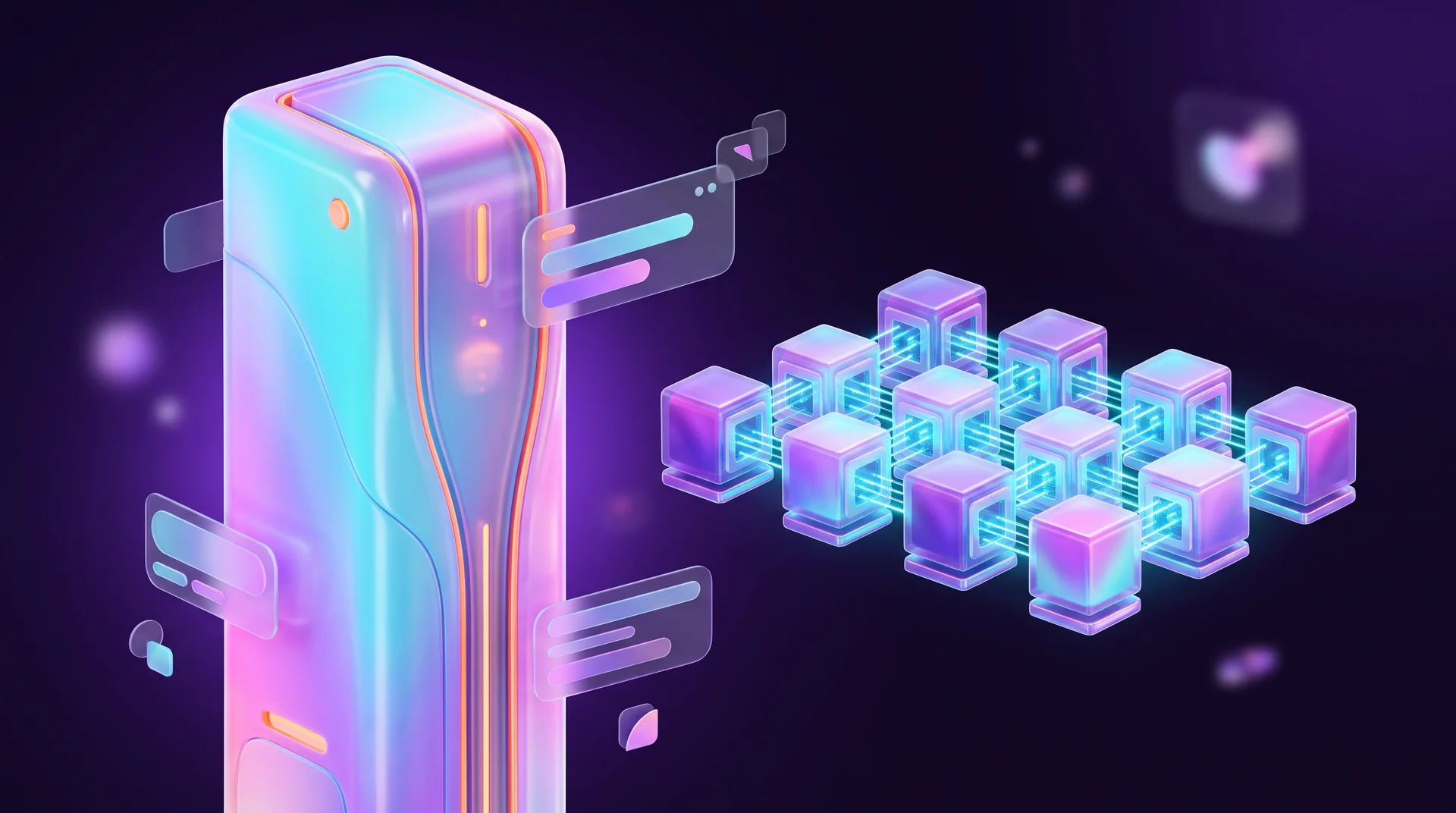
- Horizontal scaling. When data or traffic grows, you add more ordinary servers to the cluster. With relational databases it is more common to scale vertically, that is, to move to a bigger and more expensive server.
- Speed. Many NoSQL systems are designed for very fast reads and writes of specific kinds of requests, which is why they are used wherever every millisecond counts.
- Faster development. When you do not have to design the whole schema up front, your team can ship new features sooner.
- Built for the cloud. Most NoSQL systems are available as managed cloud services, so you do not have to run the servers yourself.
What BASE means
The NoSQL approach is often described with the BASE principles, a deliberate contrast to ACID:
- Basically Available. The system keeps accepting reads and writes even when some of its servers are down. The trade-off: sometimes you get an answer that is not fully up to date yet.
- Soft state. The state of the data can change over time, even without a new operation, because servers are syncing updates with each other.
- Eventually consistent. For a short while, different servers may hold different versions of the same data, but in the end they all converge on the same state.
A simple example: when you publish a post on a social network, one friend might see it instantly and another a second later. Nobody is harmed. If a bank balance behaved the same way, it would be a serious problem. That is why eventual consistency suits feeds, recommendations and analytics, and is a poor fit for money and stock levels.
The CAP theorem
Behind this choice sits an idea called the CAP theorem: in a distributed system, when communication between servers breaks down, you have to choose between full consistency and full availability. Relational databases usually favour consistency. Many NoSQL systems favour availability. It is worth knowing that many modern NoSQL databases let you tune this behaviour and even support transactions, so the differences are far less sharp than they were a decade ago.
How a NoSQL database works: an online store example
Imagine you run an online store that sells clothing, cosmetics and homeware. Each category has different attributes: clothing has a size and a colour, cosmetics have a volume and ingredients, homeware has a material and dimensions.
The relational approach
In a relational database you have to decide on the structure in advance. You can create one products table with every possible column, in which case most cells stay empty. Or you can create a separate attributes table and link it to the products table with a foreign key. Both approaches work, but every change needs planning.
Now the product manager asks you to add customer reviews with star ratings to every product. With the relational approach you need to:
1. plan how the new data fits into the schema;
2. create a new reviews table;
3. link it to the products table with a foreign key;
4. update the code that writes and reads the reviews.
If the database is already large and in production, you also need to back up the data, write and test a migration script, and update every system that connects to it.
The document approach
In a document database, each product is a separate document in a JSON-like format. The document holds everything about the product: name, price, category, its unique attributes and even a list of images. To add reviews, you simply add a reviews field to the documents and fill it in. Products that have no reviews yet just do not include that field.
You also gain another benefit: when a shopper opens a product page, all the information is fetched in a single request, without joining several tables. That is why document databases are popular for catalogues, content systems and apps whose structure changes often.
The price you pay
This flexibility is not free. If the same piece of information, such as a brand name, appears in thousands of documents, changing it means updating all of them. Queries that combine many kinds of data, such as a report that joins products, orders and customers, are also less convenient than in SQL. That is why a NoSQL data model is designed around the questions your application will ask, not only around the data itself.

Types of NoSQL databases
Key-value stores
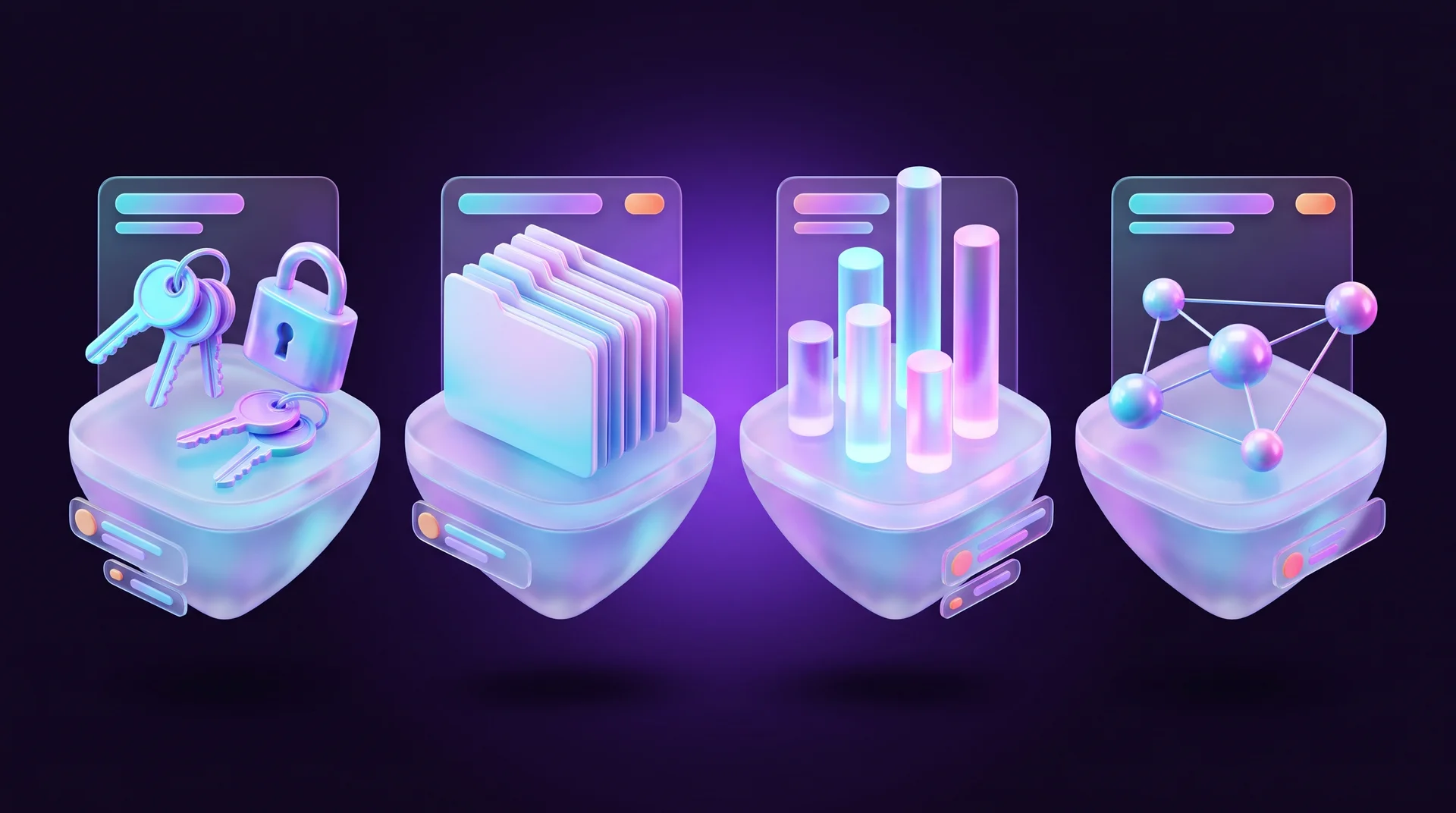
The simplest type. Each piece of data is stored as a pair: a unique key and a value. Think of the contacts on your phone: the name is the key and the number is the value. To find a number, you look it up by name.
Key-value stores are extremely fast and are a natural fit for user sessions, shopping carts, caching pages and results, counters and rate limiting. Examples include Redis and Valkey, the open-source project forked from it, as well as Amazon DynamoDB, which also supports a document model.
Document databases
Here every record is a document in JSON or a similar format, with a flexible structure and nested fields. This is the most common type of NoSQL in apps and websites. It works well for product catalogues, user profiles, content and mobile apps. Examples include MongoDB, Google Cloud Firestore (part of Firebase) and Couchbase.
Wide-column databases
Data is organised in rows, but each row can have its own set of columns. Say a film catalogue needs to flag which titles are available in 3D. In a regular table you would add a new column for every film, and most of it would stay empty. Here you add the attribute only to the rows where it applies.
These systems are built for huge write volumes and for spreading data across many servers, so they are used for sensor data, event logs and activity history. Examples include Apache Cassandra, ScyllaDB and Apache HBase. Do not confuse them with analytical columnar databases such as ClickHouse or Google BigQuery: those also store data by column, but they speak SQL and are designed for reporting and analytics.
Graph databases
Data is stored as a graph: nodes, which are the objects, and edges, which are the relationships between them. A social network can store users as nodes and friendships and follows as edges. That makes it easy to answer questions like "which friends of my friends like the same brand".
Graphs are a good fit for recommendation engines, fraud detection, maps of relationships between customers, suppliers and products, and knowledge graphs. Examples include Neo4j and Amazon Neptune.
Vector databases
The youngest type, which has grown alongside AI. It stores the meaning of texts, images and documents as lists of numbers called vectors, and searches by similarity of meaning rather than by exact words. That is how a chatbot finds, among hundreds of company documents, the passage that answers a customer's question, even when the customer phrased it in completely different words. It is the heart of RAG, the method that lets AI answer from your company's own knowledge. Examples include Pinecone, Qdrant and Weaviate, as well as the pgvector extension for PostgreSQL and vector search in MongoDB Atlas.
SQL or NoSQL: how to choose
There is no single right answer. For most small and mid-sized business projects, a relational database is a good, safe starting point, and NoSQL comes in when there is a clear reason for it. A few questions to help you decide:
When to choose a relational database
- your data is structured and its shape is stable: customers, orders, stock, invoices;
- there are many relationships between data types, and you will need reports that join them;
- accuracy and consistency are critical: money, inventory, permissions;
- your team or your vendor knows SQL, and you have BI tools that work with it.
When to consider NoSQL
- the shape of your data changes often, or varies a lot from record to record;
- you expect a very high volume of reads and writes, or rapid growth;
- you need millisecond response times, for example for caching, sessions or chat;
- you are building a mobile or web app that needs real-time sync;
- you work with complex relationships (graphs) or search by meaning (vectors).
The common approach today: combine them
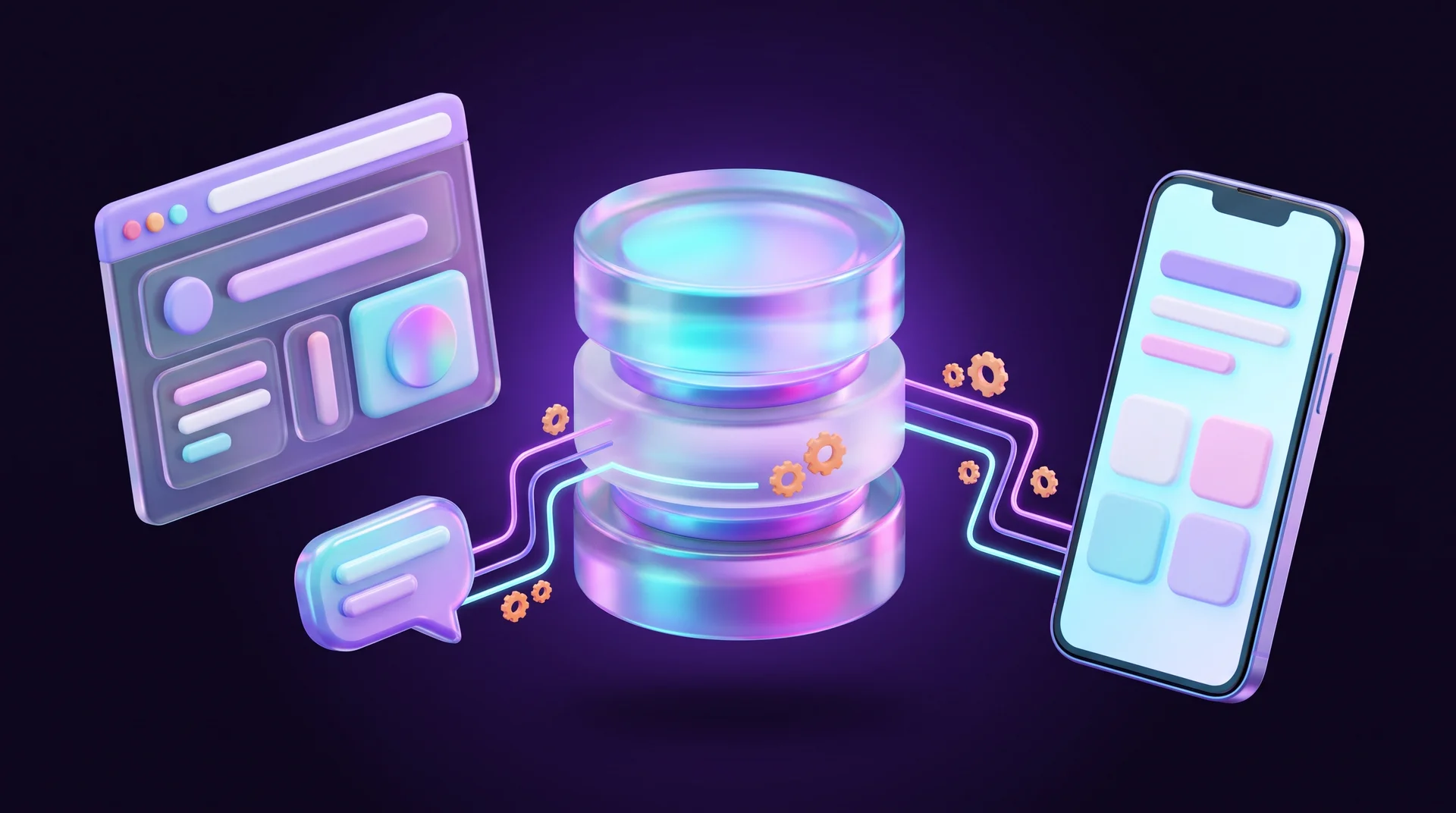
Many systems combine several types, an approach known as polyglot persistence. For example, an online store keeps orders and payments in PostgreSQL or MySQL, holds sessions and carts in Redis, and runs a chatbot on top of a vector database. Each tool does what it is best at. But every extra system is one more thing to maintain, back up and secure, so do not add tools without a real need.
Where you will meet NoSQL in your website and business
Even if you never write a single query, chances are you already use NoSQL without knowing it.
Apps and no-code platforms
Google's Firebase, with Firestore, is a popular foundation for mobile and web apps because it bundles a database, user sign-up and real-time sync in one service. Many no-code and low-code tools also store their data in a flexible structure behind the scenes.
Websites, caching and performance
On large WordPress sites and WooCommerce stores, Redis is often used as an object cache. Instead of asking the MySQL database the same questions again and again, the site pulls the answer from memory, which cuts load times and takes pressure off the server.
Chatbots and AI
A chatbot that answers customers based on your documents, price lists and policies needs a vector database. Conversation history and user profiles are usually stored as documents too.
Automations and integrations
n8n has built-in nodes for MongoDB, Redis and vector databases, so you can build workflows like this: a lead from your website form is saved as a document, enriched with extra data, sent to your CRM and triggers a WhatsApp message. When there is no built-in node, you connect through a REST API.
Privacy and data security
If you store personal data about customers in the EU, the GDPR applies whether your database is relational or NoSQL. The flexibility of NoSQL makes it tempting to keep "a bit more data, just in case", and that is exactly what the principle of data minimisation asks you to avoid. Store only what you need, set up access permissions, encrypt the data and check which geographic region your cloud provider stores it in. This is general information, not legal advice; for your specific case, talk to a privacy professional.
Common mistakes when working with NoSQL
Choosing NoSQL because it feels "modern"
A relational database is not an outdated technology. PostgreSQL and MySQL run millions of websites and systems and cope well with heavy loads. Choose based on your data and your task, not on fashion.
"Schemaless" turns into "chaos"
Flexibility does not mean you can skip planning. Without clear rules you end up with documents that use different field names for the same thing, different date and phone formats, and missing fields. Define a recommended structure and add validation at the database or application level.
Modelling data as if it were tables
Moving a relational schema into NoSQL as is gives you the drawbacks of both worlds. In NoSQL you design the structure around the requests your application makes most often.
Storing money and stock without transactions
If the system you chose is eventually consistent, inventory and payments can behave unpredictably. In those cases, use transactions if the system supports them, or keep the financial part in a relational database.
Ignoring cloud costs
Managed services usually charge by storage, number of reads and writes, and data transfer. An inefficient query running in a loop can produce a nasty surprise on the end-of-month bill. Set up budget alerts and keep an eye on usage patterns.
Forgetting backups and an exit plan
Make sure you have automatic backups and a restore process you have actually tested, and find out in advance how to export your data if you ever want to switch providers.
How RJL Studio helps you choose and connect the right database
At RJL Studio we plan the data structure during the discovery phase, so your website, app and automations run fast and can grow without being rebuilt from scratch. We build websites on a well-planned CMS, connect them to CRMs, payment systems and external databases, and set up chatbots that answer from your company's own knowledge, with a vector database in the right place rather than everywhere.
Need help choosing a database or connecting it to your website and business processes? Read about our automation and integration services or get in touch and we will get back to you.
Frequently asked questions
What is the main difference between SQL and NoSQL?
SQL, or a relational database, stores data in tables with a fixed structure and defined relationships, and guarantees full consistency. NoSQL stores data in flexible structures such as documents, key-value pairs or graphs, and is designed mainly for speed, flexibility and scaling across many servers.
Is NoSQL faster than SQL?
Not always. NoSQL systems are very fast at the kinds of requests they were designed for, such as fetching by key or reading a whole document. For complex queries that join many types of data, a relational database with the right indexes will usually be faster and more convenient.
Does a small business need NoSQL?
In most cases, not as its main database. A company website, an online store or a lead management system will work perfectly well with a relational database or the platform's built-in CMS. NoSQL comes into the picture for apps with real-time sync, for caching to speed up a site and for AI-powered chatbots.
What is MongoDB?
MongoDB is one of the most popular NoSQL databases. It stores data as documents in a JSON-like format, supports queries, indexes and transactions, and is also available as a managed cloud service called MongoDB Atlas.
Can you use SQL and NoSQL in the same project?
Yes, and it is very common. For example, orders and payments are stored in a relational database, sessions and cache in Redis, and the chatbot's knowledge in a vector database. What matters is that each component has a clear role and that every system is backed up and secured.
Disclaimer: blog content is for general information and learning only and is accurate as of its publication date. It is not professional, legal, financial or business advice, nor a recommendation or call to take any action. Any use of this information is at the reader's own risk, and we accept no liability for any resulting loss. Links to external websites and tools are provided for convenience only. We recommend consulting a qualified professional before making decisions.