


Sales Process Stages: How to Build One That Works
A sale almost never happens on its own. Behind every deal there is a chain of steps: from the moment someone first hears about you, through the enquiry, the call and the proposal, to the purchase and the next purchase after that. How those steps are put together decides whether a lead ever turns into a deal, and whether the customer comes back.
The trouble is that many businesses still sell by a template from an old textbook, or with no template at all. Enquiries arrive through the website, messaging apps and the phone. Some get answered, some get forgotten, and nobody really knows where customers drop away.
In this guide we cover:
- what sales process stages are and why every business needs them;
- what the classic model looks like and why it is no longer enough;
- what a modern sales process looks like, from the first lead to the repeat customer;
- how the stages differ in B2B and B2C;
- how a sales funnel and a customer journey map work together;
- how a CRM and automation improve every stage, and which mistakes to avoid.
What sales process stages are and why they matter
Sales process stages are the sequence of steps a business takes to move a customer from first contact to purchase. Think of it as a road map: for every stage you define what has to happen, who owns it, and when the deal is ready to move on.
The number of stages and what goes into them depends on the business. An online shop, a law firm and a software company sell in very different ways. But every business needs a clear sequence, because it helps you:
- Bring order. Selling stops being a matter of instinct and becomes a predictable process you can manage;
- Track progress. At any moment you can see which stage each deal is in;
- Forecast results. Once you know how many leads move from each stage to the next, you can estimate next month's sales;
- Find weak spots. If most leads stall after the quote goes out, you know exactly what to look at.
There is another benefit: onboarding. A new team member learns much faster with a clear playbook and a shared service standard than with "just watch how we do it".
The classic model: five steps and why they no longer cut it
Most sales books and courses describe a classic five-step structure:
1. Introduction and rapport. You build trust with the customer.
2. Needs discovery. You find out what hurts, what the customer wants and what they expect to get.
3. Presenting the product or service. You offer a solution that fits those needs.
4. Handling questions and objections. You clear up doubts and concerns.
5. Closing the deal. You get a yes and complete the sale.
Later versions added two more steps: finding and attracting the customer before the introduction, and retaining the customer after the close.
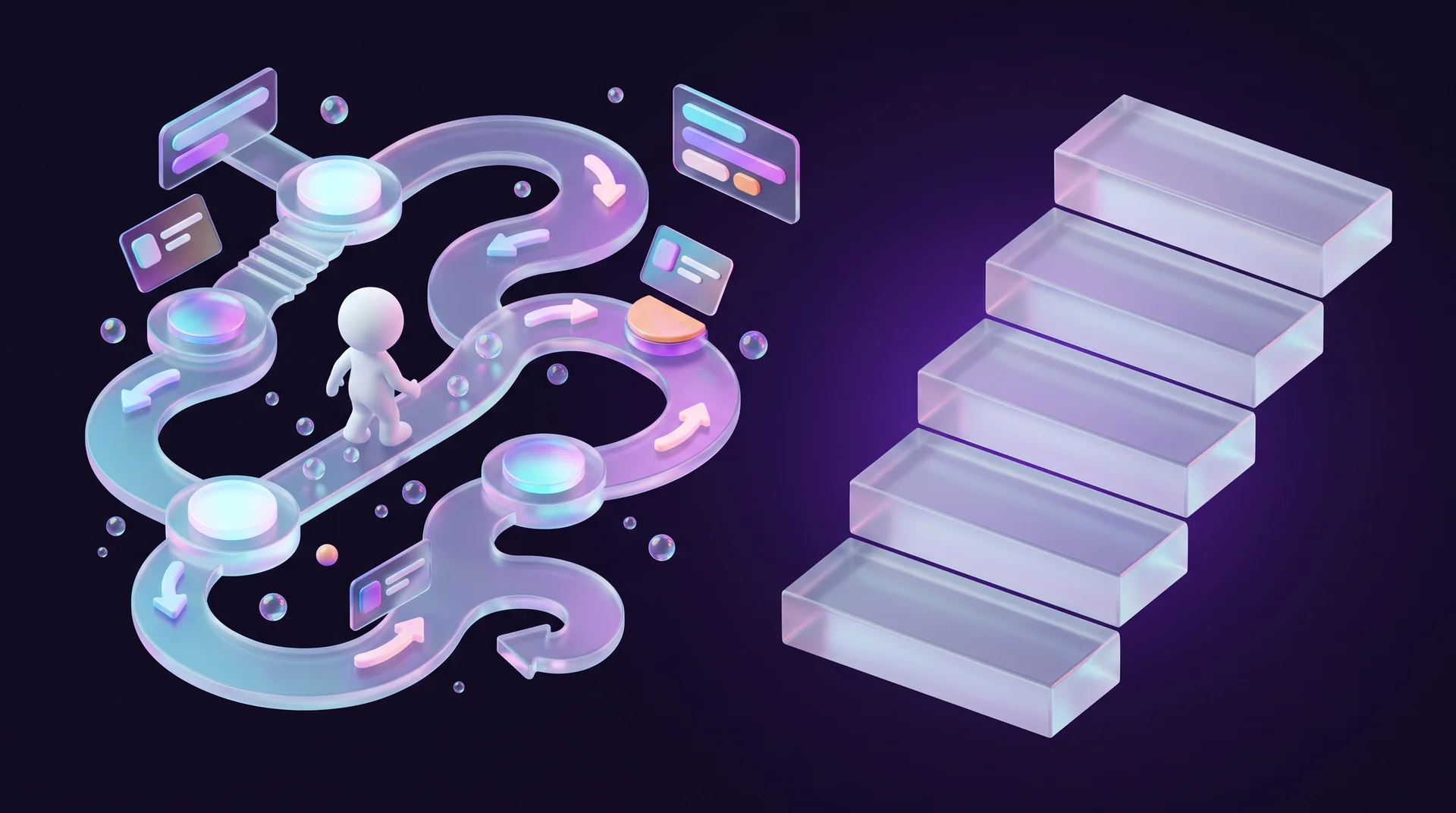
The model is useful as a foundation, but it simplifies reality. Customers, both consumers and businesses, are flooded with information. Before they ever get in touch, they have read reviews, compared prices, watched videos and asked friends. That is why a rigid "introduce → present → close" template does not fit most businesses: it is too generic and hard to map onto real life.
The modern approach: selling as a managed business process
Today it makes more sense to look at sales through a process lens: every process in the business is described, standardised and continuously improved so that it runs faster, better and at lower cost. The deal is broken into stages, and each stage gets clear tasks. These are the stages you will find in almost any business.
Lead generation
This is where you attract a potential customer. It works in two directions:
- Inbound. The customer comes to you, for example after seeing an ad, finding you on Google or reading a blog post. A good lead magnet on your website is one of the strongest tools here.
- Outbound. You reach out to the customer: send an email, make a call, or send a message on LinkedIn.
In many industries the two directions blend. Someone saw an ad, left their details and did not buy. A month later you come back to them with an offer. Either way, the result is a lead.
Capturing the lead
This is where the lead's details go into the CRM: name, phone, email, company, job title, source and date of the enquiry. You can do it by hand, but automation is better: a website form, a chat message or an incoming call creates a lead record without a salesperson having to type anything. That way no enquiry gets lost, and you always know where it came from.
Lead qualification
Here you check whether the lead belongs to your target audience and how ready they are to buy. If someone is looking for a small one-off fix and your service is a long-term project with a much larger budget, they deserve a quick, polite answer, not three meetings. To qualify well, you first need to define your target audience and the signs of a "hot" lead.
Lead nurturing
This is the period when the lead develops a clearer picture of what they need. Drip marketing does the work here: a series of emails with useful content, updates on new products, a webinar invitation or a personal offer. Targeted communication keeps interest alive, builds trust and raises the chance that the lead becomes a customer.
Negotiating the deal
At this stage the customer is no longer just curious. They are ready to talk about their need seriously. This is the most important and most complex stage in any business, and the more complex the product, the more complex the stage. With a large company or a public-sector body, you have to factor in procurement rules, tenders and long approval timelines for every document.
Closing the deal
This is where both sides agree, verbally or in writing, on the terms of the deal. Now it has to be made official: sign a contract, approve a quote or complete a payment on the website. The goal is to give the agreement legal weight so both parties can protect their interests.
Delivery and service
This is where you deliver on your promises: shipping the order, providing the service or granting access to the product. The quality of delivery shapes the impression the customer is left with, and so the chance of a repeat purchase and a referral.
Growing the customer relationship
Here you build a long-term relationship and encourage further purchases. This matters because winning a new customer is expensive, and working with existing, happy customers usually pays off better. A few ways to do it:
- Strengthen trust in the brand. Collect reviews and offer a loyalty programme;
- Develop the need. Send useful content and trigger-based emails, such as a reminder that a subscription is due for renewal;
- Encourage repeat purchases. Offer an upgrade, a complementary package or a trial of a more advanced product. These techniques are known as upselling and cross-selling.
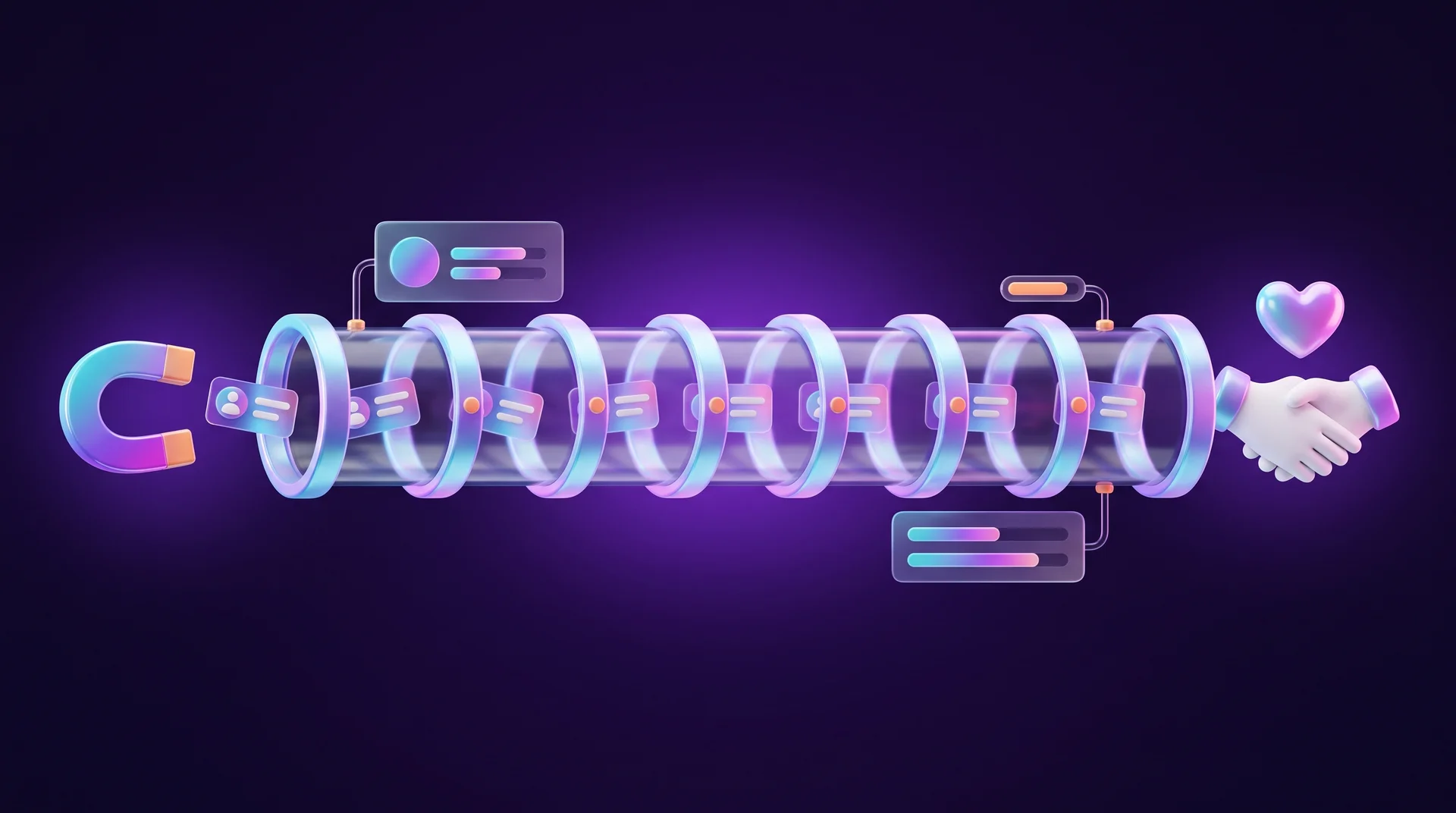
Each stage can be broken down further into sub-stages and tasks, depending on the business. To improve results, you describe the processes, standardise them, test them and refine them. The sales manager's job is to raise the conversion rate of the whole process by improving conversion at each individual stage.
Sales stages in B2B and B2C: what is different
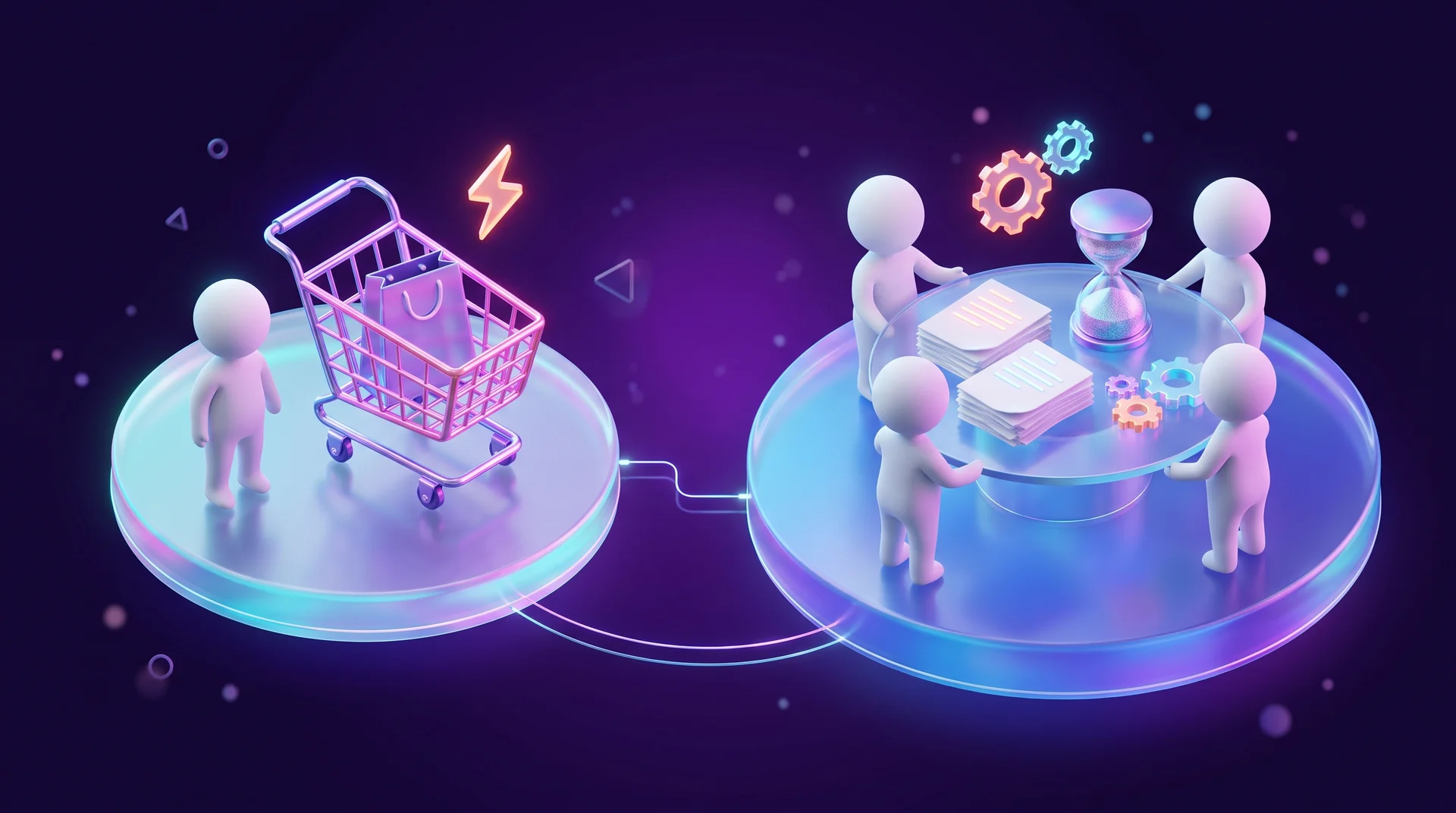
The main differences are time and the number of sub-stages.
B2C: fast and emotional
In B2C, deals are simpler and quicker. A buyer usually decides fast, often driven by emotion or an ad: they land on the website, look around for a few minutes and buy, or leave without buying. What matters most here is the website experience, how quickly you respond to enquiries and how simple checkout is. Many customers prefer to ask questions through messaging apps such as WhatsApp, so it is worth connecting those channels to your sales process. A fast reply in chat is often what tips the sale.
B2B: long and with many people involved
In B2B the process is more complex. When a company plans a purchase, the relationship is long and has many stages. You have to prove the financial benefit and get several stakeholders to agree, and they often have different interests.
For example, the operations team wants the most advanced and expensive system, while finance wants to cut costs. In that situation the salesperson needs to reach the CFO as well and show that the more expensive system will last longer and save money over time.
Company culture plays a part too. In flat, decentralised companies it is easy to find common ground with the people involved, but getting a deal approved can take a long time. In hierarchical organisations with strict procedures the decision is sometimes faster, but much harder to influence from the outside.
Sales funnel and customer journey: how they work together
A sales funnel and a customer journey map (CJM) are two different analytical tools that help you manage and improve sales.
The sales funnel shows where
The sales funnel is a model of how customers move between stages, from first contact to purchase. It is built on numbers: what percentage of leads became customers, how many deals were closed, how many customers bought again and at which stage prospects drop out.
The funnel does not explain why a customer dropped out at a particular stage, but it lets you make fast, data-driven decisions. For the numbers to be reliable, connect the funnel to your traffic sources, as we explain in our guide to end-to-end marketing analytics.
The customer journey explains why
A customer journey map looks at the business from the customer's point of view: their feelings, their reasoning and their experience at every touchpoint with the company. What they feel, what doubts they have and what obstacles they run into.
A customer's path to purchase is almost never a straight line. It looks more like a zigzag or a maze. Someone might view a product page, ask a friend, read reviews on social media, return to the website, send a question in chat and only then buy. The customer journey captures all of those touchpoints, including the ones that do not fit the tidy logic of the funnel.
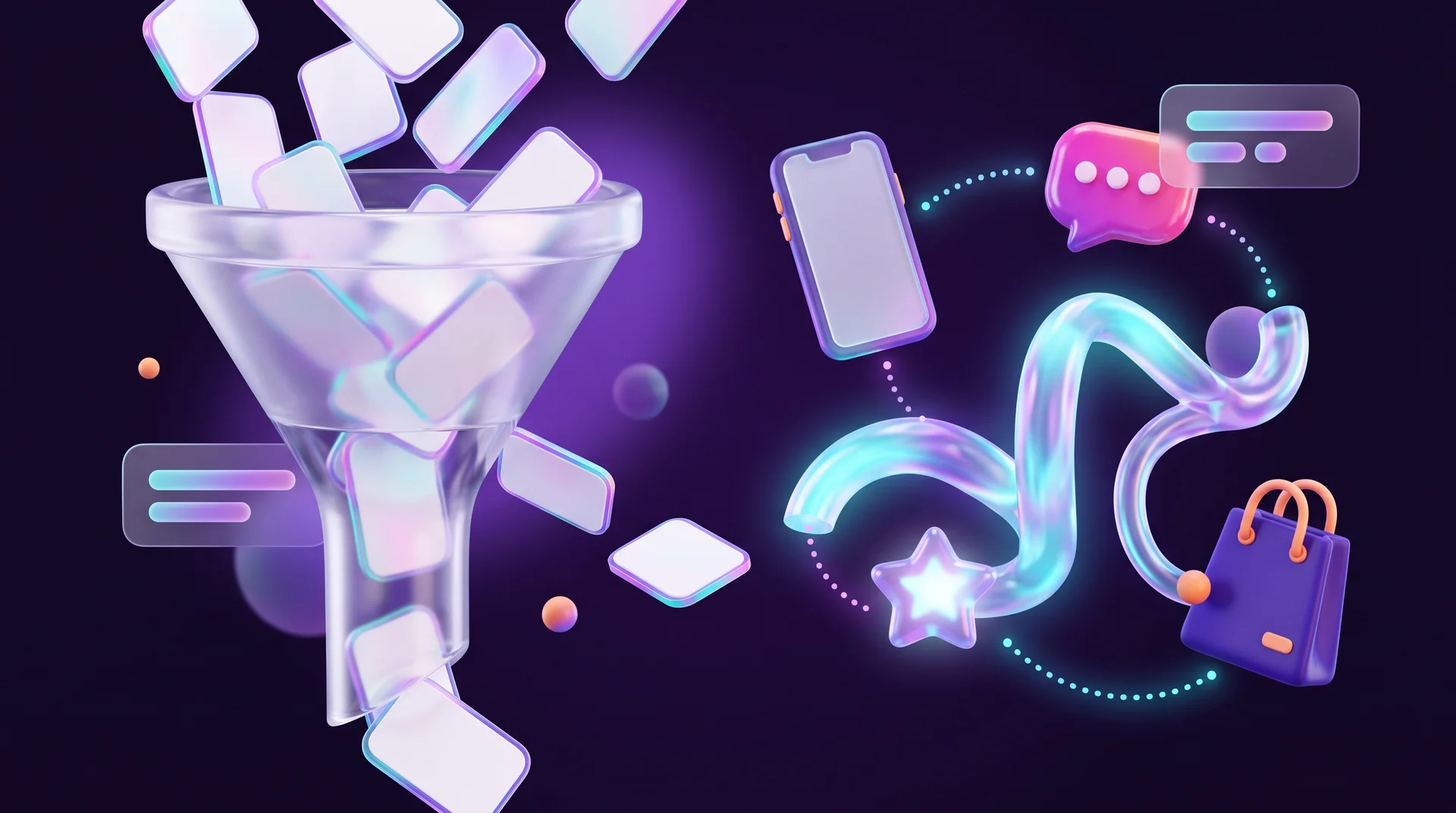
The core difference is simple: the funnel shows where the customer left the process, and the customer journey explains why it happened. That is why they work best together: the funnel gives you the numbers, and the customer journey gives you an understanding of behaviour and motivation.
How a CRM and automation improve your sales stages
A CRM is software that helps you manage the sales process, customer relationships and the team's work. Several departments are involved in selling: marketing, sales, customer service and management. A CRM brings them together into one team that sees the same picture. Popular options include HubSpot, Salesforce, Pipedrive, Zoho CRM and monday CRM. If you are still choosing, read our guide on how to choose a CRM for your business.
For salespeople
A CRM takes routine work off their plate. You can store quote and document templates, get follow-up reminders and see the customer's entire history in one place. When it is connected to the website, the system can record that a lead came back to the pricing page and bump up their score, so the salesperson knows who to call first.
For sales managers
Managers are the main users of a CRM. They get a consolidated view: the conversion rate at each stage, how many calls each team member makes per day and what results they get. That helps them decide quickly where to improve the process, whom to reward and where more training is needed. Based on the data, they can also restructure the work, update targets or grow the team.
For leadership
At the leadership level, the CRM is the basis for strategic decisions. For example, the reports may show that a particular product is losing demand, which means it is time to rethink the product range or move budget to another channel.
Other digital tools
Beyond the CRM, a sales process relies on several other types of tools:
- Communication tools. Business messaging, chatbots, email and SMS platforms. They let you reply quickly and stay in touch over time.
- Automation tools. n8n, Make and Zapier move data between systems: a lead from a form goes into the CRM, the salesperson gets a notification, and the customer receives a confirmation email. That saves manual work and no enquiry is forgotten.
- Analytics tools. Google Analytics 4, Looker Studio and built-in CRM reports help you see the full picture when there is too much data to analyse by hand.
- AI tools. Most leading CRMs already include AI features: call summaries, draft emails, lead scoring and next-step recommendations. Remember that AI is an assistant. It makes suggestions, but the decision stays with a person.
What the rules say in Europe
Before you launch email campaigns and outbound calls, it pays to know the rules. In the European Union, the GDPR governs how you collect and store customers' personal data: you need a lawful basis for processing, you should collect only what you genuinely need, and people have the right to access and delete their data. The ePrivacy rules add requirements for electronic marketing: in most cases you need prior consent before sending promotional emails or text messages, and every message must offer a simple way to unsubscribe. The details vary from country to country. This is not legal advice: if you are planning a large email or calling campaign, check the specifics with a lawyer.
How to improve your sales stages: a 6-step plan
Here is a practical way to move from "selling however it turns out" to a process you can manage and improve.
Step 1: Map the current process
Write down every step the customer goes through today, from the first enquiry to payment. Do not describe the ideal process; describe what actually happens, including the points where the enquiry is handed from one person to another.
Step 2: Define stages and exit criteria
For each stage, decide what must happen for the deal to move to the next one. For example: "A lead moves to the 'Proposal' stage only after a discovery call and a confirmed budget." Clear criteria make your CRM data trustworthy.
Step 3: Measure conversion at each stage
Without a CRM this is close to impossible. Check how many leads enter each stage and how many leave it, and how long a deal spends in each stage on average. That shows you where the bottleneck is.
Step 4: Benchmark and look for potential
Ask of every stage: can we do this better? Benchmarking helps here: comparing yourself with leading businesses in your industry shows where you have room to grow. For instance, if competitors answer enquiries within minutes and you take a day, it is obvious what to fix.
Step 5: Automate repetitive tasks
Connect your website forms, messaging channels and phone line to the CRM, set up automatic follow-up reminders and create message templates. Every minute a salesperson does not spend typing is a minute they spend talking to a customer.
Step 6: Test, measure, repeat
Change one thing at a time, measure the result and repeat. The two most important metrics are the conversion rate and customer satisfaction. If you track them and work on them systematically, results improve step by step.
Common sales process mistakes
Building the process without looking at the customer
The biggest mistake is designing the process from the business's point of view only. Only a monopoly can dictate the terms. Everyone else operates in a competitive market, so it is vital to get as close to the customer as possible: understand how they reach a decision, where they might get stuck and how you can help.
Rolling out a system without training the team
Teams often describe a process, improve it and even automate it, but do not invest in training and oversight. If people do not enter data, enter it carelessly or "polish" it, the system no longer reflects reality. Decisions get made on bad data, and the damage builds up over time.
Treating the CRM as a "failure log"
Salespeople may feel that the CRM mostly records their failures, for example when they see low conversion rates. Explain to the team that conversion rates vary widely from industry to industry and that every customer contact is an opportunity. The manager's job is to make the most of that opportunity with the right approach and tools, not to wait for a miracle.
Responding to enquiries too slowly
A lead who left their details on your website has usually contacted your competitors too. If your reply arrives a day later, they may already have signed with someone else. An instant automatic reply and a notification to the salesperson solve most of this problem.
Forgetting the customer after the close
Many businesses put all their effort into getting the signature and then disappear. But a satisfied customer is the cheapest source of your next sale and of referrals. Plan in advance what happens after the purchase: a thank-you message, a request for a review, a relevant offer at the right time.
How RJL Studio helps you build a digital sales process
At RJL Studio we build the digital side of the sales process: websites and landing pages that bring in leads, forms and chat channels connected straight to your CRM, and automations in n8n, Make and Zapier that move every lead to the right stage and send notifications and reminders on time. We connect systems such as HubSpot and monday CRM to your website, ad platforms and analytics tools, so you can see exactly where leads come from and where they get stuck.
Want every enquiry from your website to reach the right place and get handled on time? Read about our automation and integration services or get in touch and we will get back to you.
Frequently asked questions
How many stages should a sales process have?
There is no single right number. A small business with a simple sale can manage with five or six stages: new lead, first contact, proposal, close and service. Complex B2B businesses sometimes have ten stages or more. The rule of thumb: every stage needs a clear exit criterion, and if you cannot define one, the stage is probably unnecessary.
What is the difference between sales stages and a sales funnel?
Sales stages describe what the business does at each step: which action, who is responsible and when the deal moves on. The sales funnel is the numerical picture of those same stages: how many leads entered each stage and how many continued. The stages are the process, and the funnel is how you measure it.
Can you run a sales process without a CRM?
At the start, with only a handful of leads, a spreadsheet will do. But as soon as you have several enquiry channels or more than one salesperson, the spreadsheet turns into chaos: enquiries get lost and you cannot measure conversion. Most CRMs offer a low-cost or free entry plan for small businesses.
How do you connect your website to the sales process?
Connect your website forms, chat button and sign-ups to the CRM through a native integration or an automation tool such as n8n, Make or Zapier. Every lead is then saved automatically with its source, the salesperson gets a notification, and the customer receives instant confirmation that their enquiry has arrived.
How do you know which stage to invest in first?
Look at the funnel and find the stage with the biggest drop-off relative to the rest. A small improvement there affects every stage that follows. Once you have found it, talk to customers who dropped out at that stage or review the customer journey, so you understand the reason and not just the number.
Disclaimer: blog content is for general information and learning only and is accurate as of its publication date. It is not professional, legal, financial or business advice, nor a recommendation or call to take any action. Any use of this information is at the reader's own risk, and we accept no liability for any resulting loss. Links to external websites and tools are provided for convenience only. We recommend consulting a qualified professional before making decisions.